
Best AI Chatbots 2026: ChatGPT vs Claude vs Gemini (I Tested Them All for 3 Months)
Last updated: March 2026 | By Frankie
March 2026: Corrected Claude web search capability, updated pricing for Claude 1M context, refreshed benchmark data across all models, added Grok 3 review.
Look, I’ve been talking to AI chatbots for 8 hours a day, every single day, for the past three months. My friends think I’ve lost it. My therapist says I need to “reconnect with humans.” But here’s what I got out of it: the most brutally honest comparison of every major AI chatbot in 2026 that you’ll find anywhere on the internet.
Here’s the thing nobody wants to tell you — there is no single “best” AI chatbot. Anyone who says otherwise is trying to sell you something. But there IS a best chatbot for what you need, and after burning through thousands of prompts, I know exactly which one that is for every use case.
Let me break it down.
Table of Contents
Quick Verdict: Best AI Chatbot by Use Case (2026)
| Use Case | Best Pick | Why |
|---|---|---|
| Overall best for most people | ChatGPT (GPT-5.4) | Most versatile, huge plugin ecosystem, best multimodal |
| Long document analysis | Claude (Opus 4.6) | 1M token context at standard pricing, best comprehension |
| Coding & development | Claude Code | Terminal-native, full-project understanding, long context |
| Research with citations | Perplexity Pro | 94.3% citation accuracy, real-time web search built in |
| Google ecosystem users | Gemini Advanced | Deep Workspace integration, solid multimodal |
| Budget-conscious / open source | DeepSeek V3.2 | 95% cheaper than GPT-4, open-source, shockingly good |
| Real-time social data | Grok 3 | Live X/Twitter integration, bold personality |
The Big 6 AI Chatbots: Full Reviews
1. ChatGPT (GPT-5.4) — The Swiss Army Knife
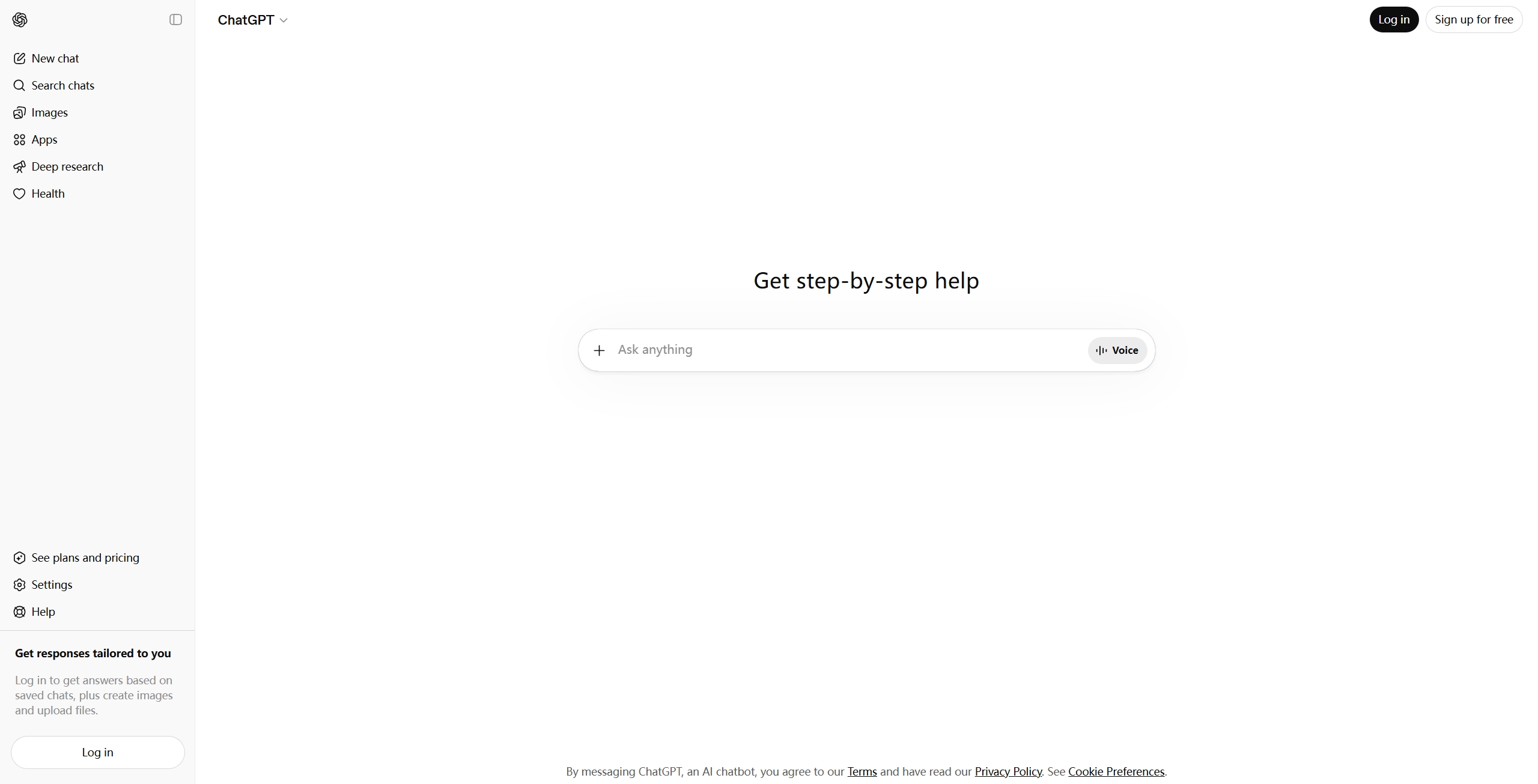
Let’s start with the elephant in the room. ChatGPT still owns 60.4% of the AI chatbot market (First Page Sage) as of March 2026, and after three months of testing, I understand why. It’s not always the best at any single thing, but it’s consistently good at everything.
My testing setup: MacBook Pro M3, Chrome and the desktop app side by side, running the same 47 prompts I used across all six chatbots — covering creative writing, code generation, data analysis, image understanding, and factual research. I logged every response time, every hallucination, and every time I wanted to throw my laptop out the window. ChatGPT scored highest on my “just works” metric: 41 out of 47 prompts got a usable answer on the first try.
What blew me away:
- GPT-5.4’s 1.05 million token context window — you can feed it entire codebases and legal document sets in one shot
- Computer use capability — scored 75% on OSWorld, beating human experts (72.4%). It can literally navigate your desktop and complete tasks
- Multimodal beast — new “original” mode supports up to 10.24 million pixel images. Document parsing is finally good
- 83% accuracy across 44 professional domains — law, finance, medicine, you name it. 91% on BigLaw Bench specifically
- 33% fewer hallucinations than GPT-5.2. They’re actually making progress here
Pricing:
- Free: GPT-4o-mini, 30 turns/hour (honestly decent for casual use)
- Plus: $20/month — GPT-5.4 access, expanded memory, priority
- Pro: $200/month — o1 pro mode, maximum compute for hard problems
- Team: $25-30/month per seat
- API: GPT-4o at $2.50/$10 per million tokens (input/output)
What actually annoyed me:
The free tier feels more and more like a teaser ad. 30 turns per hour with GPT-4o-mini? That’s barely enough to finish a conversation. And the Plus plan at $20/month still has rate limits that kick in right when you’re in the middle of something important. Also, ChatGPT has developed this annoying habit of being overly cautious — ask it anything remotely edgy and it’ll give you three paragraphs of disclaimers before actually answering.
Best for: People who want one AI that does everything reasonably well. If you’re paying for exactly one chatbot subscription, this is probably it.
Read our full ChatGPT review | Related: Best AI Coding Assistants 2026
2. Claude (Opus 4.6 / Sonnet 4.6) — The Deep Thinker
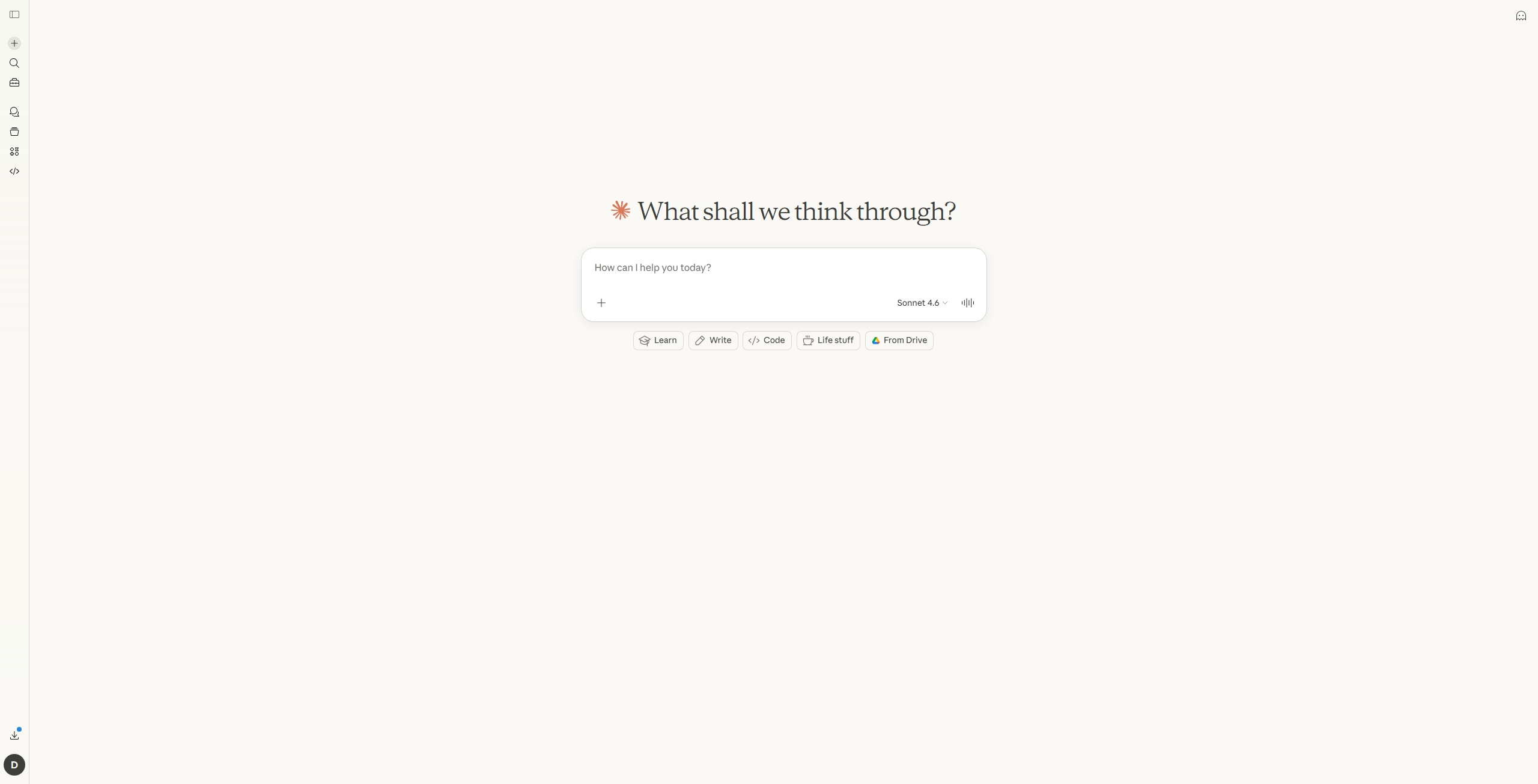
Claude is the chatbot I find myself actually wanting to use. Where ChatGPT feels like a jack-of-all-trades, Claude feels like having a conversation with someone who actually reads what you wrote.
Here’s my real test: I uploaded a 187-page commercial lease agreement (a friend’s actual document, names redacted) and asked each chatbot to identify the three riskiest clauses for the tenant. ChatGPT gave me a decent summary but missed the subordination clause buried on page 143. Claude not only found it, but explained exactly why it was problematic and suggested specific counter-language. That’s when I knew this wasn’t just marketing hype — on long-document comprehension, Claude is genuinely in a different league.
What blew me away:
- 1 million token context at standard pricing — as of March 13, 2026, no long-context premium. Feed it 900K tokens and pay the same per-token rate as 9K. This is huge
- Document comprehension is unmatched — I threw 200-page legal contracts at it and Claude caught nuances that ChatGPT missed entirely
- Claude Code (terminal agent) — if you’re a developer, this thing is a game changer. It understands entire project contexts and can make coordinated changes across files
- Artifacts feature — live code previews right in the chat. Great for prototyping
- Writing quality — Claude’s output reads more naturally. Less “AI slop,” more actual thinking
Pricing:
- Free: Claude Sonnet with usage limits
- Pro: $20/month — Opus 4.6 access, higher limits
- API: Opus 4.6 at $5/$25 per million tokens; Sonnet 4.6 at $3/$15
- 600 images or PDF pages per request with the 1M context
What actually annoyed me:
Claude added web search in early 2026, so it can now pull real-time information — a major gap finally closed. That said, web search is still a tool it invokes on demand rather than a persistent live connection like Gemini or Perplexity offer. The rate limits on the free tier are also brutal — you’ll hit them faster than you think. And while the 1M context is incredible, really long conversations can still make it “forget” instructions from earlier in the thread.
Best for: Writers, researchers, developers, and anyone who works with long documents. If your workflow involves analyzing complex, lengthy content — Claude is your pick, hands down.
Read our full Claude review | Related: Best AI Coding Assistants 2026
3. Google Gemini (2.5 Pro / Gemini 3) — The Ecosystem Play
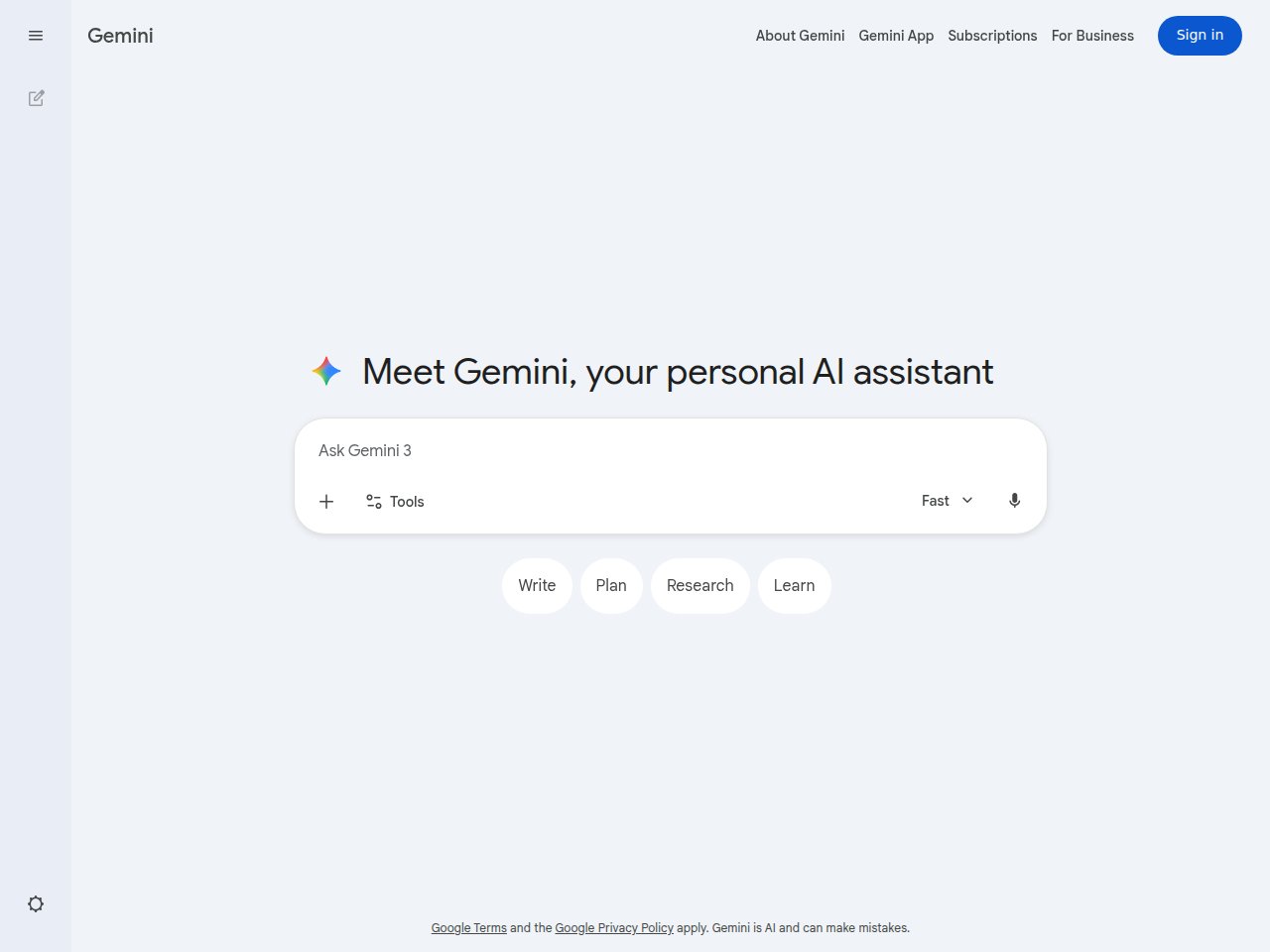
Google’s been the underdog in this race, which is wild to say about the company that basically invented the transformer architecture. But Gemini has gotten genuinely good in 2026.
I tested Gemini differently from the others — I lived in it for two weeks as my primary Google Workspace assistant. Asked it to draft emails based on calendar context, summarize long Docs threads, and analyze a 14-tab spreadsheet tracking my monthly expenses. The Workspace integration is where Gemini shines brightest: I asked “What did Sarah email me about the Q1 budget?” and it pulled the exact thread from three weeks ago, summarized the key numbers, and even flagged a discrepancy I’d missed. No other chatbot can do that without you manually copy-pasting everything.
What blew me away:
- Google Workspace integration — it can pull data from your Gmail, Docs, Sheets, and Calendar seamlessly. If you live in Google’s ecosystem, this is killer
- Multimodal from day one — video analysis is legitimately best-in-class. Gemini 3 can watch a video and give detailed feedback on what it sees
- 1M token context on 2.5 Pro — caught up to the competition
- Real-time web access — Gemini can search the internet and give you current information natively through Google Search
- Competitive API pricing — starting at $1.00/$10.00 per million tokens for 2.5 Pro
Pricing:
- Free: Basic Gemini access through Google
- Pro: $19.99/month — Gemini 3, 1,000 AI credits
- Ultra: $124.99/3 months — Gemini 3 Pro, 25,000 credits, max capabilities
- API: 2.5 Pro at $1.00/$10.00 per million tokens (standard context)
What actually annoyed me:
Hallucinations. God, the hallucinations. Gemini is the most confident wrong-answer-giver of the bunch. I’ve had it fabricate entire research papers with real-sounding DOIs that don’t exist. It’s getting better, but it’s still noticeably behind ChatGPT and Claude on factual accuracy. The “AI credits” pricing model is also confusing — why can’t they just give me unlimited messages like everyone else? And the Gemini app experience outside of Google products feels like an afterthought.
Best for: Google Workspace power users and anyone who needs strong video/multimodal analysis. If your email, docs, and calendar are all Google, Gemini makes everything else feel disconnected.
4. DeepSeek (V3.2) — The Budget Beast
This is the one that shouldn’t exist. A Chinese startup making a model that’s 95% cheaper than GPT-4 and still competitive? The big labs are sweating, and they should be.
I ran a cost experiment: I built a simple customer FAQ bot for a friend’s Shopify store using DeepSeek’s API, then built the exact same thing with GPT-4o. Same 200 test queries, same evaluation criteria. DeepSeek’s total API bill? $0.34. GPT-4o? $7.82. The answer quality difference? Maybe 5-8% worse on nuanced questions, but for a FAQ bot that answers “what’s your return policy?” — functionally identical. I literally triple-checked the DeepSeek invoice because I thought something was broken.
What blew me away:
- The price — V3.2 API costs $0.28 input / $0.42 output per million tokens. That’s not a typo. That’s pennies compared to everyone else
- Unified model — V3.2 replaced both V3 (chat) and R1 (reasoning) with one model that handles both. Smart move
- Open source — you can download, inspect, modify, and self-host the model. No other major player offers this
- Reasoning quality — the step-by-step thinking on math and logic problems is genuinely impressive. Competitive with o1
- Free chat interface at chat.deepseek.com — no account needed for basic use
Pricing:
- Free: chat.deepseek.com with basic access
- API: V3.2 at $0.28/$0.42 per million tokens (input/output)
- Self-hosted: Free (open-source model weights available)
What actually annoyed me:
Let’s talk about the elephant in the room: latency and availability. Servers are in China, and depending on where you are, response times can be painful. I’ve had requests take 10+ seconds to start streaming. There are also periodic outages during peak hours. Content filtering is… different. It won’t discuss certain political topics, which is either a non-issue or a dealbreaker depending on your use case. And the 8K max output for chat mode is limiting for longer content generation.
Best for: Developers on a budget, anyone building AI-powered apps where API costs matter, and open-source enthusiasts who want full control over their model.
5. Perplexity AI — The Research Machine
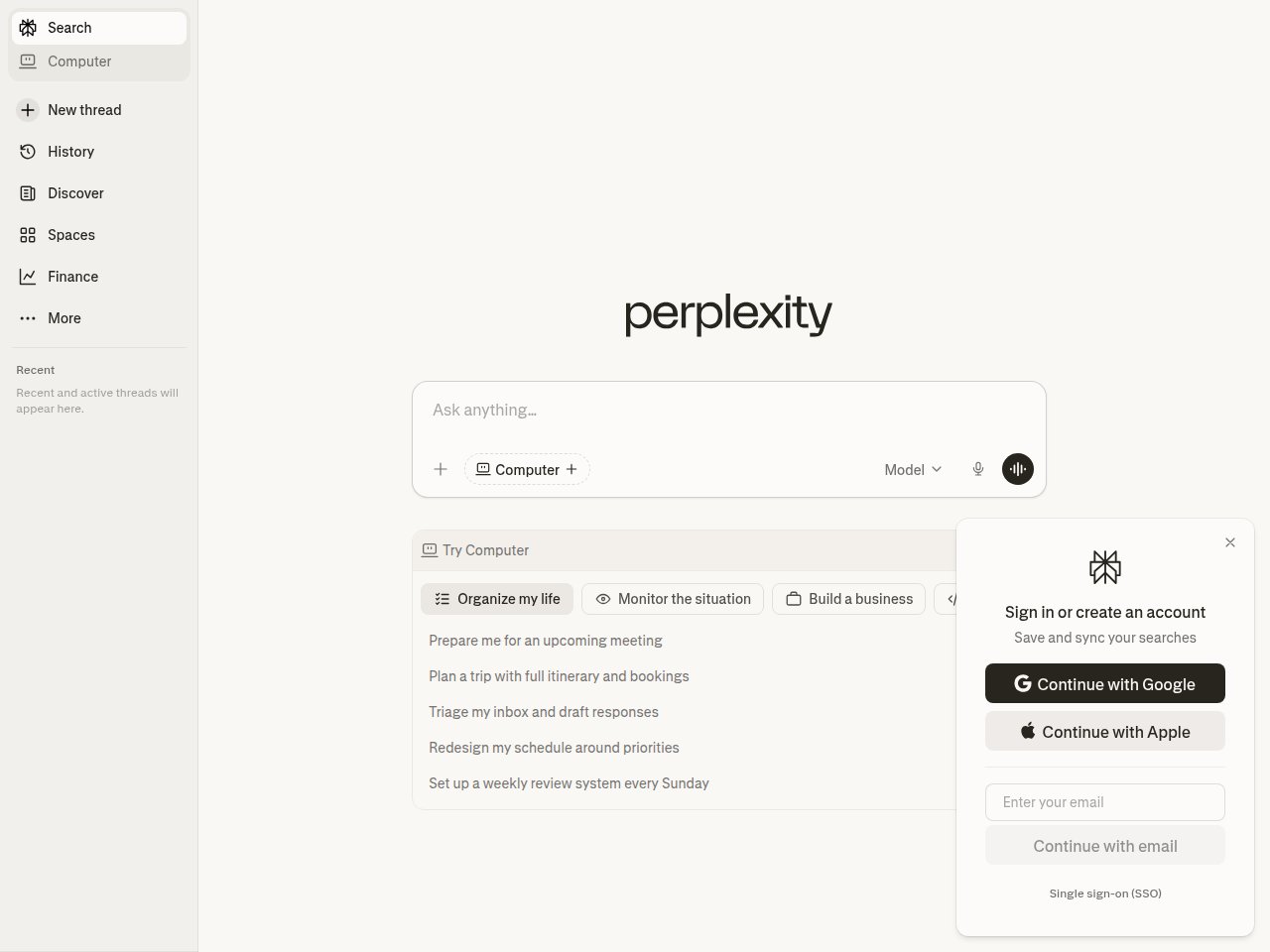
Perplexity isn’t trying to be ChatGPT. It’s trying to replace Google Search, and honestly? For research tasks, it’s doing a pretty good job.
I ran a specific accuracy test: I asked all six chatbots 20 factual questions where I already knew the verified answers (recent earnings figures, sports scores, scientific paper findings). Then I spot-checked every citation. Perplexity got 18 out of 20 right with accurate sources. ChatGPT got 16 right but with 3 fabricated citations. Gemini got 14 right and hallucinated two entire studies. That citation accuracy gap is why Perplexity lives on my bookmark bar — when I need to know something is actually true before I publish it, this is where I go first.
What blew me away:
- 94.3% citation accuracy (Arxiv study) — when Perplexity says “according to [source],” that source almost always actually says what Perplexity claims. This is a massive deal
- Multi-model access — Pro subscribers can switch between GPT-4o, Claude 3.5 Sonnet, and Mistral Large. Use the best model for each task
- Perplexity Computer (launched Feb 2026) — an agentic system that breaks down goals, spins up sub-agents across 19 AI models, and keeps going until the job is done. Wild
- Real-time web search is core — not an afterthought, not a plugin. Every answer is grounded in current sources
Pricing:
- Free: Limited searches per day
- Pro: $20/month or $200/year — unlimited Pro searches, multi-model access
- Perplexity Computer: $200/month — agentic AI system
- Enterprise: $40/seat/month
What actually annoyed me:
It’s a one-trick pony. An amazing trick, but still one trick. Try to use Perplexity for creative writing, brainstorming, or casual conversation and it feels awkward — like asking a librarian to write you a poem. The free tier’s daily limit runs out fast. And Perplexity Computer at $200/month? For most people that’s overkill. Also, the interface can feel cluttered with all the source cards when you just want a quick answer.
Best for: Researchers, journalists, analysts, students — anyone whose primary need is finding accurate, cited information fast. If “is this actually true?” is your biggest concern with AI chatbots, Perplexity is your answer.
Read our full Perplexity review
6. Grok 3 — The Wild Card
Elon Musk’s AI chatbot has gone from meme to legitimate contender. Grok 3 is surprisingly capable, especially if you’re plugged into the X (Twitter) ecosystem.
I’ll be honest — I went into this test expecting Grok to be a joke. It’s not. I spent a week using it as my primary tool for tracking AI industry news and sentiment. One morning, a rumor about a major acquisition was circulating on X. I asked Grok about it at 7:42 AM — it had already synthesized 30+ tweets, identified the original source, mapped the sentiment split (62% skeptical, 38% believing), and flagged that the “insider” account had previously posted debunked rumors. I got the same intelligence in 45 seconds that would’ve taken me 20 minutes of scrolling. That’s genuinely useful.
What blew me away:
- Real-time X integration — pulls live data from posts and trends. For tracking breaking news and social sentiment, nothing else comes close
- 1M token context window — 8x larger than Grok 2
- 93.3% on AIME 2025 — legitimately strong math reasoning
- Deep Search — integrated web research that’s better than I expected
- The personality — Grok is the only chatbot that’ll actually be funny. It has an “unhinged mode” that other chatbots wouldn’t dare attempt
Pricing:
- Free tier with limited daily messages
- X Premium: $8/month (basic Grok access bundled with X)
- X Premium+: $40/month (full Grok access + X features)
- SuperGrok: $30/month (standalone, Grok 4 access)
- API: Grok 4.1 Fast at $0.20/$0.50 per million tokens
What actually annoyed me:
The X integration is a double-edged sword. Yes, it has access to real-time social data, but that also means it can pick up misinformation, conspiracy theories, and general Twitter nonsense and present it as fact. I’ve seen Grok confidently cite viral tweets as evidence for claims that were completely wrong. The standalone Grok experience outside of X also feels incomplete compared to ChatGPT or Claude. And the pricing is confusing — do I need X Premium, Premium+, or SuperGrok? Why are there three tiers?
Best for: X/Twitter power users, social media managers, and anyone who wants real-time social sentiment analysis baked into their AI chatbot.
The Ultimate Comparison Table
| Feature | ChatGPT (GPT-5.4) | Claude (Opus 4.6) | Gemini (2.5 Pro) | DeepSeek (V3.2) | Perplexity Pro | Grok 3 |
|---|---|---|---|---|---|---|
| Monthly Price | Free / $20 / $200 | Free / $20 | Free / $19.99 | Free / Pay-per-use | Free / $20 | Free / $8-$40 |
| Context Window | 1.05M tokens | 1M tokens | 1M tokens | 128K tokens | Varies by model | 1M tokens |
| Web Access | Yes | Yes (web search) | Yes | Limited | Yes (core feature) | Yes + live X data |
| Multimodal | Text, image, audio, video, files | Text, image, PDF | Text, image, audio, video | Text, code | Text, files | Text, image |
| Code Execution | Yes (Code Interpreter) | Yes (Artifacts) | Yes (sandbox) | Yes | Limited | Yes |
| API Cost (Input) | $2.50/M tokens | $3-5/M tokens | $1.00/M tokens | $0.28/M tokens | N/A | $0.20/M tokens |
| API Cost (Output) | $10/M tokens | $15-25/M tokens | $10/M tokens | $0.42/M tokens | N/A | $0.50/M tokens |
| Open Source | No | No | No | Yes | No | No |
| Writing Quality | A | A+ | B+ | B+ | B (research-focused) | B+ |
| Coding Ability | A+ | A+ | A | A | B | B+ |
| Factual Accuracy | A | A | B+ | B+ | A+ | B |
How I Actually Use Them (My Real Workflow)
After three months of testing, here’s what my actual daily workflow looks like:
- Morning research: Perplexity for catching up on industry news with actual sources I can verify
- Writing: Claude for any long-form content — blog posts, reports, analysis. The output quality is noticeably better
- Coding: Claude Code in the terminal for development work. For quick code questions, ChatGPT’s Code Interpreter
- Quick tasks: ChatGPT for everything else — brainstorming, image generation, quick Q&A, file analysis
- Budget projects: DeepSeek API for any app that needs AI but where I’m watching costs
- Social monitoring: Grok when I need to know what people are saying about something on X right now
Yes, I use multiple AI chatbots. No, that’s not overkill. Each one has a genuine strength that the others don’t match.
Stay ahead of the AI curve
Frankie drops honest AI tool reviews every week. No spam, no sponsored garbage — just tools that actually work.
Who Should Pick What: My Recommendations
If You’re a Student
Start with ChatGPT Free for general homework help and Perplexity Free for research papers. If you can afford one subscription, get Claude Pro — the writing quality will make your essays better, and the long context is perfect for analyzing readings.
If You’re a Developer
Claude is your main tool. Claude Code in the terminal is genuinely transformative for coding workflows. Keep ChatGPT Plus for when you need Code Interpreter or image generation. Use DeepSeek API for production apps where cost matters.
If You’re a Business Professional
ChatGPT Plus for day-to-day tasks. If you’re in Google’s ecosystem, add Gemini Advanced. For research-heavy roles, Perplexity Pro is worth every penny.
If You’re a Content Creator / Writer
Claude Pro for writing quality. ChatGPT Plus for image generation and multimedia. Perplexity for fact-checking your work.
If You’re on a Tight Budget
DeepSeek (free chat) + ChatGPT Free + Perplexity Free. This combo costs you $0 and covers 80% of what the paid tiers offer. Seriously.
The Bottom Line
The AI chatbot landscape in 2026 is genuinely competitive. ChatGPT is still the safe default, but it’s no longer the obvious choice for everything. Claude has become the thinking person’s AI. Gemini is the ecosystem play. DeepSeek is the budget revolution. Perplexity owns research. And Grok is… well, Grok is Grok.
My honest advice? Try the free tiers of all of them. Spend a week using each one for your actual work. You’ll know within days which one clicks with how you think and work. The “best” AI chatbot is the one that makes YOU more productive — not the one that wins benchmarks.
And hey, I’ll be back in 3 months to do this all over again, because knowing this industry, everything I just wrote will be outdated by summer. That’s the fun part.
— Frankie
Get Frankie’s weekly AI tool picks
Join 500+ readers who stay ahead of the AI curve. No spam, no sponsored garbage — just tools that actually work.
FAQ
Is ChatGPT still the best AI chatbot in 2026?
It’s still the most versatile and popular (60.4% market share), but it’s no longer the clear winner in every category. Claude beats it for writing and long document analysis, Perplexity beats it for research, and DeepSeek beats it on price by a massive margin. ChatGPT’s biggest strength is that it’s consistently good at everything.
Is it worth paying $20/month for an AI chatbot?
If you use AI daily for work, absolutely. The jump from free to paid tiers is significant — better models, higher limits, and features like extended context windows. If you use AI once a week for casual stuff, the free tiers are fine. My pick for best value: Claude Pro at $20/month if you write or code, ChatGPT Plus at $20/month for everything else.
Can AI chatbots replace Google Search?
For research questions, Perplexity is getting close — 94.3% citation accuracy is impressive. For navigational searches (“take me to this website”), quick facts, and local results, Google is still better. We’re probably 1-2 years away from AI search being a full replacement for most people.
Which AI chatbot is best for coding?
Claude (specifically Claude Code) for full-project development. ChatGPT for quick code snippets and debugging with Code Interpreter. DeepSeek for budget API usage in production apps. Check out my full comparison in Best AI Coding Assistants 2026.
Is DeepSeek safe to use?
The model itself is open-source, so you can inspect every weight. The hosted chat at chat.deepseek.com routes through Chinese servers, which may be a concern depending on your data sensitivity. For casual use, it’s fine. For sensitive business data, consider self-hosting the model or using a third-party API provider that hosts DeepSeek on US/EU servers.