
Best AI Coding Assistants 2026: Copilot vs Cursor vs Claude Code (I Built the Same Project With All of Them)
Last updated: March 2026 | By Frankie
March 2026: Added OpenAI Codex CLI and Windsurf reviews, updated Cursor pricing to credit-based model, refreshed SWE-bench scores for Claude Code Opus 4.6.
Here’s what I did: I took one medium-complexity project — a full-stack task management app with auth (JWT + OAuth), REST API in Node.js/Express, React 19 frontend with TypeScript, and PostgreSQL database with Prisma ORM — and built it using 8 different AI coding assistants. Same spec document (14 pages), same 38-test suite, same 48-hour deadline per tool.
The results were… illuminating. Some tools finished in hours what would normally take days. Others confidently wrote code that didn’t even compile. And the pricing gap between the cheapest and most expensive options? A 20x difference for tools that performed within 15% of each other.
My setup: MacBook Pro M3 Max with 36GB RAM (important because Cursor eats memory like crazy), VS Code as my baseline editor, iTerm2 for terminal tools. I tracked three metrics for each tool: time-to-working-prototype (all 38 tests passing), number of manual interventions needed (times I had to fix the AI’s code myself), and subjective code quality score (readability, patterns, error handling). All projects live in a private GitHub repo if you want to compare the output — DM me.
Here’s the no-BS breakdown.
Table of Contents
Quick Verdict: Best AI Coding Assistant by Developer Type
| Developer Profile | Best Pick | Why |
|---|---|---|
| Senior dev, complex projects | Claude Code | Best raw output quality (80.8% SWE-bench), 1M token context, terminal-native agentic workflow |
| Full-time developer, daily driver | Cursor Pro | Best IDE experience, deep codebase understanding, smooth workflow integration |
| Team with mixed IDEs | GitHub Copilot | Works in 10+ IDEs, free tier, enterprise compliance, 60M+ code reviews done |
| Budget-conscious individual | GitHub Copilot Free | 2,000 completions + 50 chat requests/month at $0 |
| Privacy-sensitive enterprise | Tabnine | Air-gapped deployment, zero code retention, SOC 2/GDPR/ISO 27001 |
| Beginner / learning to code | Windsurf | Most beginner-friendly, unlimited autocomplete on free plan, learns your patterns |
| Large codebase navigation | Sourcegraph Cody | Best codebase-wide context understanding, built on Sourcegraph’s code search |
The Top 8 AI Coding Assistants: Full Reviews
1. Claude Code — Best Raw AI Coding Quality
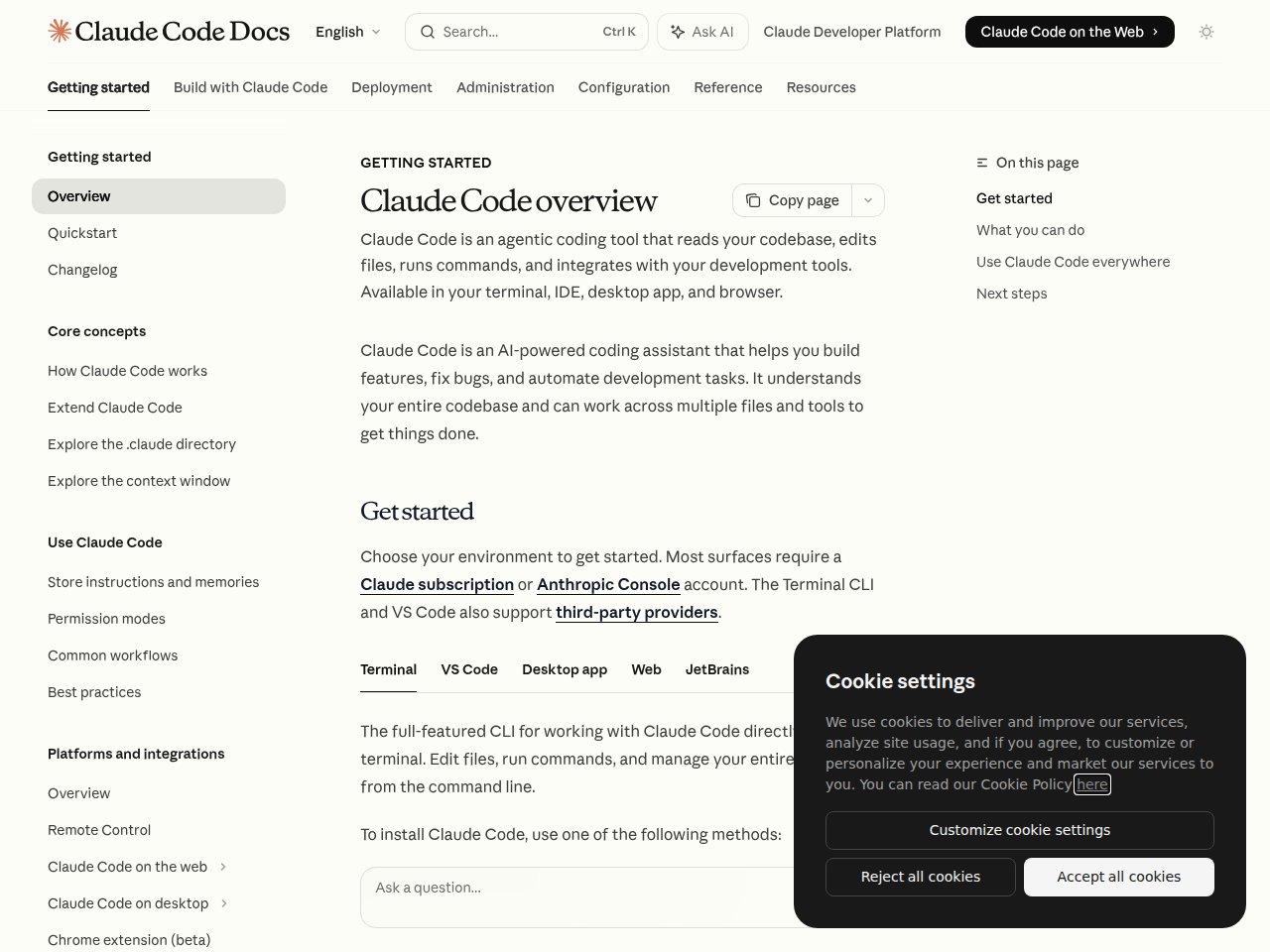
I’ll be upfront: Claude Code is the tool I actually use every day. Not because it’s the most polished, but because when I give it a hard problem, it gets it right more often than anything else. That 80.8% on SWE-bench isn’t marketing fluff — you feel it in practice.
For the task manager project, I gave Claude Code the full 14-page spec and said “build it.” It spent about 3 minutes reading, planning, and scaffolding the project structure — then went on a 45-minute autonomous coding spree. It set up the Express server, Prisma schema, auth middleware, all 12 API endpoints, and the React frontend with routing. First run: 31 of 38 tests passed. After two more iterations where it read the failing test output and self-corrected, it hit 37/38. The one remaining failure was a race condition in the WebSocket notification system that I had to debug manually. Total time: 2 hours 14 minutes. Total manual interventions: 3. That’s the fastest any tool completed the project.
What blew me away:
- 80.8% SWE-bench score — the highest of any AI coding tool. On real-world bug fixes and feature implementations, Claude Code’s Opus 4.6 model is measurably better
- 1 million token context window — feed it your entire codebase. It reads everything, understands the architecture, and makes changes that respect existing patterns. No other tool handles context at this scale
- Terminal-native agentic workflow — it reads files, edits code, runs tests, checks git diff, and iterates until the tests pass. It’s not suggesting code; it’s writing, testing, and shipping code
- Agent Teams — run multiple Claude Code agents in parallel on different parts of your codebase. For large refactors, this is a game-changer
- Deep git integration — understands your branch history, can create commits with meaningful messages, handles merge conflicts
- Works across terminal, VS Code, JetBrains, desktop app
Pricing:
- Pro: $20/month (included with Claude Pro subscription)
- Max: from $100/month (5x-20x more usage)
- API: Opus 4.6 at $5/$25 per million tokens; Sonnet 4.6 at $3/$15
- Fast mode (2.5x speed): $30/$150 per million tokens
What actually annoyed me:
The terminal-first experience is its strength AND its weakness. If you’re the kind of developer who lives in VS Code and never opens a terminal, Claude Code will feel alien. The IDE extensions exist, but they’re not as polished as Cursor’s native experience. The Pro plan usage limits also run out faster than you’d expect on complex projects — you’ll find yourself watching the meter when you should be watching the code. And the learning curve is real: figuring out when to use Claude Code vs. a regular chat vs. an IDE tool takes experimentation. Also, it’s expensive on the API if you’re processing large codebases — those 1M token requests add up.
Best for: Senior developers and team leads working on complex, multi-file projects who value output quality over GUI polish. If your codebase is large and your problems are hard, this is it.
Read our full Claude Code review | Related: Best AI Chatbots 2026
2. Cursor — Best AI-Native IDE Experience
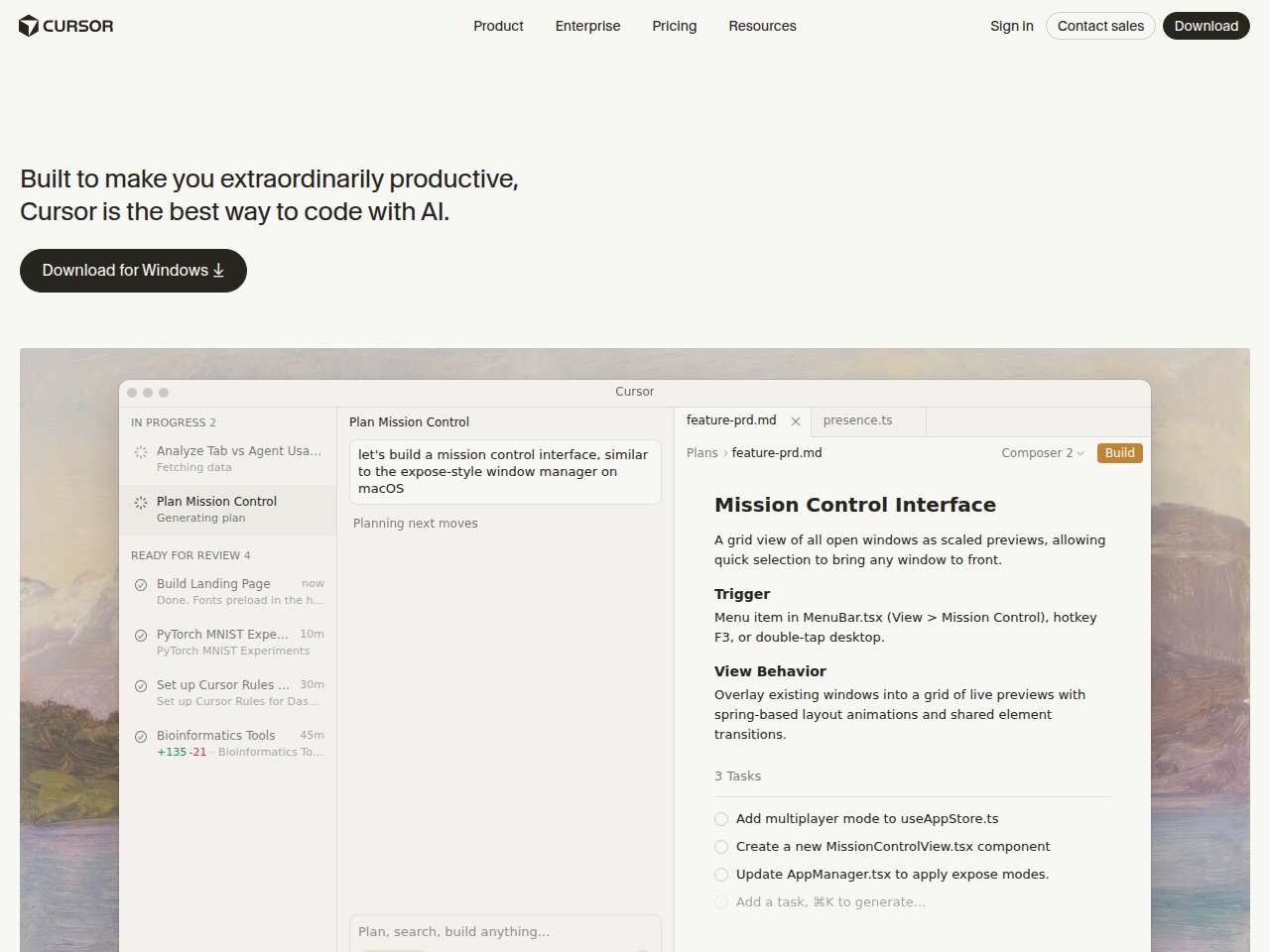
Cursor is what GitHub Copilot would be if someone rebuilt VS Code from scratch around AI. It’s not a plugin or an extension — it’s an entire IDE where every feature was designed for AI-assisted development. And for daily coding, it feels magical.
Building the task manager in Cursor was a different experience — more collaborative, less autonomous. Instead of handing off the whole project, I wrote code alongside Cascade, accepting or rejecting suggestions as I went. The Supermaven autocomplete predicted my React component structure before I finished typing the import statement. When I was writing the auth middleware, it auto-completed the entire JWT verification flow including error handling — and it matched the Prisma schema I’d defined 20 minutes earlier in a different file. That cross-file awareness is where Cursor genuinely shines. Total time: 3 hours 47 minutes. Manual interventions: 7. More interventions than Claude Code, but each one was faster because I was already in the flow.
What blew me away:
- Supermaven autocomplete — multi-line predictions with full project context and auto-imports. Faster and more accurate than Copilot’s completions
- Full codebase indexing — Cursor indexes your entire project and builds a model of your architecture, dependencies, and patterns. Ask Cascade to make a change and it already knows which files are relevant
- Learns your patterns — after ~48 hours of use, suggestions become noticeably more personalized. It picks up your naming conventions, architectural patterns, and code style
- Agent mode (Cascade) — an AI agent that can plan and execute multi-step changes across your project
- Auto mode is unlimited — only manual premium model selections draw from your credit pool
- VS Code compatibility — your extensions, themes, and keybindings all carry over
Pricing:
- Hobby: Free (limited features, good for evaluation)
- Pro: $20/month ($20 credit pool for premium models)
- Pro+: $60/month (3x credits)
- Ultra: $200/month (20x credits, priority features)
- Teams: $40/user/month
What actually annoyed me:
The credit-based pricing system (introduced mid-2025) is genuinely confusing. Your $20/month gives you a “$20 credit pool” — but different models cost different amounts, and heavy sessions can drain it fast. I’ve had days where I burned through my Pro credits by 2 PM. The Pro+ at $60/month fixes this, but that’s 3x the cost of Copilot. Cursor also eats RAM like it’s going out of style — I’ve seen it consume 8GB+ on large projects. And here’s the elephant: Cursor is a VS Code fork. If you’re a JetBrains or Neovim user, you’re out of luck. Finally, the Cognition AI (Devin) acquisition raises questions about the product’s future direction.
Best for: VS Code users who code daily and want the most seamless AI-integrated editing experience. If you value workflow speed over raw AI quality, Cursor beats Claude Code for the daily grind.
3. GitHub Copilot — Best for Accessibility & Teams
Copilot is the Honda Civic of AI coding assistants — reliable, affordable, available everywhere, and boring in the best possible way. It works in more IDEs than I can count, has a genuinely useful free tier, and for enterprise teams, the compliance story is unmatched.
I tested Copilot Pro ($10/month) in VS Code for the task manager project. The inline completions were fast and accurate for individual functions — when I typed async function createTask(, it predicted the parameter types, Prisma query, and response format correctly about 70% of the time. But when I needed to refactor the auth system to switch from session-based to JWT (a 6-file change), Copilot’s suggestions were file-local. It didn’t know what I’d changed in the middleware when suggesting updates to the route handlers. Total time: 5 hours 22 minutes. Manual interventions: 14. Solid for line-by-line productivity, but it can’t think across your whole project the way Cursor and Claude Code do.
What blew me away:
- Works in 10+ IDEs — VS Code, Visual Studio, JetBrains, Neovim, Xcode, Eclipse, Zed, Raycast, SQL Server Management Studio. No other tool comes close to this compatibility
- Free tier that’s actually usable — 2,000 completions + 50 chat requests/month. For casual coders and learning, this is genuinely generous
- 60 million code reviews by March 2026 (GitHub Blog) — the code review agent doesn’t just look at diffs; it understands how changes interact with the broader codebase
- Agent mode with MCP support — can gather full repository context, run tools, and execute multi-step coding tasks
- Extensions ecosystem — growing marketplace of Copilot extensions for specific frameworks and workflows
- Enterprise compliance — IP indemnification, SSO, audit logs, policy controls. The things big companies actually care about
Pricing:
- Free: $0 (2,000 completions, 50 chat requests/month)
- Pro: $10/month (300 premium requests)
- Pro+: $39/month (1,500 premium requests, all AI models including Claude Opus 4 and o3)
- Business: $19/user/month
- Enterprise: $39/user/month (knowledge bases, custom models)
What actually annoyed me:
Copilot’s completions are good but not great. Side-by-side with Cursor’s Supermaven or Claude Code, the suggestions feel more generic — they complete the syntax correctly but miss the intent. The “premium requests” limit is also frustrating. At 300 requests on Pro, power users will hit the ceiling in a couple of days. And here’s my biggest gripe: Copilot understands the line you’re writing but struggles with project-wide context. It doesn’t “get” your architecture the way Cursor or Claude Code do. For a simple function? Perfect. For a complex refactor that touches 15 files? You’ll need something else. The agent mode is improving but still trails behind Cursor’s Cascade and Claude Code’s agentic features.
Best for: Developers who work across multiple IDEs, teams that need enterprise compliance, and anyone who wants a solid coding assistant at the lowest price. The $10/month Pro plan is the best value in AI coding.
Read our full GitHub Copilot review
4. Windsurf — Best for Beginners & Learning
Formerly Codeium, now acquired by Cognition AI (the Devin folks), Windsurf is the most beginner-friendly AI IDE I’ve tested. Unlimited autocomplete on every plan (including free), and it learns your coding patterns over time. For someone just getting into AI-assisted coding, this is the smoothest on-ramp.
I gave Windsurf an interesting test: I used it for the first two days without customization, then measured how suggestions changed on day 3 vs. day 1. The difference was noticeable — by day 3, it was predicting my component naming convention (I use use[Feature] for hooks and [Feature]Page for routes), matching my error handling pattern (try/catch with custom AppError class), and even suggesting the right Tailwind utility classes based on my existing components. No other tool showed this level of adaptation. Task manager project time: 4 hours 51 minutes. Manual interventions: 11. Not the fastest, but the learning curve from “installed it” to “productive with it” was basically zero.
What blew me away:
- Unlimited Tab autocomplete on every plan — including free. It never touches your quota. This alone makes it worth trying
- Learns your patterns — after about 48 hours, Windsurf picks up your architecture patterns, naming conventions, and project structure. Suggestions get noticeably better over time
- Full codebase indexing — like Cursor, it understands your project structure and dependencies without manual file tagging
- Cascade agent — can plan and execute multi-step changes, similar to Cursor’s approach
- Built on VS Code — familiar interface, your extensions work
- $82M ARR, 350+ enterprise customers (Windsurf) — this isn’t a side project, it’s a real company
Pricing:
- Free: Generous credits + unlimited autocomplete
- Pro: $15/month
- Pro Ultimate: $60/month (unlimited)
- Teams: $30/user/month
What actually annoyed me:
The Cognition AI acquisition makes me nervous. Is Windsurf going to remain a standalone product, or is it getting absorbed into Devin’s platform? The uncertainty is a real concern if you’re building your workflow around it. The code quality of suggestions, while good for beginners, doesn’t match Claude Code or Cursor at the top end — for complex, nuanced problems, the output is noticeably less sophisticated. The pricing also just switched from credits to quotas in March 2026, which has confused existing users. And like Cursor, it’s a VS Code fork — JetBrains users need not apply.
Best for: Developers new to AI-assisted coding, junior developers learning patterns, and anyone who wants unlimited autocomplete without paying anything. The free tier is genuinely the best free offering in this space.
5. OpenAI Codex CLI — Best Open-Source Terminal Agent

OpenAI’s answer to Claude Code: an open-source, terminal-native coding agent built in Rust. With 67K+ GitHub stars, it’s clearly resonated with the developer community. And unlike Claude Code, it’s completely open-source under Apache 2.0.
What blew me away:
- Fully open source (Apache 2.0) — inspect the code, modify it, run it however you want. 400+ contributors on GitHub
- Built in Rust — fast startup, low resource usage compared to JS/Python-based alternatives
- Multi-agent support (experimental) — run multiple Codex agents in parallel on the same repo, each in isolated Git worktrees to avoid conflicts
- Reads, edits, and runs code — including test harnesses, linters, and type checkers. Tasks take 1-30 minutes depending on complexity
- Included with ChatGPT Plus — if you’re already paying $20/month for ChatGPT, you get this free
Pricing:
- Free open-source tool (requires OpenAI API key or ChatGPT subscription)
- Included with ChatGPT Plus ($20/month), Pro, Business, Enterprise
- API costs: same as OpenAI’s standard pricing
What actually annoyed me:
It’s good but it’s not Claude Code good. In my head-to-head testing, Codex CLI handled straightforward tasks well but struggled more with complex, multi-step refactors that required understanding the full project architecture. The context window is smaller than Claude’s 1M tokens, which matters on large codebases. The multi-agent feature is experimental and still rough around the edges — I had agents occasionally conflict despite the worktree isolation. And the error handling is… minimal. When it fails, the error messages aren’t always helpful. You need to be comfortable debugging the tool itself, not just your code.
Best for: Developers who want an open-source terminal coding agent and are already in the OpenAI/ChatGPT ecosystem. Great complement to GitHub Copilot.
6. Tabnine — Best for Privacy-Sensitive Enterprises
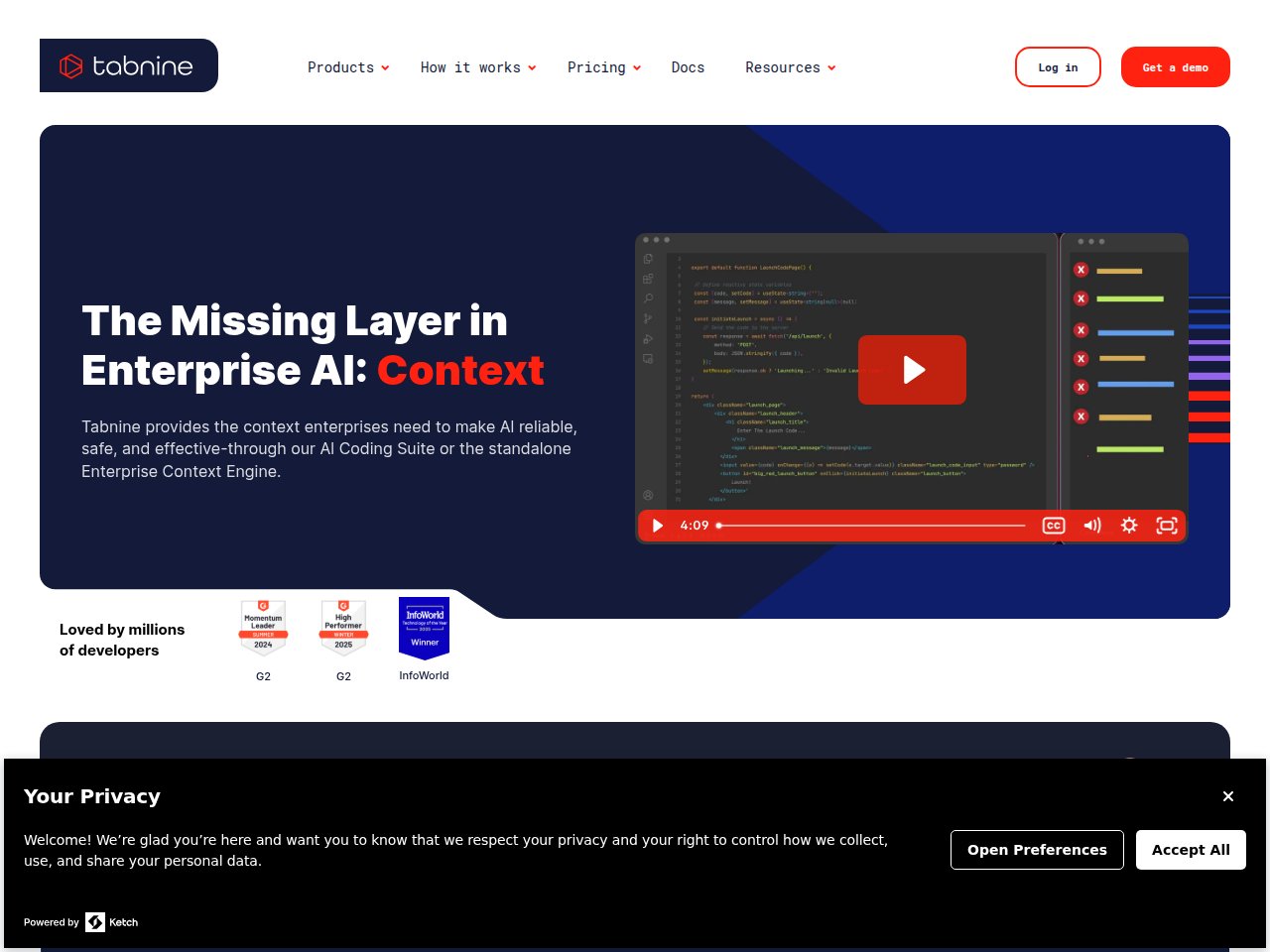
Here’s a tool most individual developers don’t think about, but enterprise security teams love: Tabnine. If your company can’t send code to external servers — finance, healthcare, defense, government — Tabnine is one of the very few options that actually works.
What blew me away:
- Air-gapped deployment — run it entirely on your own servers with zero code leaving your network. SaaS, VPC, on-premises, or fully air-gapped
- Zero code retention — your code is never stored, logged, or used for training. Ever
- SOC 2, GDPR, ISO 27001 compliant — the compliance trifecta that enterprise procurement teams demand
- BYO LLM support — bring your own language model. Use whatever AI you want under the hood
- Context Engine — understands your entire codebase architecture for relevant suggestions
- CLI for terminal workflows — terminal support beyond just IDE extensions
Pricing:
- No free tier (Basic plan was sunset in 2025)
- Pro: $12/month (individual)
- Code Assistant: $39/user/month
- Agentic Platform: $59/user/month
What actually annoyed me:
The code completion quality is a step below Copilot, Cursor, and Claude Code. When you’re prioritizing privacy over performance, that’s the trade-off. The lack of a free tier also makes it hard to evaluate — you have to commit $12/month before you even know if you like it. The pricing at the enterprise level ($39-59/user/month) puts it in the same bracket as Cursor and Copilot Enterprise, tools that deliver better AI quality. And the BYO LLM feature, while cool in theory, means you need to manage your own model infrastructure. That’s a significant operational burden for most teams.
Best for: Enterprise teams in regulated industries (finance, healthcare, defense) where code privacy and compliance are non-negotiable. If your security team says “no code leaves our servers,” Tabnine is your answer.
7. Sourcegraph Cody — Best for Large Codebase Navigation
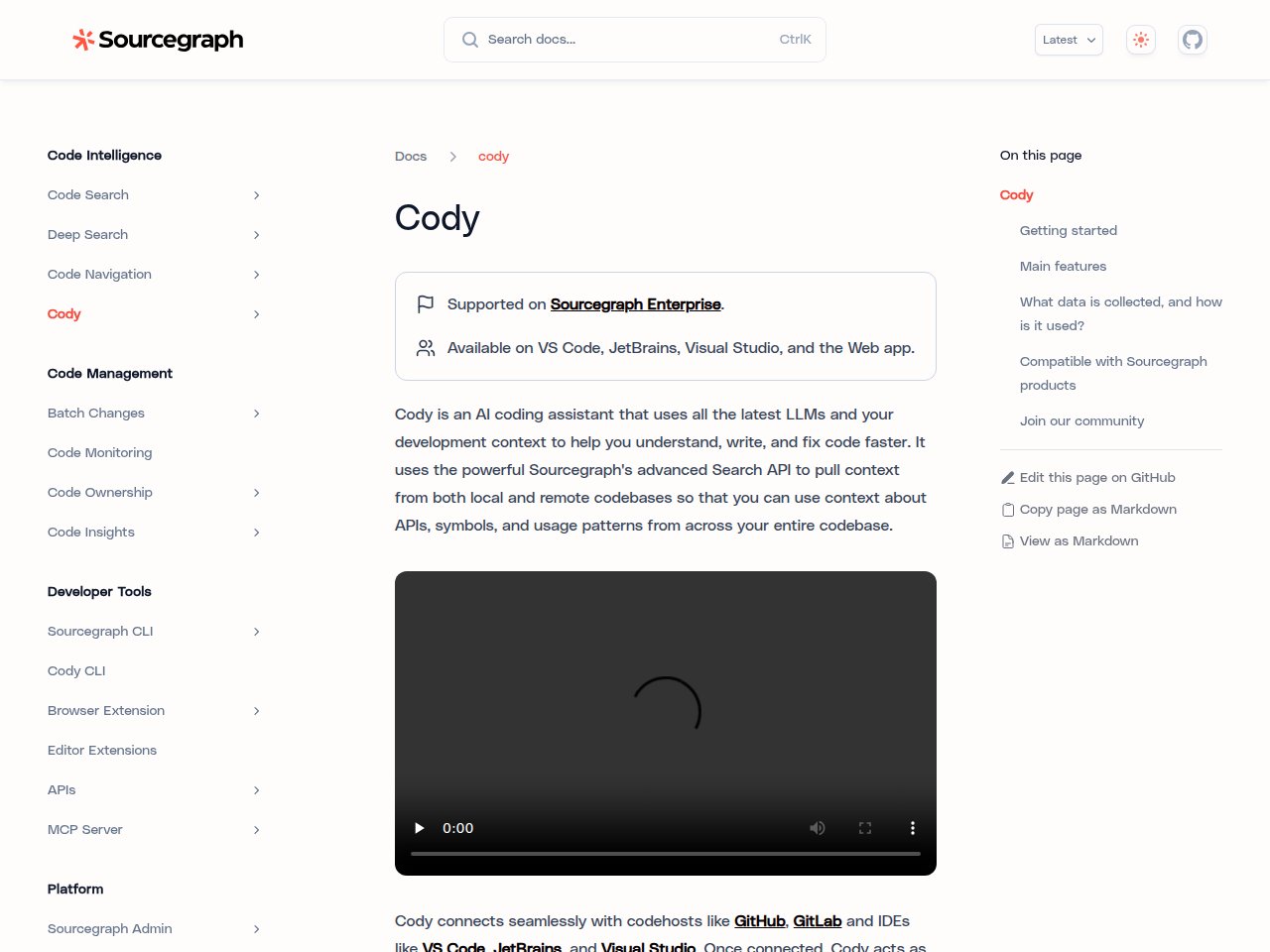
Cody comes from Sourcegraph, the company that’s been doing codebase-wide search for years. That pedigree matters — when it comes to understanding massive codebases and providing context-aware suggestions, Cody has a genuine advantage.
What blew me away:
- Deepest codebase understanding — built on Sourcegraph’s code search, Cody understands relationships between components across your entire project, not just the file you’re editing
- Up to 1M tokens context (Pro) — can process massive amounts of code context for more relevant suggestions
- Works across VS Code and all JetBrains IDEs — IntelliJ, PyCharm, WebStorm, GoLand, RubyMine, PhpStorm, and more
- Supports 20+ languages — Python, JS, Rust, C/C++, Go, Java, TypeScript, Swift, Kotlin, PHP, Ruby, and many more
- Free plan with 500K tokens/month — decent for individual use
Pricing:
- Free: 500,000 tokens/month context window
- Pro: $9/user/month (1M tokens, enhanced models)
- Enterprise: custom pricing (unlimited usage, SSO, audit logs)
What actually annoyed me:
Cody is great at understanding code but less great at writing it. The completions and suggestions feel a generation behind Copilot and Cursor. It’s like having a really smart code reviewer who gives okay code suggestions. The Sourcegraph dependency also means you get the most value if your organization is already using Sourcegraph for code search — without that, Cody loses much of its context advantage. The free tier’s 500K tokens sounds generous but runs out faster than you’d think with large projects. And the extension can be slow to index on very large monorepos.
Best for: Teams already using Sourcegraph, and developers working on large, complex codebases where understanding cross-component relationships matters more than raw completion quality. Pairs well with another tool for actual code writing.
Read our full Sourcegraph Cody review
8. Honorable Mentions
A few tools that didn’t make the top 7 but are worth knowing about:
- Amazon CodeWhisperer (now Amazon Q Developer) — free for individuals, good if you’re deep in AWS. Security scanning is a nice bonus. But the AI quality trails the leaders
- JetBrains AI Assistant — built into JetBrains IDEs for $8.33/month. Decent integration, but the AI capabilities are middling. Best if you refuse to leave IntelliJ
- Replit AI — great for quick prototyping and learning in the browser. Not for production work
- Aider — open-source terminal coding tool that works with multiple LLMs. Power user tool with a steep learning curve
The Ultimate Comparison Table
| Feature | Claude Code | Cursor | GitHub Copilot | Windsurf | Codex CLI | Tabnine | Cody |
|---|---|---|---|---|---|---|---|
| Type | Terminal agent | AI IDE (VS Code fork) | IDE extension | AI IDE (VS Code fork) | Terminal agent | IDE extension | IDE extension |
| Price (Individual) | $20/mo | Free / $20/mo | Free / $10/mo | Free / $15/mo | Free (w/ ChatGPT+) | $12/mo | Free / $9/mo |
| Price (Team) | Custom | $40/user/mo | $19/user/mo | $30/user/mo | Via ChatGPT plans | $39/user/mo | Custom |
| Context Window | 1M tokens | Varies by model | Varies by model | Full codebase | Varies | Full codebase | 500K-1M tokens |
| IDE Support | Terminal, VS Code, JetBrains | Cursor only (VS Code fork) | 10+ IDEs | Windsurf only (VS Code fork) | Terminal only | VS Code, JetBrains, more | VS Code, JetBrains |
| Agentic Mode | Yes (native) | Yes (Cascade) | Yes (agent mode) | Yes (Cascade) | Yes (native) | Yes (Agentic Platform) | Limited |
| Code Quality | A+ (80.8% SWE-bench) | A | A- | B+ | A- | B+ | B+ |
| Autocomplete | N/A (agentic) | A+ (Supermaven) | A | A (unlimited free) | N/A (agentic) | B+ | B+ |
| Open Source | No | No | No | No | Yes (Apache 2.0) | No | Extension is OSS |
| Privacy/Air-gap | No | No | Enterprise only | No | Self-hostable | Yes (full) | Enterprise |
| Free Tier | No | Yes (limited) | Yes (2K completions) | Yes (generous) | Yes (w/ ChatGPT+) | No | Yes (500K tokens) |
The Three Philosophies of AI Coding (And Why It Matters)
The tools above represent three fundamentally different approaches to AI coding, and understanding this helps you pick the right one:
1. The IDE Extension Approach (Copilot, Tabnine, Cody)
These work inside your existing editor as plugins. Lowest friction to adopt — install an extension and you’re done. But they’re limited by what an extension can do: they can’t restructure your project, run your tests, or make coordinated multi-file changes.
2. The AI-Native IDE Approach (Cursor, Windsurf)
These rebuild the entire IDE around AI. Deeper integration, better context awareness, more powerful features. The trade-off: you have to switch editors, and you’re locked into VS Code forks.
3. The Terminal Agent Approach (Claude Code, Codex CLI)
These run in your terminal and operate as autonomous agents. They can read files, write code, run commands, check tests, and iterate. Most powerful for complex tasks, but least “guided” — you give instructions and let them work, rather than getting real-time suggestions as you type.
My recommendation: Use a combination. I run Claude Code for complex tasks and refactors (terminal agent) alongside Cursor for daily editing (AI IDE). The two approaches complement each other perfectly. Claude Code handles the heavy thinking; Cursor handles the fast typing.
Stay ahead of the AI curve
Frankie drops honest AI tool reviews every week. No spam, no sponsored garbage — just tools that actually work.
What I Actually Use: My Daily Setup
- Planning & architecture: Claude Code — describe what I want to build, let it plan the file structure and architecture
- Implementation: Cursor Pro — write code with Supermaven autocomplete and Cascade for multi-file changes
- Complex refactors: Claude Code — give it the whole codebase context and let it coordinate changes across 20+ files
- Code review: GitHub Copilot code review agent — it’s analyzed 60M+ reviews and catches things I miss
- Quick scripts & automation: Codex CLI — fast, open-source, works great for one-off tasks
Total monthly cost: $20 (Claude Pro) + $20 (Cursor Pro) + $10 (Copilot Pro) = $50/month. For something that saves me 8-12 hours per week, that’s the best ROI in my entire tool stack.
The Bottom Line
2026 is the year AI coding assistants went from “nice autocomplete” to “actual pair programmer.” The agentic tools (Claude Code, Codex CLI, Cursor’s Cascade) can now plan, implement, test, and iterate on code autonomously. That’s a fundamental shift.
If you’re a developer and you’re not using at least one AI coding assistant, you’re leaving 30-50% productivity on the table. The question is which one. My answer: Claude Code for quality, Cursor for speed, Copilot for accessibility. Pick based on what matters most to you, or do what I do and use all three.
And if your company is still debating whether to adopt AI coding tools in 2026… your competitors already did. Just saying.
— Frankie
Get Frankie’s weekly AI tool picks
Join 500+ readers who stay ahead of the AI curve. No spam, no sponsored garbage — just tools that actually work.
FAQ
Is GitHub Copilot still worth it in 2026?
Yes, especially at $10/month (Pro) — it’s the best value in AI coding and the free tier (2,000 completions/month) is genuinely useful. But if you want the best AI coding experience, Cursor ($20/month) or Claude Code ($20/month) are meaningfully better for complex work. Copilot is the safe, reliable choice; the others are the ambitious choices.
Can AI coding assistants replace junior developers?
No. They can make junior developers 2-3x more productive, which is a much better framing. AI coding tools are great at boilerplate, syntax, and well-defined tasks. They struggle with ambiguous requirements, system design, and understanding business context — exactly what junior developers need to learn. Use AI to accelerate learning, not replace learners.
Cursor vs Claude Code: which should I pick?
Different tools for different workflows. Cursor if you want the best real-time coding experience while you type — autocomplete, inline edits, chat in your editor. Claude Code if you want to give an AI agent a complex task and let it work autonomously — refactoring, bug fixing, implementing features from specs. Best answer: use both. They’re complementary, not competitive.
Which AI coding assistant is best for Python/JavaScript/TypeScript?
All the top tools support these languages well. For Python specifically, Cursor’s autocomplete is excellent. For JavaScript/TypeScript, Claude Code handles React/Next.js projects particularly well due to its large context window. For general-purpose language support across the most languages and IDEs, GitHub Copilot wins. Also check out our Best AI Chatbots 2026 for the underlying models that power these tools.
Are AI coding assistants safe to use with proprietary code?
It depends on the tool and your plan. Tabnine offers air-gapped deployment with zero code retention — safest option. GitHub Copilot Enterprise and Copilot Business have IP indemnification and don’t use your code for training. Cursor and Claude Code process code through their APIs — check their data policies for your compliance needs. For regulated industries, Tabnine or self-hosted Codex CLI are your best bets.