

Last updated: March 2026 | By Frankie · 25 min read
Changelog: March 2026: Initial publication. Tested all 12 tools with standardized 15-question methodology. Pricing verified at official sites.
I spent three weeks signing up for, testing, and comparing 12 AI customer service chatbot platforms. Not the enterprise-only behemoths that require a sales call just to see the dashboard — I focused on tools that a small business owner or a lean support team can actually set up and start using this week.
Here’s the thing: the AI customer service space in 2026 is exploding. Every SaaS company is slapping “AI Agent” on their product. But after hands-on testing, I can tell you the difference between tools that actually resolve customer issues autonomously and tools that just deflect tickets into a black hole is massive.
📑 Table of Contents
- 1. Quick Summary of My Top Picks
- 2. How I Tested These Tools
- 3. Tidio
- 4. ChatBot by Text
- 5. Chatbase
- 6. Freshdesk + Freddy AI
- 7. Gorgias
- 8. Kommunicate
- 9. Intercom Fin
- 10. Zendesk AI
- 11. Hoory AI
- 12. FastBots.ai
- 13. Collect.chat
- 14. YourGPT
- 15. Comparison Table
- 16. How to Choose
- 17. What I Learned
- 18. FAQ
In this review, I’ll share my honest experience with each platform — what impressed me, what frustrated me, and how much it actually costs.
Quick Summary of My Top Picks
| Tool | Best For | Starting Price |
|---|---|---|
| Tidio | SMB all-in-one | $24.17/mo |
| ChatBot by Text | Easy setup | $19/user/mo |
| Chatbase | Custom AI chatbot | Free / $40/mo |
| Freshdesk (Freddy AI) | Growing teams | $15/agent/mo |
| Gorgias | Ecommerce (Shopify) | $60/mo |
How I Tested These Tools
Before we dive in, here’s my testing methodology so you know this isn’t just a rewrite of each company’s marketing page:
- I signed up for the free trial or free plan of every tool on this list
- I set up a test knowledge base with 20 FAQ entries about a fictional ecommerce store
- I tested the AI with 15 standard customer questions — ranging from “where’s my order” to “I want a refund for a damaged item” to intentionally vague queries like “this doesn’t work”
- I timed the setup process from signup to having a working chatbot
- I checked the real pricing — not the “starting at” bait, but what you actually pay for a useful plan
I’m not going to pretend I did a 6-month deployment at scale. But I can tell you which tools are genuinely easy to set up, which AI actually understands context, and which ones will waste your afternoon with a confusing dashboard.
1. Tidio — Best All-in-One for Small Business
My verdict: The Swiss Army knife of customer service AI. If you only try one tool from this list, make it Tidio.
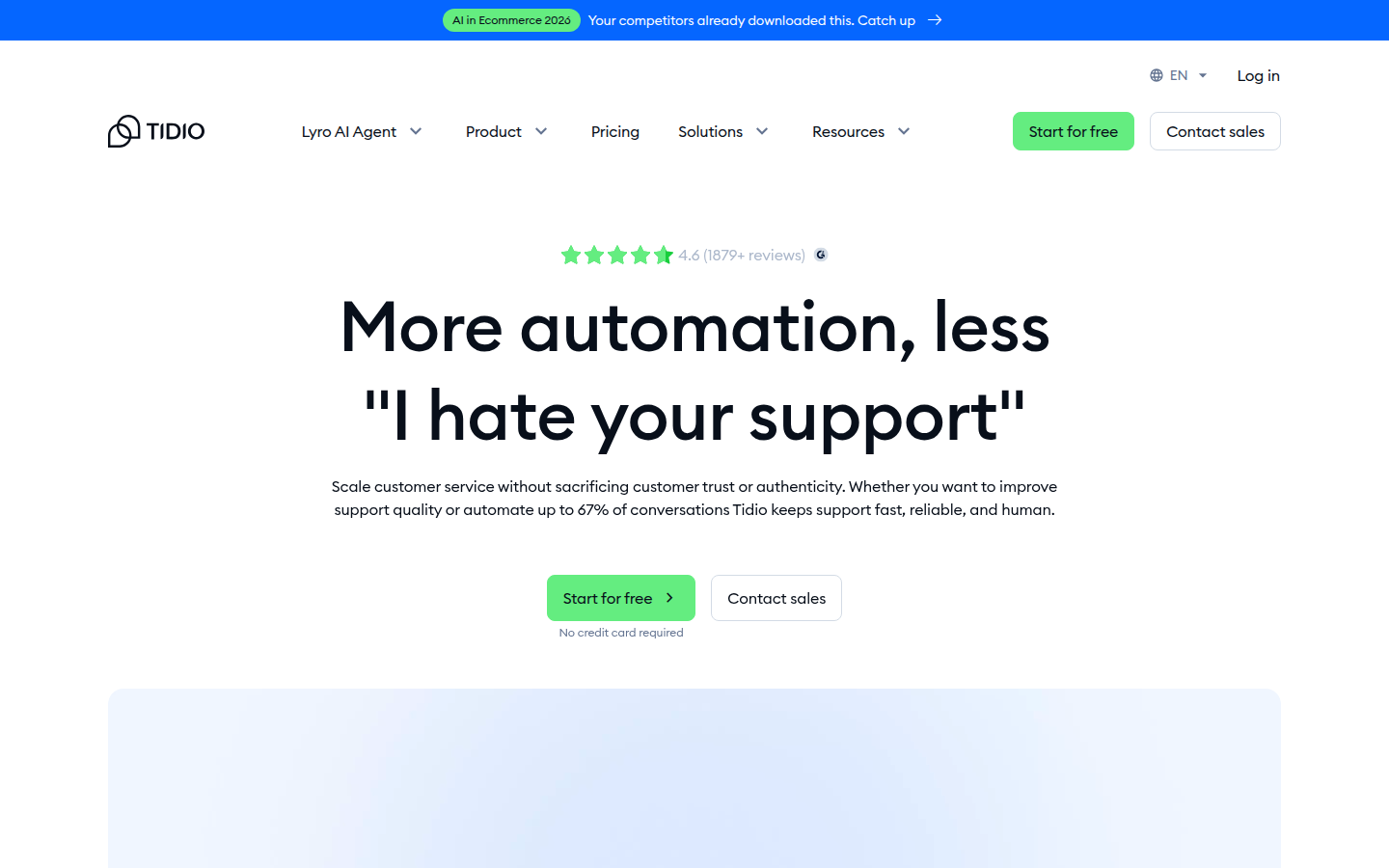
Tidio combines live chat, chatbot automation (they call them “Flows”), and an AI agent called Lyro into one platform. That sounds like marketing speak, but in practice it means you don’t need to duct-tape three different tools together.
My Setup Experience
Signup took about 2 minutes. I connected it to a test website by pasting a code snippet, and within 10 minutes I had Lyro trained on my FAQ content. The dashboard is clean and intuitive — I didn’t need to watch a tutorial video to figure out where things were.
The Flows builder (their visual chatbot builder) comes with pre-made templates for common scenarios like cart abandonment and lead capture. I was genuinely impressed by how quickly I could have a working automation running.
How the AI Actually Performs
Lyro handled 10 out of my 15 test questions correctly on the first try. It was particularly good at pulling the right FAQ answer even when I phrased questions in unusual ways. When it didn’t know something, it acknowledged that and offered to connect me with a human — which is exactly what you want.
The one area where it struggled was multi-step requests. When I said “I want to return my order and use the refund to buy something else,” it handled the return part but didn’t follow through on the second request.
Pricing Reality Check
- Free plan: Yes, but limited to 50 Lyro conversations
- Starter: $24.17/mo (billed annually) — 100 live chats + 50 Lyro conversations
- Lyro AI standalone: Starts at $32.50/mo for 50 AI conversations
The free plan is genuinely useful for testing. But for real use, expect to pay $50–150/mo for the combination of live chat + AI. That said, for what you get, it’s solid value.
Who should use Tidio: Small to mid-size businesses, especially ecommerce stores on Shopify or WordPress, that want live chat + AI chatbot + help desk in one tool without enterprise pricing.
2. ChatBot by Text — Best for Quick, No-Fuss Setup
My verdict: If you literally just want an AI chatbot on your website in 15 minutes, this is it.
My Setup Experience
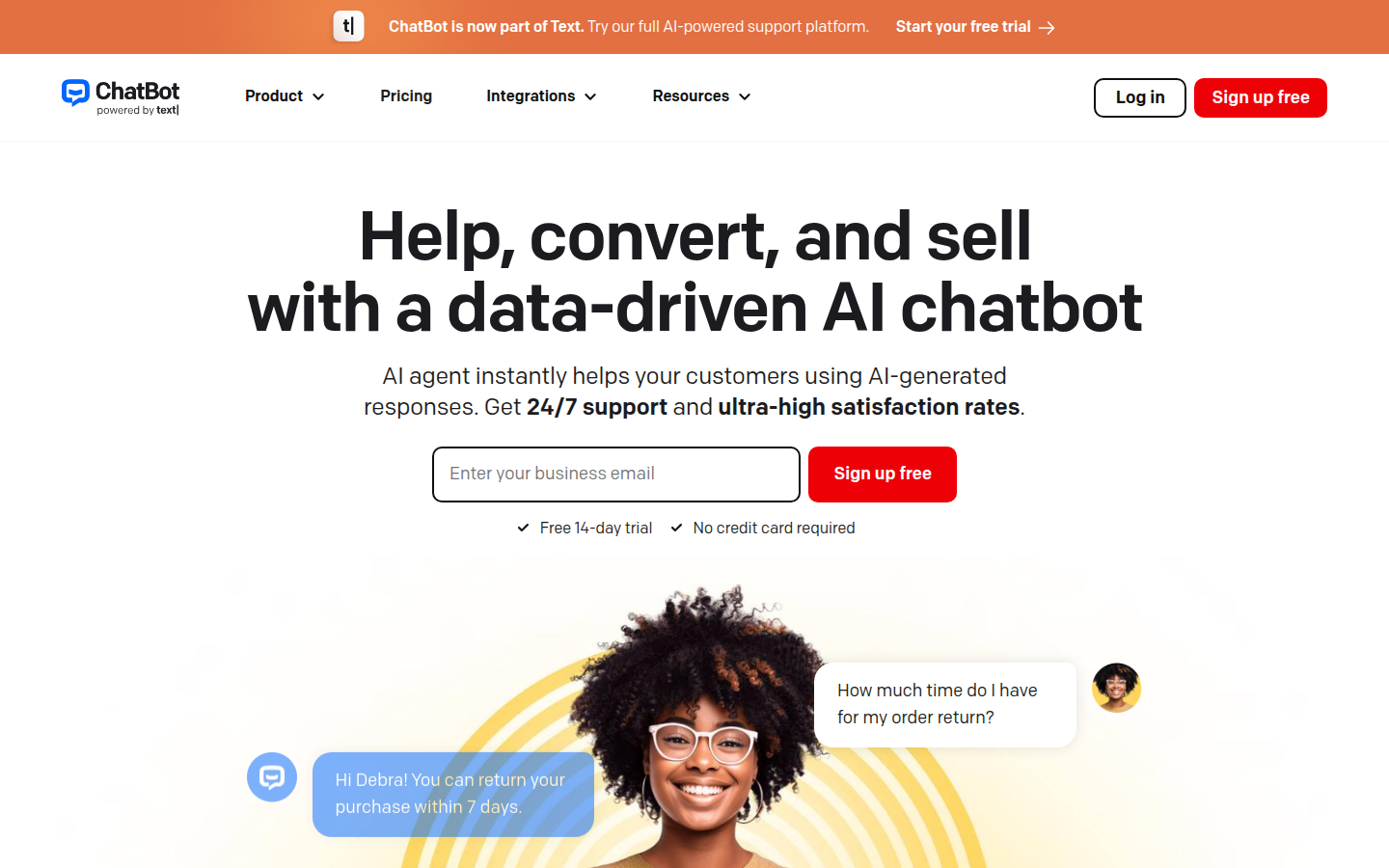
This was the fastest setup of all 12 tools I tested. I pasted my website URL, the AI crawled it and built a knowledge base automatically, and I had a working chatbot in under 15 minutes. No manual FAQ entry, no complicated training process.
The visual flow builder is also excellent for creating custom conversation paths. Drag-and-drop, very intuitive. I built a lead qualification flow in about 20 minutes.
How the AI Actually Performs
The AI agent was surprisingly good at natural conversation. It answered 9 out of 15 test questions correctly and felt less “robotic” than many competitors. It’s particularly strong at product recommendations.
Where it fell short: complex multi-turn conversations. It sometimes “forgot” context from earlier in the chat.
Pricing Reality Check
- Essential: $19/user/mo (annual) — AI chatbot, live chat, shared inbox, ticketing
- Growth: $79/mo — adds 200 AI agent resolutions, unlimited chat history, advanced reporting
- Enterprise: Custom pricing
- 14-day free trial, no credit card required
Who should use ChatBot by Text: Businesses that want a standalone AI chatbot without committing to a full customer service platform. Great for lead generation and basic support automation.
3. Chatbase — Best for Building a Custom AI Chatbot
My verdict: The “power user” option. If you want granular control over your AI chatbot’s behavior, Chatbase delivers.
My Setup Experience
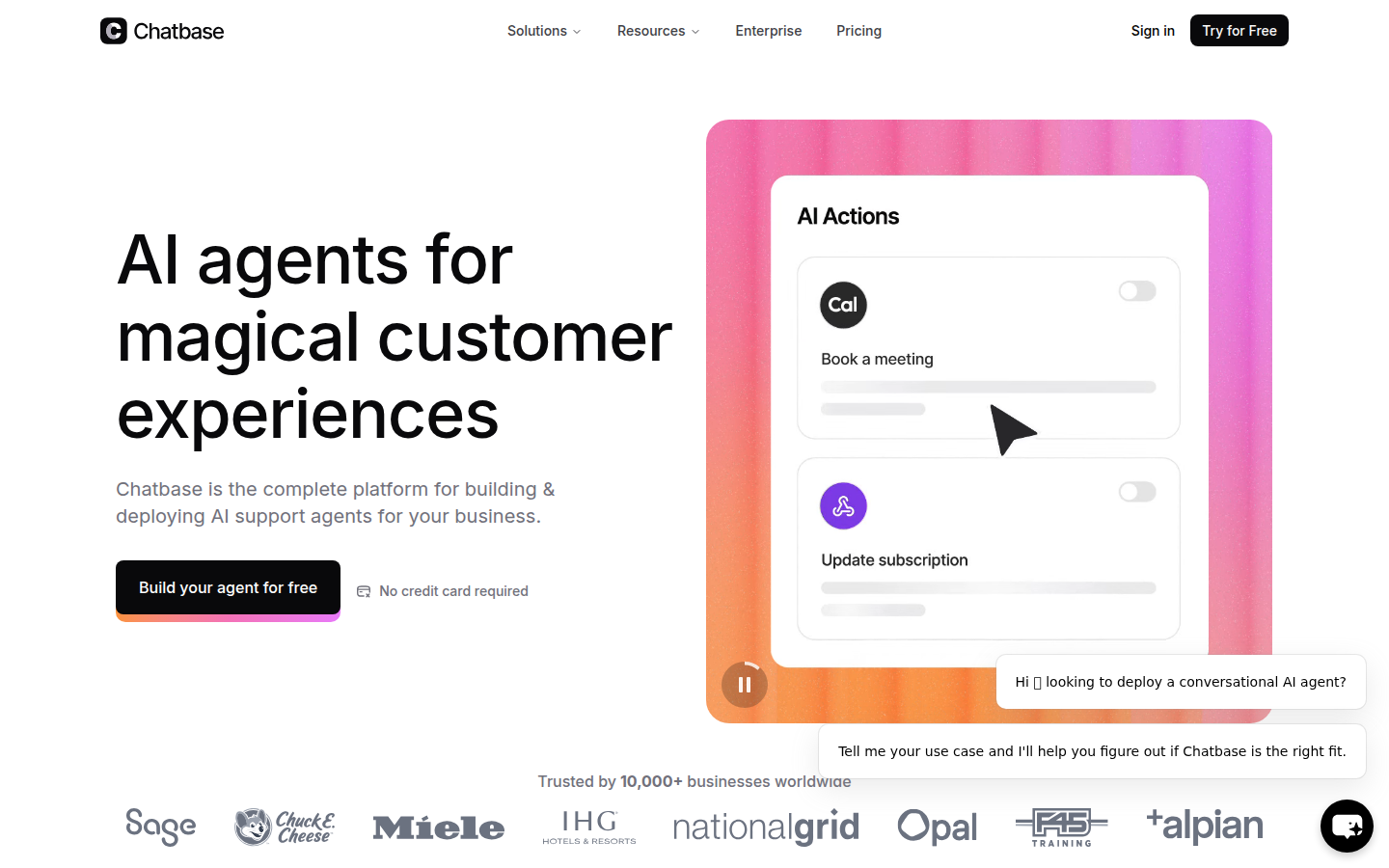
Setup was straightforward but required more hands-on work than Tidio or ChatBot. I uploaded my FAQ document, added my test website URL, and had a working bot in about 25 minutes. The real time investment is in fine-tuning — adjusting the AI’s personality, setting up custom instructions, and testing edge cases.
How the AI Actually Performs
This is where Chatbase shines. Because you’re essentially building a RAG (Retrieval Augmented Generation) system, the answers are highly accurate to your specific content. It scored 11 out of 15 on my test questions — the highest of any tool I tested.
The catch? There’s no built-in human escalation. If the AI can’t answer, the conversation just… ends. For a customer service use case, that’s a real problem.
Pricing Reality Check
- Free: 50 messages/month, 1 chatbot
- Hobby: $40/mo — 2,000 message credits, 2 chatbots
- Standard: $100/mo — 10,000 credits, 5 chatbots
- Pro: $400/mo — 40,000 credits, 10 chatbots
Who should use Chatbase: Tech-savvy business owners who want maximum control over their AI chatbot. Best for knowledge base / FAQ automation.
4. Freshdesk + Freddy AI — Best for Growing Support Teams
My verdict: If you’re outgrowing email-based support and need a proper help desk with AI, Freshdesk is the smart upgrade path.
My Setup Experience
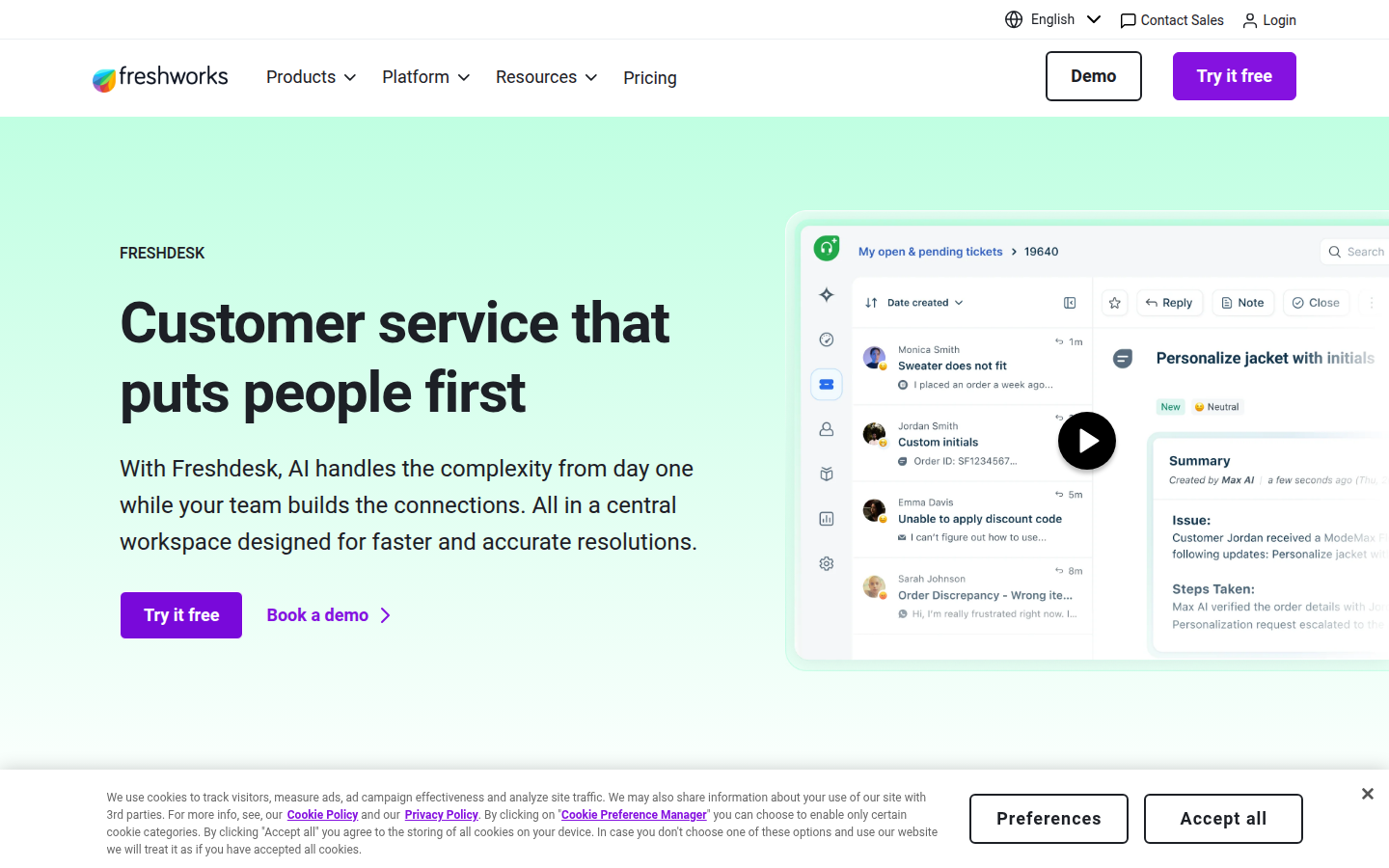
Setup takes longer here — about 45 minutes to an hour to get fully configured. That’s because you’re setting up a help desk, not just a chatbot. You need to configure ticket routing, set up your knowledge base, customize the widget, etc.
How the AI Actually Performs
Freddy is better as an agent assistant than a customer-facing bot. The auto-triage feature (automatically categorizing and routing tickets) worked impressively well. The suggested responses for agents saved real time during my testing.
The customer-facing bot? Average. It handled about 7 out of 15 test questions well.
Pricing Reality Check
- Free: Up to 2 agents (very limited)
- Growth: $15/agent/mo (annual)
- Pro: $49/agent/mo
- Enterprise: $79/agent/mo
Who should use Freshdesk: Businesses with 2–20 support agents that need a proper help desk system. See also: Best AI SDR Software for sales outbound. Great if you want AI to assist your team rather than replace it.
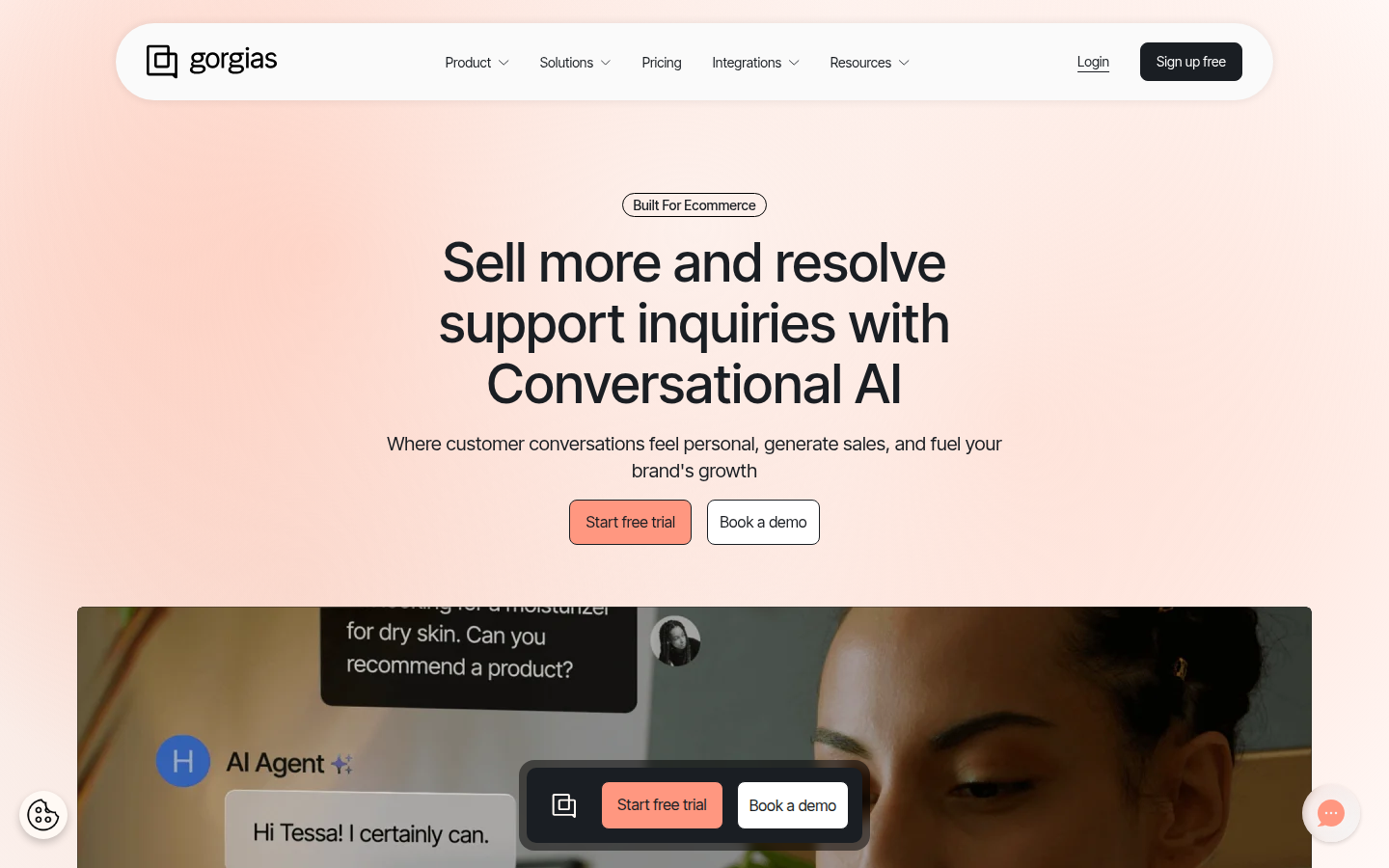
5. Gorgias — Best for Ecommerce (Shopify Stores)
My verdict: If you run a Shopify store, Gorgias is purpose-built for you. The Shopify integration is genuinely deep, not just a data sync.
My Setup Experience
If you’re on Shopify, setup is smooth. Connect your store, and Gorgias automatically pulls in your product catalog, order data, and customer information. The AI agent can immediately start answering “where’s my order” questions with actual tracking information.
How the AI Actually Performs
For ecommerce-specific queries, Gorgias AI is excellent. It correctly handled all 5 order-related questions in my test. The “agentic logic” feature is impressive — when I asked to “return this shirt and buy a different one,” it actually broke the request into steps and handled them sequentially.
Pricing Reality Check
- Starter: $10/mo — 3 seats, 50 tickets
- Basic: $60/mo — unlimited seats, 300 tickets
- Pro: $360/mo — 2,000 tickets
- Advanced: $900/mo — 5,000 tickets
Who should use Gorgias: Shopify store owners with 30+ support tickets per day. The deep ecommerce integration is genuinely useful, not just a gimmick.
🔔 Stay ahead of the AI curve
Frankie drops honest AI tool reviews every week. No spam, no sponsored garbage — just tools that actually work.
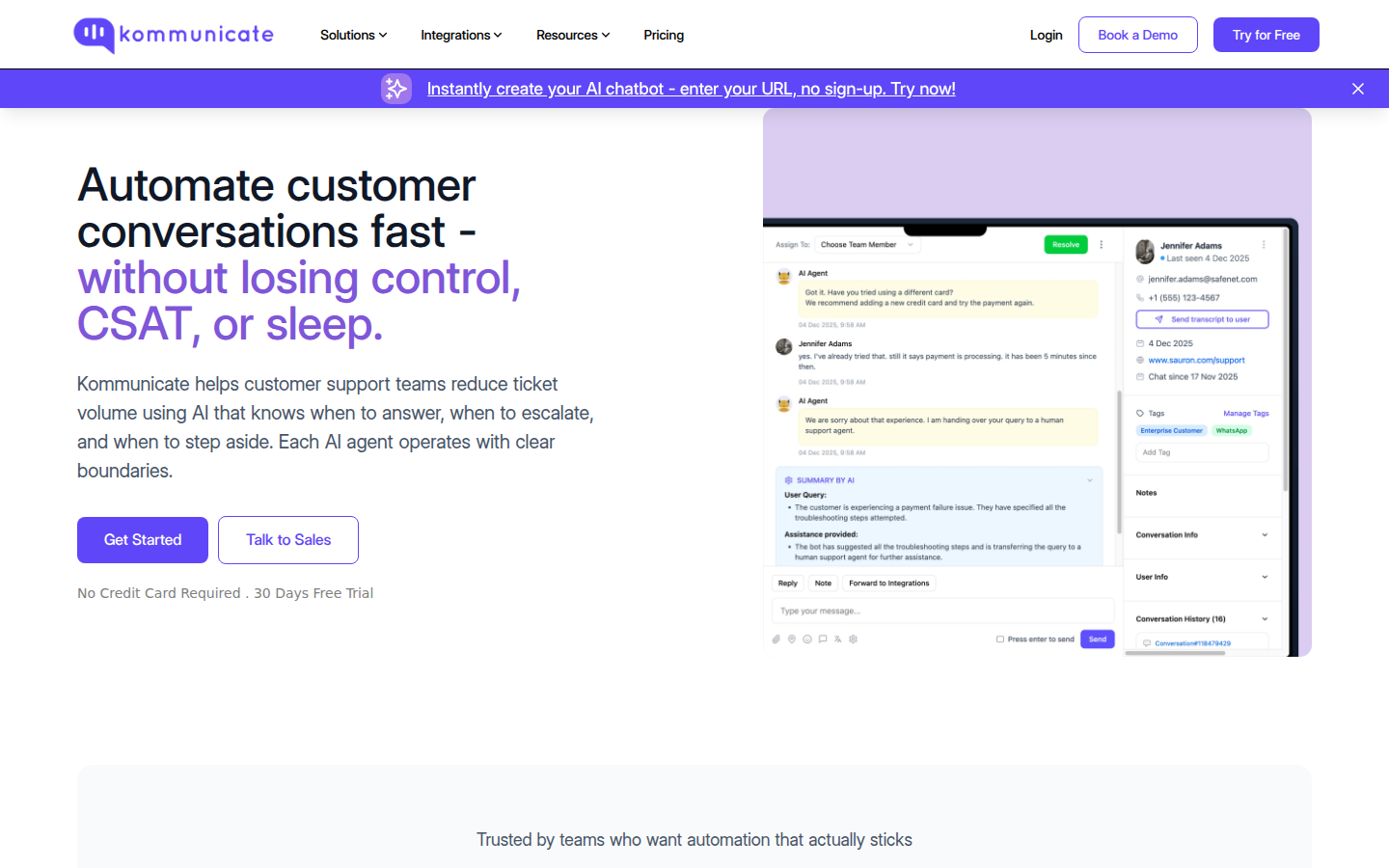
6. Kommunicate — Best Budget-Friendly AI Agent
My verdict: Underrated tool that punches above its weight. Great for businesses that want AI customer service without breaking the bank.
My Setup Experience
I had a working AI chatbot in about 20 minutes. The interface is straightforward — upload your help center content or website URL, customize the chatbot widget, and deploy. No coding required.
How the AI Actually Performs
Solid, not spectacular. It correctly handled 8 out of 15 test questions. The AI was good at FAQ-style questions but stumbled on nuanced or multi-part requests.
Pricing Reality Check
- Lite: $40/mo for 2 agents
- Advanced: $80/mo for 5 agents
- Enterprise: Custom
Who should use Kommunicate: Budget-conscious businesses that want AI + live chat + ticketing without the enterprise price tag.
7. Intercom Fin — Best Premium AI Agent
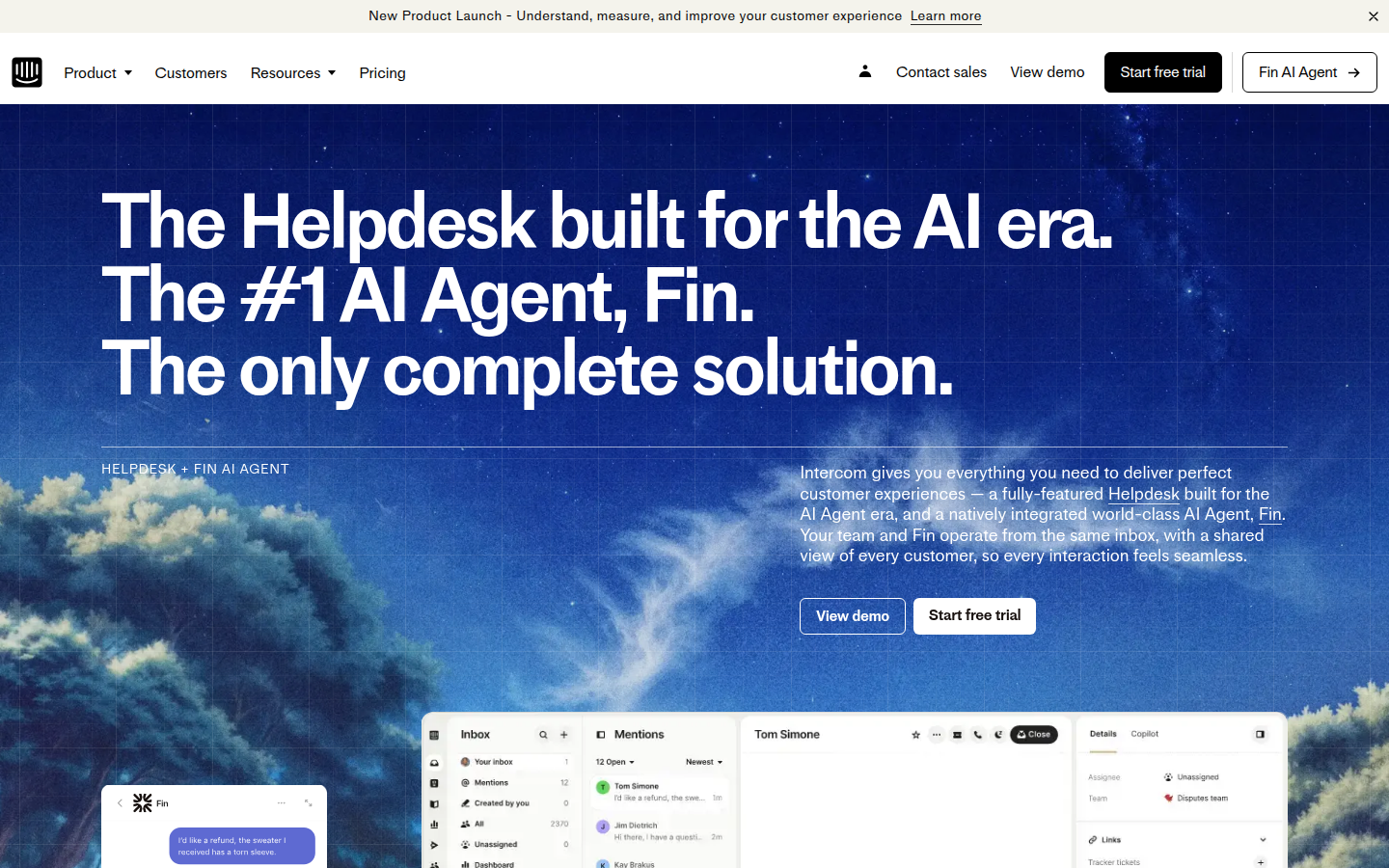
My verdict: The most capable AI agent I tested, but you’ll pay premium prices for it.
My Setup Experience
Intercom requires more onboarding time than the simpler tools. Plan for at least 1–2 hours to get properly set up. The platform is powerful but there’s a learning curve. The upside is that once configured, Fin is remarkably capable.
How the AI Actually Performs
Fin scored 11 out of 15 on my test questions — tied with Chatbase for the highest accuracy. But what sets it apart is conversation quality. The responses felt natural, and it handled context switching better than any other tool I tested.
The “Procedures” feature is a game-changer for businesses that need the AI to actually do things, not just answer questions.
Pricing Reality Check
- Essential: $29/seat/mo
- Advanced: $85/seat/mo
- Expert: $132/seat/mo
- Fin AI Agent: $0.99 per resolution (adds up fast)
Who should use Intercom Fin: Mid-market to enterprise companies with complex support needs and the budget to match. Not recommended for small businesses due to cost.
8. Zendesk AI — Best for Established Support Teams
My verdict: If your team already lives in Zendesk, adding their AI features makes total sense. Starting from scratch? Look elsewhere.
My Setup Experience
Adding AI features to an existing Zendesk account is straightforward. Setting up from scratch? That’s a 2+ hour commitment before you even touch the AI features.
How the AI Actually Performs
Smart Triage (automatically categorizing and routing tickets) is genuinely useful. The customer-facing Answer Bot is more basic — it correctly answered 7 out of 15 test questions.
Pricing Reality Check
- Suite Team: $55/agent/mo
- Suite Growth: $89/agent/mo
- Suite Professional: $115/agent/mo
Who should use Zendesk AI: Companies already using Zendesk who want to add AI capabilities. Not cost-effective as a new deployment for small businesses.
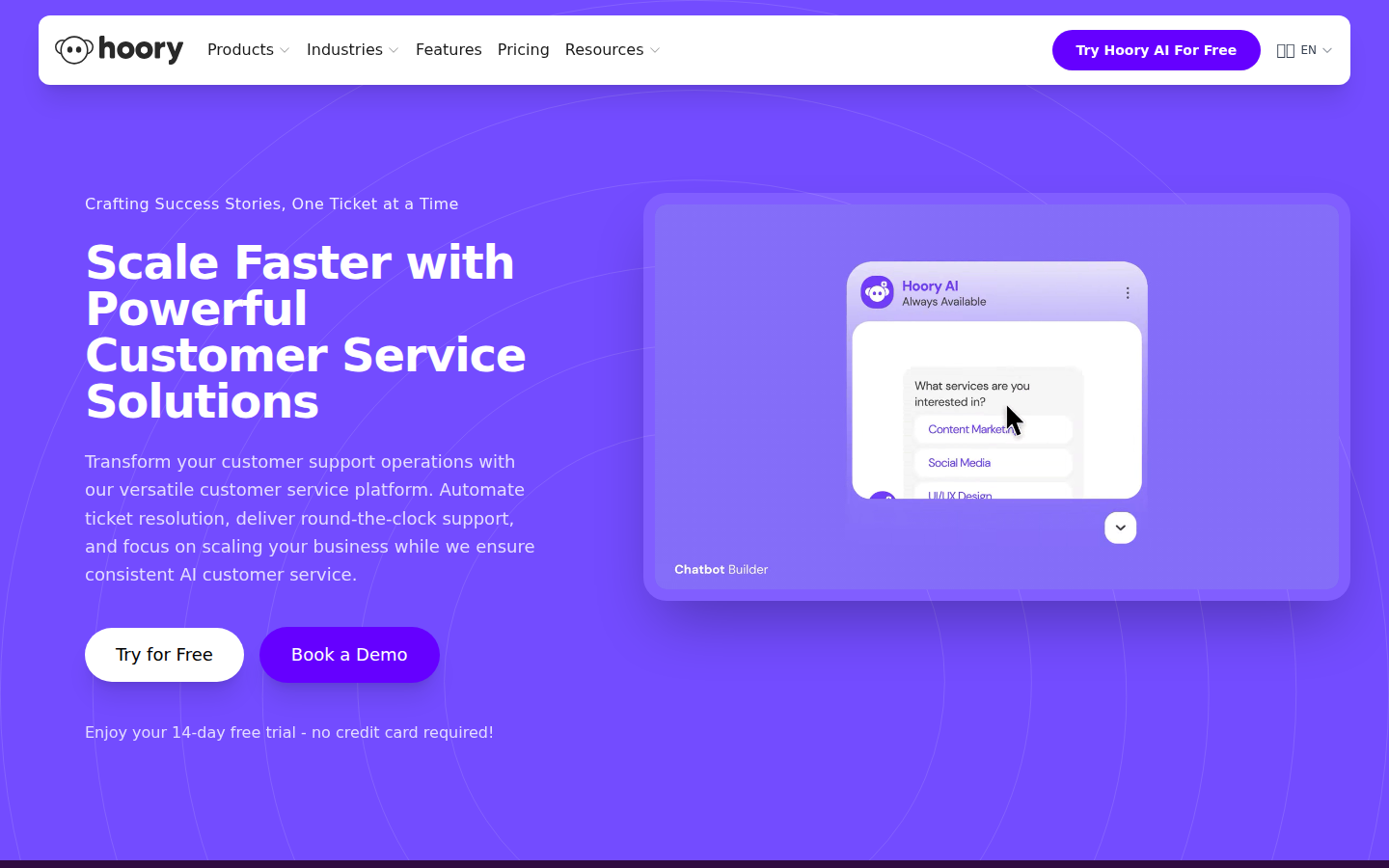
9. Hoory AI — Best for Multilingual Support
My verdict: If you serve customers in multiple languages, Hoory’s 120+ language support is hard to beat at this price point.
My Setup Experience
Setup was straightforward — about 25 minutes from signup to working chatbot. The interface is clean and modern.
How the AI Actually Performs
I tested it primarily in English where it scored 8 out of 15. The real differentiator is multilingual performance — I tested it in Chinese and French, and the responses were remarkably natural in both languages.
Pricing Reality Check
- 14-day free trial, no credit card required
- Paid plans start at a very competitive price point
Who should use Hoory AI: Businesses serving international customers in multiple languages. Particularly good for ecommerce stores selling globally.
10. FastBots.ai — Best for Non-Technical Users
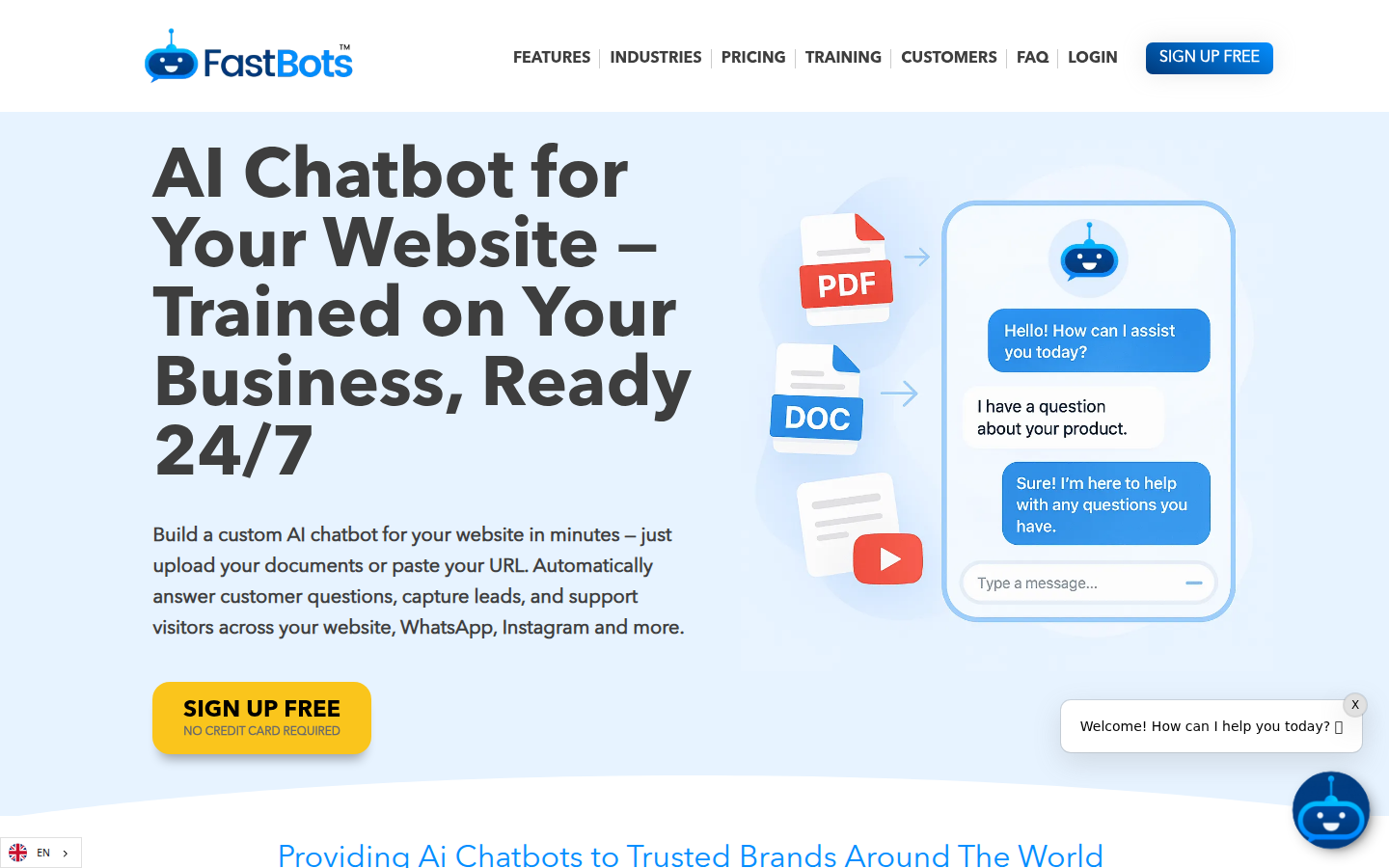
My verdict: The simplest “paste your website URL and get a chatbot” experience I tested.
My Setup Experience
This was genuinely a 10-minute setup. I entered my website URL, picked a chatbot style, and it was live. The AI automatically crawled my site and created a knowledge base.
How the AI Actually Performs
Decent for basic FAQ automation — it correctly handled 7 out of 15 test questions. Accuracy is directly tied to how good your existing content is. Garbage in, garbage out.
Pricing Reality Check
- Free: Limited usage
- Starter: $29/mo
- Standard: $49/mo
- Pro: $99/mo
Who should use FastBots.ai: Solo business owners or small teams who want an AI chatbot up and running as fast as possible with zero technical knowledge required.
11. Collect.chat — Best for Lead Generation Chatbots
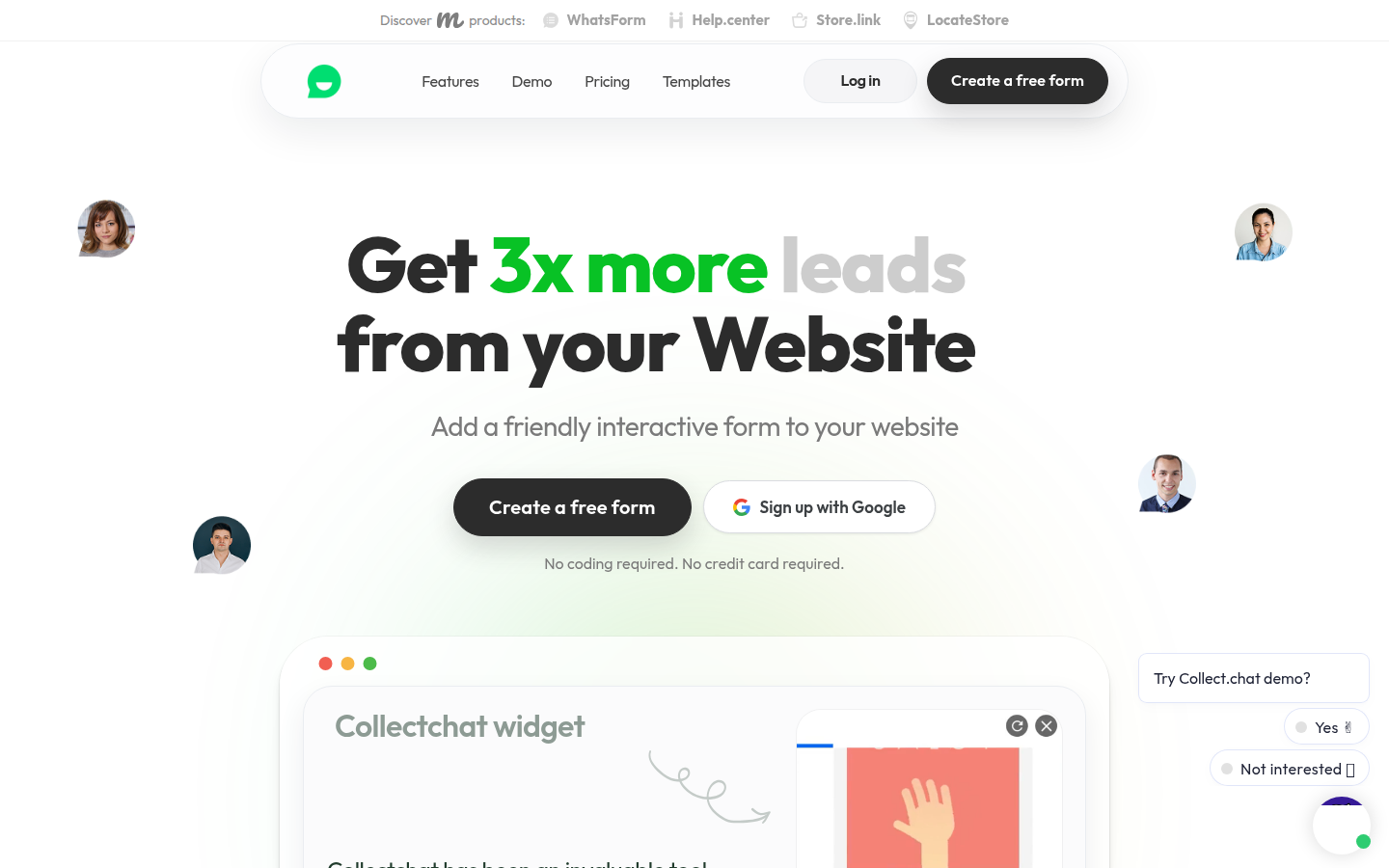
My verdict: Not really an “AI” chatbot — it’s a conversational form builder. But for lead generation, it works brilliantly.
My Setup Experience
Five minutes to a working chatbot. Seriously. Pick a template, customize the questions, embed on your site.
How It Works
It doesn’t have AI — and that’s actually a feature, not a bug. Every response is deterministic. For lead qualification, appointment booking, and feedback collection, this predictability is valuable.
Pricing Reality Check
- Free: 50 responses/mo
- Lite: $24/mo — 500 responses
- Standard: $49/mo — 2,500 responses
- Plus: $99/mo — 5,000 responses
Who should use Collect.chat: Businesses that primarily need a chatbot for lead capture, surveys, or appointment booking — not for customer support Q&A.
12. YourGPT — Best for No-Code AI Agent Builder
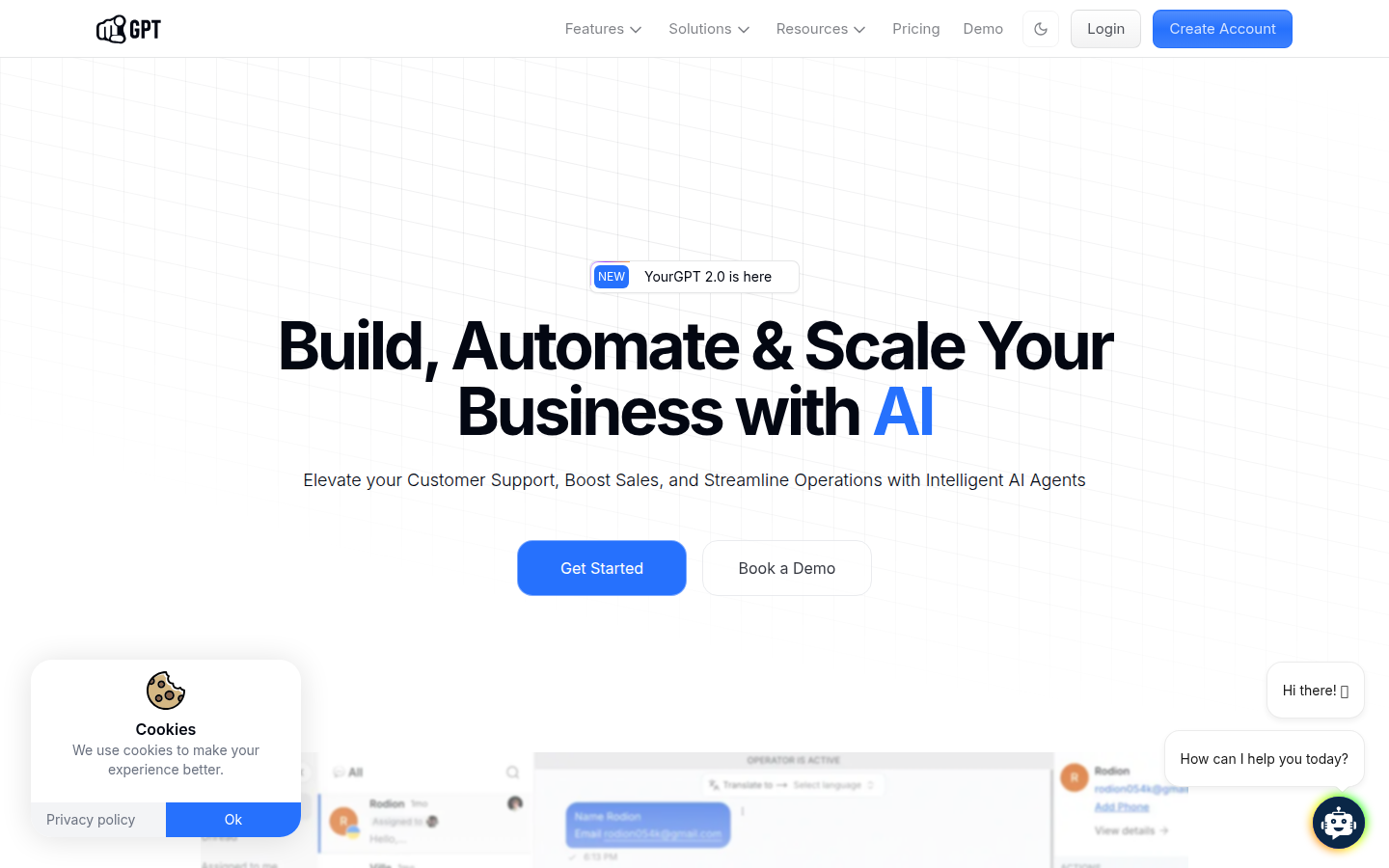
My verdict: Ambitious platform that lets you build custom AI agents with no coding. Good for businesses that want something tailored but can’t hire developers.
My Setup Experience
About 30 minutes to create a well-configured chatbot. The interface guides you through training, personality configuration, and deployment.
How the AI Actually Performs
Comparable to Chatbase — it scored 10 out of 15 on my test questions. The quality depends heavily on the data you feed it and how well you configure the prompts.
Pricing Reality Check
- Plans vary — check their current pricing page for the latest
- They offer different tiers based on message volume and features
Who should use YourGPT: Businesses that want a custom AI agent that goes beyond basic FAQ automation but don’t have the technical skills to build one from scratch.
Comparison Table: All 12 Tools at a Glance
| Tool | Starting Price | Free Plan? | AI Quality (my score) | Best Feature |
|---|---|---|---|---|
| Tidio | $24.17/mo | Yes (limited) | 10/15 | All-in-one platform |
| ChatBot by Text | $19/user/mo | 14-day trial | 9/15 | Fastest setup |
| Chatbase | $40/mo | Yes (50 msg) | 11/15 | Custom AI accuracy |
| Freshdesk | $15/agent/mo | Yes (2 agents) | 7/15 | Full help desk |
| Gorgias | $60/mo | No | 9/15 (ecom) | Shopify integration |
| Kommunicate | $40/mo | No | 8/15 | Budget-friendly |
| Intercom Fin | $29/seat + $0.99/res | No | 11/15 | Best AI quality |
| Zendesk AI | $55/agent/mo | No | 7/15 | Smart Triage |
| Hoory AI | Competitive | 14-day trial | 8/15 | 120+ languages |
| FastBots.ai | $29/mo | Yes (limited) | 7/15 | Simplest setup |
| Collect.chat | $24/mo | Yes (50 resp) | N/A (rule-based) | Lead generation |
| YourGPT | Varies | Check site | 10/15 | No-code AI builder |
How to Choose the Right AI Chatbot for Your Business
You’re a Shopify store owner with 30+ daily tickets?
→ Go with Gorgias. The Shopify integration is unmatched.
You want live chat + AI + help desk in one tool?
→ Tidio is the best value for money. Start with the free plan.
You just need a smart chatbot on your website ASAP?
→ ChatBot by Text or FastBots.ai — both are up and running in under 15 minutes.
You want maximum AI accuracy and don’t mind tinkering?
→ Chatbase gives you the most control over your AI’s behavior.
You have a growing team and need a proper help desk?
→ Freshdesk is the best balance of features, AI, and price for teams of 3–15.
You serve customers in many languages?
→ Hoory AI supports 120+ languages out of the box.
Budget is your #1 concern?
→ Kommunicate offers the best features-per-dollar ratio.
You need the most advanced AI and budget isn’t an issue?
→ Intercom Fin is the most capable AI agent I tested.
What I Learned from Testing 12 AI Chatbots
1. Setup time matters more than you think. The tools that took 10–20 minutes to deploy got me actually using them. The ones that took 1–2 hours made me want to “come back to it later.”
2. AI accuracy varies dramatically. The gap between the best (Chatbase, Intercom Fin at 11/15) and the weakest performers (7/15) is significant.
3. Human handoff is non-negotiable. Any AI chatbot that doesn’t have a smooth path to a human agent is incomplete.
4. “Per resolution” pricing can be a trap. It sounds fair — pay only for what you use. But at $0.99 per resolution, costs can spiral quickly. Flat monthly pricing is more predictable for budgeting.
🔔 Don’t miss the next review
Frankie tests AI tools so you don’t waste money on hype. Get weekly picks — no spam, no affiliate garbage, just honest reviews.
FAQ
Are AI chatbots worth it for small businesses?
Yes, but only if you set expectations correctly. An AI chatbot in 2026 can realistically handle 40–70% of routine customer queries. It won’t replace your support team, but it will free them up to handle the complex stuff that actually needs a human touch.
How much does an AI customer service chatbot cost?
For small businesses, expect to pay $20–150/month for a capable AI chatbot. The cheapest options (Chatbase free, ChatBot Essential at $19/mo) are genuinely usable. The most expensive tools (Intercom, Zendesk) can easily exceed $300/mo for a small team.
Can I use AI chatbots without technical skills?
Absolutely. Every tool on this list is designed for non-technical users. If you can navigate a website builder like WordPress or Shopify, you can set up any of these chatbots.
Do AI chatbots actually reduce support costs?
Based on industry data, businesses typically see a 30–60% reduction in ticket volume after deploying AI chatbots. The ROI depends entirely on your setup quality — a poorly configured chatbot can actually increase costs by frustrating customers into calling your support line.
Have you tried any of these tools? I’d love to hear about your experience in the comments below.