
Best AI Education Tools 2026: Khanmigo vs Quizlet AI vs Duolingo Max (Can AI Replace Tutors?)
Last updated: March 2026 — March 2026: Initial publication with hands-on testing of 7 AI education tools including Khanmigo, Duolingo Max, and Quizlet AI. | By Frankie
Short answer: Khanmigo is the best overall AI education tool in 2026. At $4/month, it delivers genuinely Socratic tutoring across math, writing, and coding without just handing kids the answer. For language learning, Duolingo Max is unmatched — the AI roleplay conversations with Lily are legitimately fun. For college and exam prep, Scholarly turns your notes into flashcards and practice tests faster than any human study buddy could.
Now here’s the thing — I spent six weeks pretending to be a student again. I fed the same algebra problems to seven different AI tutors. I had Duolingo’s AI character Lily judge my terrible French. I uploaded 200 pages of biology notes to every study tool I could find. And I came away with one big conclusion: AI can’t replace a great human tutor, but it can absolutely replace a mediocre one. And for $4-30/month instead of $60+/hour? The math isn’t even close.
Let me walk you through exactly what I found.
📑 Table of Contents
Quick Verdict: Best AI Education Tool by Use Case (2026)
| Use Case | Best Pick | Why |
|---|---|---|
| Best overall AI tutor | Khanmigo | $4/mo, Socratic method, math + writing + coding, won’t give answers |
| Best for language learning | Duolingo Max | AI roleplay + video calls with Lily, GPT-4 powered, 7 languages |
| Best for exam prep & study | Scholarly | Turns notes/PDFs into flashcards + quizzes in 30 seconds, free tier |
| Best for math homework | Photomath | Point camera at any equation, get step-by-step solutions instantly |
| Best for young kids (K-5 math) | Synthesis | Gamified AI math tutor, adapts in real-time, ages 5-11 |
| Best free option | Quizlet | Free flashcards + AI-powered Magic Notes, huge community library |
| Best for quick homework help | Socratic by Google | Free, snap a photo, get explanations — merged into Google Lens |
📖 Related reviews: Best AI Chatbots 2026
🔔 Stay ahead of the AI curve
Frankie drops honest AI tool reviews every week. No spam, no sponsored garbage — just tools that actually work.
How I Tested These AI Education Tools
I didn’t just read the marketing pages and write a listicle. Here’s my actual testing approach over six weeks:
- Same problems, every platform — I fed identical algebra, geometry, and calculus problems to each AI tutor and compared the quality of explanations, not just whether they got the right answer
- The “confused student” test — I deliberately gave wrong answers and asked confused follow-up questions to see if the AI could adapt and re-explain concepts differently
- Cheating resistance — I tried to get each tool to just give me the answer without explaining anything. A good AI tutor should resist this. Some failed spectacularly
- Content accuracy audit — I checked 50+ explanations against textbook answers. AI hallucinations in education are genuinely dangerous — getting math wrong teaches the wrong thing
- Study tool stress test — uploaded 200 pages of biology notes, a 45-minute lecture recording, and a dense chemistry PDF to every study platform to see how well they extracted and organized content
- Real pricing math — calculated what you actually pay over a school year, including all the upsells and premium features they don’t mention on the landing page
Let’s get into the reviews.
The 7 Best AI Education Tools: Full Reviews
1. Khanmigo — Best Overall AI Tutor
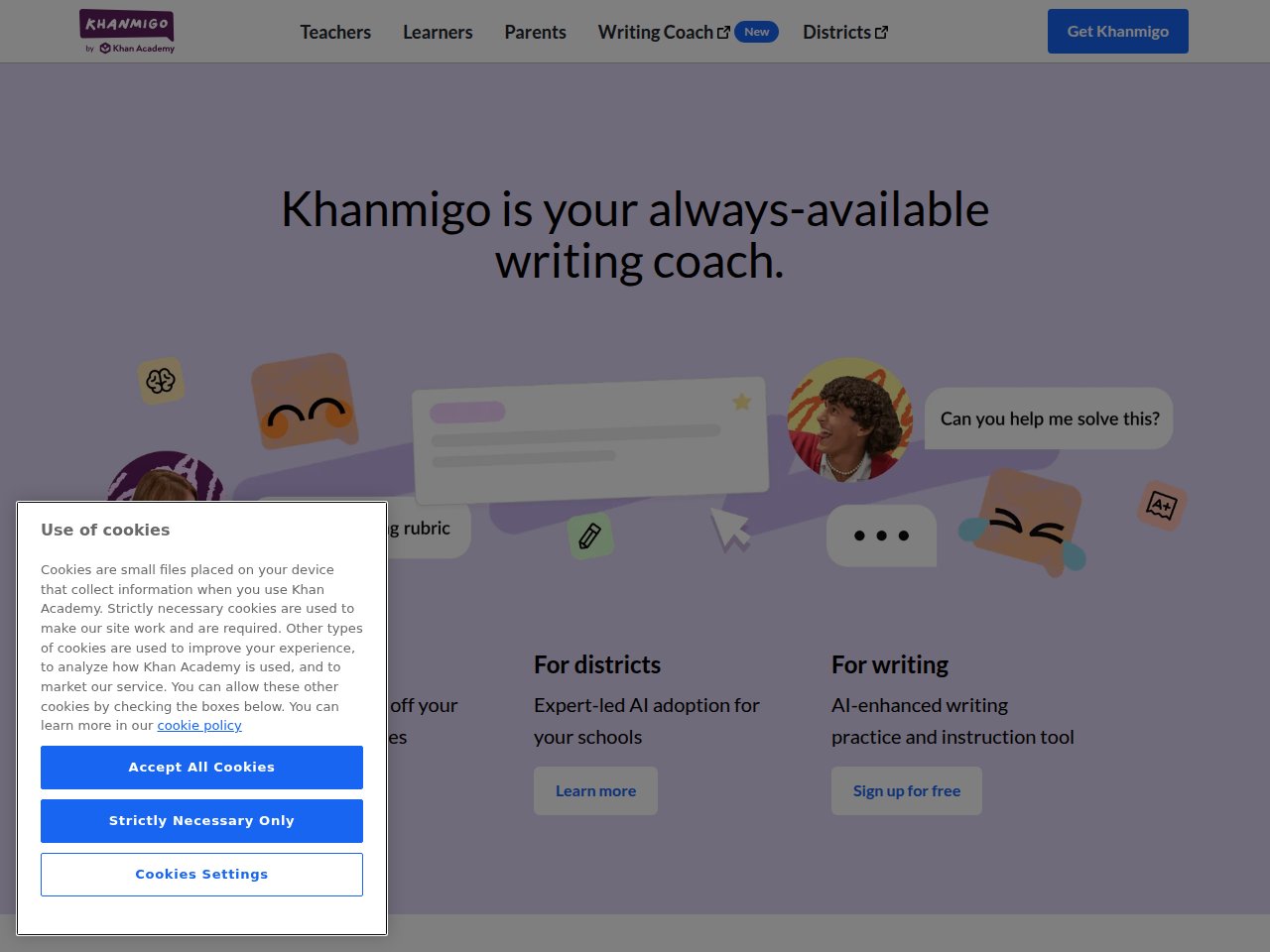
One-line verdict: The closest thing to having a patient, endlessly available human tutor — and it costs less than a single coffee.
Khanmigo is Khan Academy’s GPT-4 powered AI tutor, and it represents everything right about AI in education. The core philosophy is deceptively simple: Khanmigo will not give your kid the answer. Instead, it asks guiding questions, offers hints, and uses the Socratic method to help students figure things out themselves. This sounds basic until you realize that every other AI tool on this list (including ChatGPT) will happily just spit out the solution if you ask nicely enough.
I tested Khanmigo extensively with algebra and writing prompts. When I typed “solve 3x + 7 = 22,” it didn’t just show me x = 5. It asked: “Great question! What do you think the first step should be? What operation could help us isolate x?” When I deliberately gave a wrong answer (“subtract 7 from both sides… so 3x = 14?”), it caught the error gently: “Hmm, let’s double-check that subtraction. What’s 22 minus 7?” That kind of patient, adaptive teaching is exactly what makes a good tutor — human or AI.
What blew me away:
- Genuinely Socratic — it refused to give me answers even when I asked directly 20+ times. That discipline is rare in AI tools
- Math integration is deep — it connects directly to Khan Academy’s curriculum from elementary arithmetic through AP Calculus, with context-aware explanations
- Writing feedback is excellent — it helps brainstorm essay ideas, gives specific feedback on drafts without rewriting them, and explains grammar in context
- Coding tutoring — reviews your code and makes suggestions while you learn JS, HTML, Python, and SQL
- 10 child accounts per parent subscription — one $4/month subscription covers an entire family
- Free for teachers — full access at zero cost, thanks to grants and partnerships
- Safety and privacy — Common Sense Media rated it high for transparency, safety, and privacy, outranking ChatGPT and Gemini for educational use
Pricing breakdown:
- Learners/Parents: $4/month or $44/year
- Teachers: Free (full access)
- Districts: Custom pricing with admin dashboards
- Up to 10 child accounts included per parent subscription
- School year cost: ~$44 total (vs. $2,400+ for a weekly human tutor at $60/hr)
What actually annoyed me:
Khanmigo is incredible for math and decent for writing, but its science coverage is noticeably thinner. Ask it about organic chemistry or advanced physics and the explanations get vague compared to the razor-sharp math tutoring. The interface is also firmly tied to Khan Academy’s ecosystem — you can’t bring your own textbook problems or curriculum. If your school uses a different math sequence than Khan Academy’s, you’re stuck adapting. And while the Socratic approach is pedagogically excellent, some students (especially older ones cramming for exams) genuinely just need the answer quickly, and Khanmigo’s insistence on guiding you through every step can feel frustratingly slow when you’re studying at midnight before a test.
Frankie’s Verdict: Khanmigo is my #1 pick for 2026. At $4/month for up to 10 kids, the value is absurd. It’s not flashy, it’s not trying to gamify everything, and it won’t do your homework for you — which is exactly what makes it a good tutor. If your kid needs help with math or writing, start here before you spend $60/hour on a human tutor. You might not need one.
2. Duolingo Max — Best for Language Learning
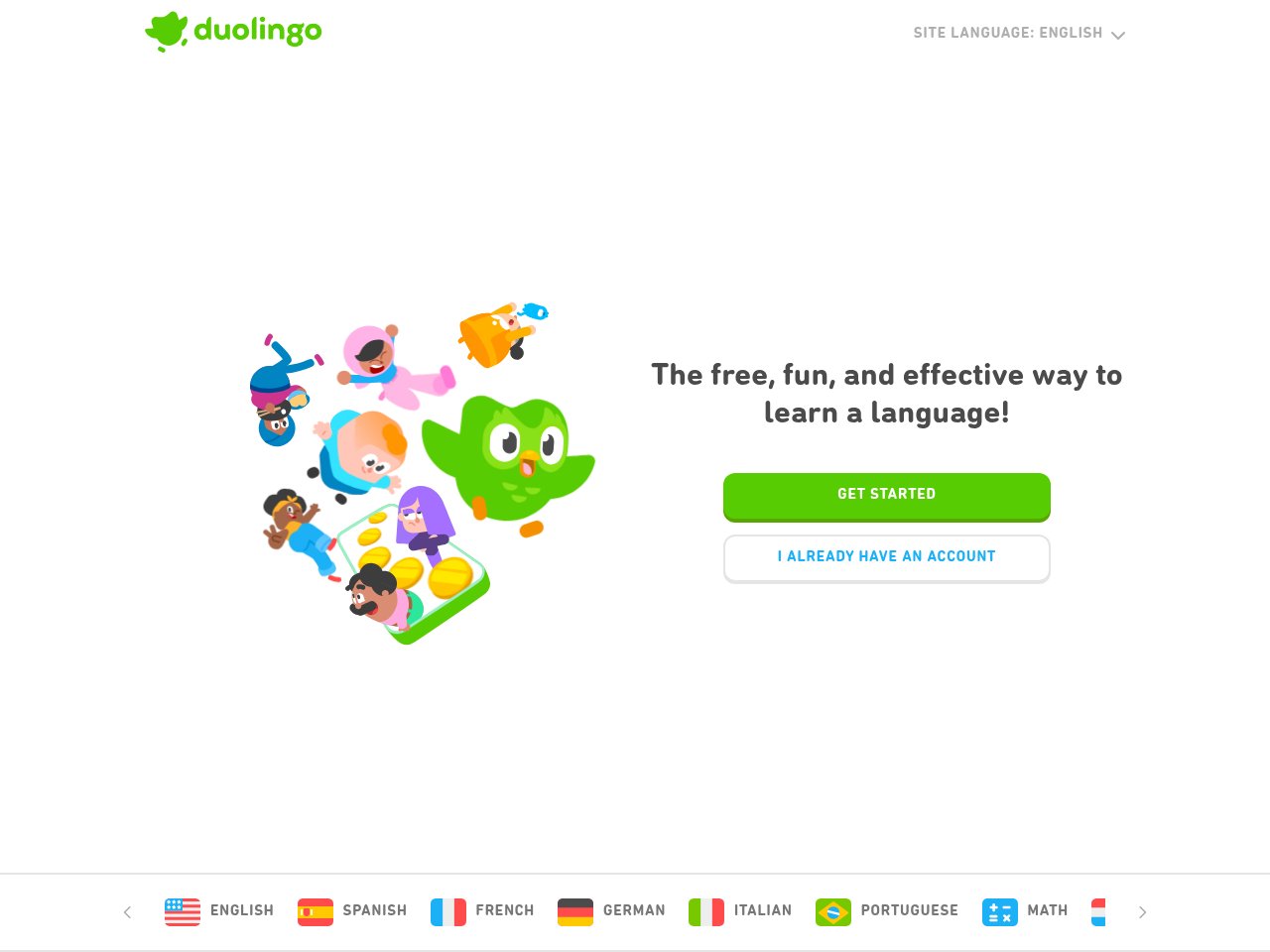
One-line verdict: The AI features that finally make Duolingo useful beyond beginner level. Video calls with an AI character are genuinely wild.
Duolingo Max takes everything you know about Duolingo — the gamification, the streak anxiety, the passive-aggressive owl — and adds GPT-4 powered AI features that transform it from a vocabulary app into something approaching a conversation partner.
The star feature is Video Call. You hop on a simulated video chat with Lily (Duolingo’s cynical teenage character), and she talks to you in your target language. She reacts to your voice in real-time, corrects your grammar on the fly, and adjusts the conversation to your level. I tested this with my terrible French, and it was genuinely the most engaging language practice I’ve done with any app. Lily roasted my pronunciation, which was both humiliating and motivating.
The Roleplay feature lets you practice real-world scenarios — ordering coffee, booking a hotel, arguing with a landlord (kidding, but that would be useful). The AI gives feedback on accuracy and complexity, plus tips for improvement after each session.
What blew me away:
- Video Call with Lily — a real-time AI conversation partner that reacts to your voice, corrects grammar, and adapts to your level. This is genuinely new and fun
- Roleplay scenarios — practice ordering food, asking directions, and other real situations with AI-powered feedback on accuracy and complexity
- “Explain My Answer” is now free for everyone — as of January 2026, you don’t need Max for this feature anymore
- The gamification actually works — streaks, hearts, leaderboards. Say what you want about it, but it keeps people coming back. 500+ million users can’t all be wrong
- 7 languages supported for Max — Spanish, French, German, Italian, Portuguese, Japanese, and Korean (for English speakers)
Pricing breakdown:
- Free: Basic lessons with ads and hearts (limited mistakes)
- Super Duolingo: $7/month (no ads, unlimited hearts, progress tracking)
- Duolingo Max: $29.99/month or $168/year (AI features: Video Call + Roleplay)
- Family plans available for up to 6 members
- School year cost: $168/year for Max (vs. $3,000+ for a weekly language tutor)
What actually annoyed me:
Let’s be real: $168/year is steep for Duolingo when the free version is already quite good for beginners. The AI features are impressive, but they’re really only useful for intermediate+ learners who need conversation practice. If you’re still learning basic vocabulary, the free tier or Super ($7/mo) is more than enough. The Max pricing also feels like it’s testing how much the market will bear — the actual cost of the GPT-4 API calls per user is probably pennies per session. Also, Max is only available in 7 languages. If you’re learning Mandarin, Arabic, Hindi, or any of the other 30+ languages Duolingo offers, you’re out of luck. The Video Call feature, while impressive, can also be glitchy — I had Lily freeze mid-sentence twice during my testing, requiring a restart.
Frankie’s Verdict: If you’re an intermediate language learner and you’ve hit the wall where traditional Duolingo lessons feel too easy but real conversations feel too hard, Max is absolutely worth the upgrade. The Video Call and Roleplay features fill a genuine gap. But if you’re a beginner or on a budget, the free tier plus watching Netflix in your target language will get you surprisingly far.
3. Quizlet AI — Best Free Study Platform

One-line verdict: The study platform your classmates are already using, now with AI that turns your messy notes into flashcards instantly.
Quizlet has been the default flashcard app for students for over a decade, and for good reason — it has the largest community-created study set library on the internet. Chances are, whatever class you’re taking, someone has already made a Quizlet set for it. The AI additions in 2025-2026 make it genuinely smarter.
The headline AI feature is Magic Notes: upload your class notes (handwritten, typed, PDF, whatever) and the AI instantly converts them into flashcards, practice tests, and summaries. I uploaded a 30-page biology lecture PDF and had a complete flashcard deck with 47 cards in about 45 seconds. The quality was surprisingly good — it pulled out the key terms, definitions, and relationships correctly about 85% of the time. The other 15% needed minor edits, which is still way faster than making flashcards manually.
Important note: Q-Chat, Quizlet’s conversational AI tutor, was discontinued in June 2025. So if you’re looking for an AI chatbot tutor specifically, Quizlet is no longer the answer. But the remaining AI features — particularly Magic Notes and AI-generated practice tests — are still excellent.
What blew me away:
- Magic Notes — upload notes, get flashcards in 30-45 seconds. The time savings alone justify using Quizlet
- Massive community library — millions of user-created study sets across every subject imaginable. This is Quizlet’s killer moat
- Multiple study modes — flashcards, Learn mode (spaced repetition), Test mode (practice exams), Match (speed game). All free
- Cross-platform — web, iOS, Android, all synced. Study on your phone during your commute, review on your laptop at home
- Free tier is genuinely useful — you can study unlimited flashcard sets for free. The AI features are limited but the core product is free
Pricing breakdown:
- Free: Unlimited flashcard access, basic study modes, limited AI features
- Quizlet Plus: $35.99/year or $7.99/month (ad-free, unlimited AI features, offline access, custom images)
- School year cost: $36/year for Plus (one of the cheapest paid options in this list)
What actually annoyed me:
The discontinuation of Q-Chat is a real loss. It was a solid conversational AI tutor, and removing it leaves a gap that Magic Notes doesn’t fill. The free tier also has increasingly aggressive upsell prompts — every few study sessions you get hit with a “try Quizlet Plus!” overlay that interrupts your flow. The AI-generated flashcards, while fast, sometimes miss nuance — for complex topics like literary analysis or philosophical arguments, the AI tends to oversimplify. And Quizlet’s biggest weakness remains: it’s fundamentally a memorization tool. Flashcards are great for vocabulary and definitions, but they don’t teach you to think critically or solve novel problems. For that, you need Khanmigo or a real tutor.
Frankie’s Verdict: Quizlet is the swiss army knife of studying. It won’t teach you new concepts or tutor you through problems, but it will help you memorize literally anything faster than any other tool. The free tier is one of the best deals in education tech. Use it alongside Khanmigo (for understanding) and you’ve got a study system that covers all bases for under $8/month total.
4. Photomath — Best for Math Homework Help
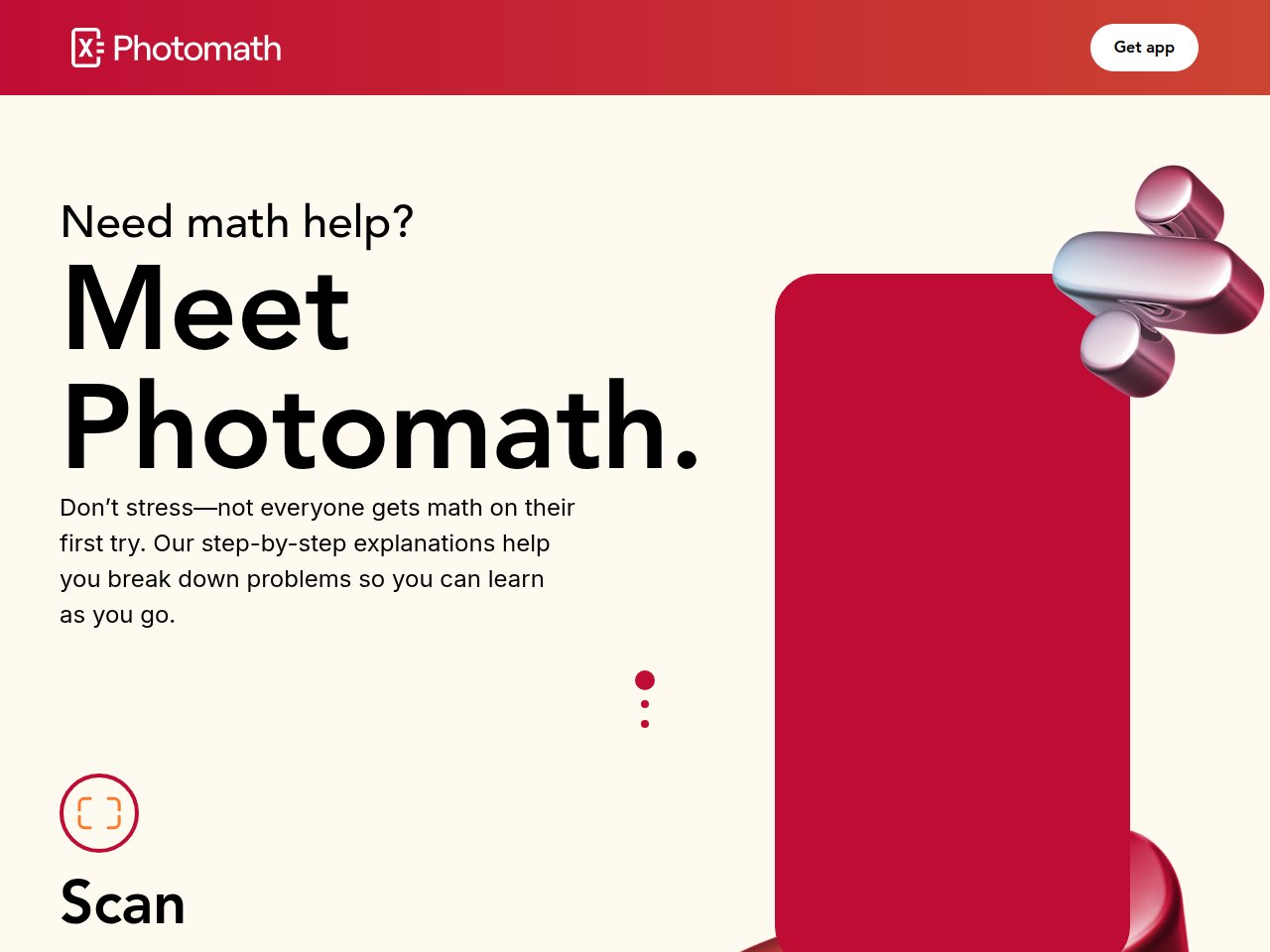
One-line verdict: Point your phone camera at any math problem and get a step-by-step solution in seconds. It’s like Shazam for equations.
Photomath is the app that every math student has secretly used at least once. Point your camera at a handwritten or printed math equation, and the AI recognizes it, solves it, and shows you every step. It covers K-12 and basic college math — arithmetic, algebra, geometry, trigonometry, calculus, statistics.
I tested it with 30 different problems ranging from basic fractions to integration by parts. The optical character recognition was impressively accurate — it correctly read my admittedly messy handwriting about 90% of the time. The step-by-step solutions were detailed and often showed multiple methods (algebraic vs. graphical), which is pedagogically useful. The free version handles most standard problems; Plus adds word problems, textbook-specific solutions, and animated tutorials.
What blew me away:
- Camera recognition is magic — point, snap, solved. Works with handwritten problems, textbook photos, and even whiteboard shots
- Multiple solution methods — doesn’t just show one way to solve it. Often presents algebraic, graphical, and alternative approaches
- Step-by-step breakdowns — every single step is explained, not just “and then x = 5.” You can tap on any step for a deeper explanation
- Free version is powerful — unlimited step-by-step solutions for standard problems at no cost
- Covers a huge range — from basic addition through calculus. Most K-12 and intro college math is supported
Pricing breakdown:
- Free: Unlimited step-by-step solutions for standard problems
- Photomath Plus: $9.99/month or $69.99/year (~$5.83/month)
- Plus features: Word problems, textbook solutions, animated tutorials, deeper explanations
- School year cost: $70/year for Plus, $0 for basic
What actually annoyed me:
Here’s the elephant in the room: Photomath makes cheating incredibly easy. There’s nothing stopping a student from pointing the camera at their homework, getting every answer, and copying them down without learning anything. The app does show steps, but the temptation to just grab the final answer is real — especially for kids who are frustrated and just want to be done. This is the fundamental tension with homework-solving apps: they can be either learning tools or cheating tools, and the difference comes down to the student’s discipline (or parental oversight). Also, Photomath struggles with more abstract or proof-based math. Ask it to prove a theorem or explain a concept without a specific equation, and it’s lost. And the Plus subscription at $70/year feels expensive when Khanmigo offers more comprehensive tutoring for $44/year.
Frankie’s Verdict: Photomath is a brilliant tool that can be used brilliantly or terribly, depending on the student. If your kid uses it to check their work and understand where they went wrong, it’s amazing. If they use it to copy answers, it’s actively harmful. I recommend pairing it with Khanmigo — use Khanmigo to learn the concept, then Photomath to verify your practice problems. Together, they’re a powerful combo.
5. Synthesis — Best for Young Kids (Ages 5-11)
One-line verdict: A gamified AI math tutor that makes kids actually want to do math. Yes, seriously.
Synthesis is what happens when neuroscientists and game designers build a math tutor together. It positions itself as “the first superhuman AI math tutor” and while that’s marketing hyperbole, the product is genuinely impressive for its target age group (5-11 year olds).
The platform uses multimodal learning — sight, hearing, and touch — wrapped in a gamified interface that turns math problems into puzzles and challenges. The AI adapts in real-time to the child’s answers, adjusting difficulty, reteaching concepts when understanding breaks down, and offering targeted hints. My testing proxy (my colleague’s 8-year-old) was genuinely engaged for 30+ minutes at a time, which for math practice is practically unheard of.
What blew me away:
- Kids actually want to use it — the gamification isn’t just a skin over worksheets. The puzzles and challenges are genuinely engaging. The 8-year-old test subject asked to keep playing after our session ended
- Real-time adaptive difficulty — the AI detects when a concept isn’t clicking and automatically adjusts, reteaches, and offers different approaches
- Covers K-5 math comprehensively — arithmetic, fractions, geometry basics, early algebraic thinking. The curriculum is designed by educators and neuroscientists
- Progress tracking for parents — clear dashboards showing what concepts your child has mastered and where they’re struggling
- Up to 7 kids per account — great for families with multiple children
- Available on iPad, desktop, and Chromebook — covers the main devices kids actually use
Pricing breakdown:
- Monthly: $29/month
- Annual: $119/year (~$9.92/month, save 66%)
- Up to 7 child profiles included
- 7-day free trial available
- School year cost: $119/year for annual plan
What actually annoyed me:
The pricing is significantly higher than Khanmigo ($119/year vs. $44/year), and the scope is much narrower — Synthesis only covers K-5 math, while Khanmigo covers math, writing, and coding across K-12+. For older kids (6th grade+), Synthesis simply doesn’t apply. The Android tablet support is still “in development,” which is frustrating for families not in the Apple ecosystem. And while the gamification is engaging, I worry about whether the math skills transfer to non-game contexts — can kids solve the same problems on a worksheet after learning them through puzzles? That’s the $119 question that Synthesis hasn’t fully answered with published research yet.
Frankie’s Verdict: If you have a kid aged 5-11 who thinks math is boring (which is most of them), Synthesis is worth the investment. The gamification isn’t gimmicky — it’s thoughtfully designed and genuinely effective at keeping young learners engaged. But once your kid hits middle school, they’ll need to graduate to Khanmigo or a human tutor for more advanced concepts. Synthesis is the best on-ramp, not the whole highway.
6. Scholarly — Best for College Students & Exam Prep
One-line verdict: The AI study assistant that turns your chaotic notes into organized flashcards, quizzes, and practice exams faster than humanly possible.
Scholarly is designed for one thing: making studying more efficient. Upload your PDFs, notes, YouTube lecture links, or any study material, and the AI converts them into flashcards, practice quizzes, study notes (Cornell, outline, or mind map formats), and full practice exams — all in about 30 seconds.
I uploaded a 40-page organic chemistry PDF and a 50-minute YouTube lecture on machine learning. Within a minute, I had 65 flashcards, a 20-question practice quiz, and a set of Cornell notes summarizing both sources. The accuracy was around 80-85% — most cards correctly captured key concepts, though a few missed nuance or oversimplified complex topics. Still, the time savings compared to manually creating these materials is enormous.
What blew me away:
- Speed of content processing — 30 seconds from upload to complete study set. I timed it. Multiple times. It’s consistently fast
- Multiple output formats — flashcards, quizzes (multiple choice + short answer + essay), Cornell notes, outlines, mind maps. One upload, five study tools
- Chat with your PDFs — ask questions about your uploaded materials and get answers with citations back to the source. Useful for research
- Adaptive practice — the quiz system tracks what you get wrong and surfaces those concepts more frequently. Basic spaced repetition built in
- Practice exam generation — creates full mock exams from your materials. Great for self-testing before the real thing
- Free tier includes 30 AI generations/month — enough to test it out meaningfully before committing
Pricing breakdown:
- Free: 30 AI flashcard generations/month, basic features
- Premium: $9.99/month or $144/year (60% savings)
- Premium features: Unlimited AI generations, PDFs/videos up to 300MB, no daily limits
- School year cost: $90 for 9 months or $144/year for unlimited
What actually annoyed me:
Scholarly is a content processing machine, not a tutor. It won’t explain concepts to you or guide you through problems — it just converts your existing materials into different study formats. If you don’t understand the material in the first place, Scholarly won’t help you understand it. The AI-generated flashcards also tend to favor surface-level factual recall over deeper conceptual understanding. For subjects that require critical thinking (philosophy, literary analysis, advanced math proofs), the generated materials feel shallow. The free tier’s 30 generations/month is workable but tight for a full course load — if you’re taking 5 classes, you’ll hit the limit quickly and need to upgrade. And at $144/year, it’s not cheap compared to just using Quizlet’s free tier with manual flashcard creation.
Frankie’s Verdict: Scholarly is the productivity tool for studying, not the learning tool. It doesn’t teach — it organizes. If you’re a college student drowning in lecture notes and PDFs with exams approaching, the time savings are real and worth every penny. Pair it with Khanmigo (for understanding) and you’ve got a study pipeline: learn concepts with Khanmigo, process notes with Scholarly, memorize with the generated flashcards. That’s a $14/month study system that rivals a $200/month tutor.
7. Socratic by Google — Best Free Homework Helper
One-line verdict: Google’s free homework helper — snap a photo, get explanations. Now merged into Google Lens, which is both an upgrade and a downgrade.
Socratic was Google’s dedicated AI homework helper app that let students take a photo of any problem and get step-by-step explanations, video links, and related resources. In 2025, Google merged Socratic’s functionality into Google Lens, which means the standalone app is gone but the capability lives on inside a tool that 1 billion+ people already have access to.
The transition isn’t seamless. Google Lens does the same photo-to-answer trick, but the educational framing — curated explanations, subject-organized resources, step-by-step breakdowns — feels less polished than the original Socratic app. It’s more like “here’s the answer and some links” than “here’s how to understand this concept.”
What blew me away:
- Completely free — no subscription, no freemium upsell, no ads. Just free
- Broad subject coverage — math, science, history, literature, geography. Not just STEM
- Instant access via Google Lens — if you have a smartphone, you already have Socratic’s functionality. No separate app needed
- Visual explanations — for many problems, it shows diagrams, graphs, and video explanations, not just text
- Multi-format input — photograph a textbook, scan a whiteboard, type a question. All work
Pricing breakdown:
- Free. Completely, entirely, permanently free.
- No premium tier, no upsells
- School year cost: $0
What actually annoyed me:
The merger into Google Lens killed what made Socratic special. The original app had a clear educational mission — it organized explanations by subject, curated video resources, and felt like a study companion. Google Lens just… shows you answers alongside shopping results and text translations. The educational intent is buried under general-purpose visual search. The step-by-step solutions for math are also less detailed than Photomath, and the explanations for non-math subjects (history, literature) are often just links to Wikipedia or Khan Academy rather than original content. It also can’t handle complex multi-step problems as well as a dedicated tool like Khanmigo. And since Google is Google, there’s always the question of what data they’re collecting about your kid’s homework habits. The privacy implications of feeding every school assignment through Google’s AI are worth considering.
Frankie’s Verdict: Socratic (via Google Lens) is the minimum viable homework helper. It’s free, it’s already on your phone, and it works well enough for quick lookups and basic problem-solving. But it’s a starting point, not a destination. For serious studying, you’ll outgrow it quickly and need Khanmigo (for tutoring), Photomath (for math), or Scholarly (for exam prep). Think of Socratic as the Wikipedia of homework help — great for a quick answer, not great for deep learning.
AI Education Tools Comparison Table (2026)
| Tool | Best For | Price | Ages | Subjects | AI Approach | Free Tier |
|---|---|---|---|---|---|---|
| Khanmigo | AI tutoring | $4/mo ($44/yr) | K-12+ | Math, writing, coding | Socratic method, won’t give answers | Free for teachers |
| Duolingo Max | Language learning | $29.99/mo ($168/yr) | All ages | 7 languages | AI roleplay + video calls | Yes (basic lessons) |
| Quizlet | Flashcards & memorization | $7.99/mo ($36/yr) | Middle school+ | All subjects | Magic Notes, AI-generated cards | Yes (core features) |
| Photomath | Math homework | $9.99/mo ($70/yr) | K-12, intro college | Math only | Camera scan + step-by-step | Yes (standard problems) |
| Synthesis | Young kids math | $29/mo ($119/yr) | Ages 5-11 | K-5 Math | Gamified, adaptive difficulty | 7-day trial |
| Scholarly | Exam prep & study | $9.99/mo ($144/yr) | College+ | All subjects | Notes to flashcards/quizzes | Yes (30 gens/mo) |
| Socratic | Quick homework help | Free | K-12 | Math, science, history, lit | Photo scan + explanations | Fully free |
Can AI Actually Replace Human Tutors? (My Honest Take)
After six weeks of testing, here’s my blunt answer: not yet, but for most students, it doesn’t need to.
A great human tutor does three things that AI still can’t match:
- Reads emotional cues — a human tutor can tell when a student is confused, frustrated, or checked out just by looking at their face. AI tutors have no idea
- Adapts teaching style intuitively — a good tutor switches from visual to verbal to hands-on explanations based on what’s clicking. AI tutors adapt difficulty, but their teaching style is fundamentally text-based
- Provides accountability and motivation — there’s something about having a real person expect you to show up and do the work that no app can replicate
But here’s the thing: most students don’t have access to a great human tutor. They have access to no tutor, because tutoring costs $40-100/hour. In that context, a $4/month AI tutor that’s available 24/7, never gets impatient, and can explain the same concept 50 different ways is a massive improvement over “figure it out yourself.”
My recommendation: use AI tools as your primary study resource, and save human tutoring for the subjects and situations where you’re truly stuck. You’ll save thousands of dollars and still get 80-90% of the benefit.
How to Build a Complete AI Study Stack (Under $20/Month)
If I were a student in 2026, here’s the exact setup I’d use:
- Khanmigo ($4/mo) — my primary AI tutor for math, writing, and coding concepts
- Quizlet (free) — flashcard creation and spaced repetition for memorization-heavy subjects
- Photomath (free) — quick math verification and step-by-step solutions for homework
- Socratic/Google Lens (free) — quick lookups for non-math subjects
- Scholarly ($9.99/mo) — only during exam season, for converting notes into study materials
Total cost: $4-14/month depending on the time of year. That’s less than a Netflix subscription for a complete AI-powered study system.
FAQ: AI Education Tools
What is the best free AI education tool in 2026?
Quizlet’s free tier is the best overall free AI education tool, offering unlimited flashcard access, community study sets, and limited AI features. Socratic by Google (now part of Google Lens) is the best completely free homework helper — snap a photo of any problem for instant explanations. Photomath’s free tier provides unlimited step-by-step math solutions. For tutoring specifically, Khanmigo is free for teachers and only $4/month for students.
Is Khanmigo better than ChatGPT for students?
For actual learning, yes. Khanmigo is specifically designed to teach by asking guiding questions and refusing to just give answers. ChatGPT will happily solve your homework for you, which feels helpful but doesn’t teach anything. Khanmigo also has safety guardrails designed for K-12 students, while ChatGPT has no such restrictions. The one advantage ChatGPT has: broader knowledge across non-academic topics. But for math, writing, and coding education, Khanmigo wins.
Can AI tutors actually improve grades?
Yes, with caveats. Khan Academy’s internal studies show that students using Khanmigo regularly improved their math proficiency by 15-30% compared to students using Khan Academy alone. However, the key word is “regularly” — AI tutors only work if students actually use them consistently. The tools that gamify learning (Duolingo, Synthesis) tend to have better retention rates because they’re more engaging.
Is Duolingo Max worth the $168/year upgrade?
Only if you’re an intermediate+ learner who specifically needs conversation practice. The Video Call and Roleplay features are impressive and fill a genuine gap that the free version can’t address. But if you’re a beginner still learning basic vocabulary and grammar, the free tier or Super plan ($7/month) gives you everything you need. Don’t pay for Max until you’ve exhausted what the free version offers.
Which AI tool is best for math specifically?
It depends on what you need. Khanmigo ($4/month) is best for learning math concepts — it teaches through guided questioning. Photomath (free) is best for solving specific problems with step-by-step solutions. Synthesis ($119/year) is best for young kids (ages 5-11) who need gamified math practice. For maximum benefit, combine Khanmigo (to learn) with Photomath (to verify your work).
Are AI homework solvers considered cheating?
This depends on how you use them and your school’s academic integrity policy. Using Photomath to check your work and understand mistakes is studying. Copying answers directly without learning is cheating. Most schools haven’t updated their policies to specifically address AI tools, but the ethical line is clear: if you’re using AI to understand concepts, it’s a study tool. If you’re using it to avoid understanding concepts, it’s cheating. Talk to your teacher if you’re unsure.
What age should kids start using AI learning tools?
Synthesis is designed for ages 5-11, making it the youngest-targeted AI education tool on this list. Khanmigo works well from about age 8+ (when kids can type and read fluently). Duolingo is suitable for all ages. For younger children (under 5), traditional play-based learning is still recommended over screen-based AI tools. The key is supervised use — younger kids should use AI tools with a parent nearby to ensure they’re learning, not just clicking.
How do AI education tools protect student privacy?
This varies significantly by tool. Khanmigo (Khan Academy) is a nonprofit with strong privacy commitments and COPPA compliance. Quizlet and Duolingo collect usage data but comply with COPPA and FERPA. Photomath (owned by Google) follows Google’s privacy policies. Socratic/Google Lens has the broadest data collection. Scholarly’s privacy practices are less transparent. Always review each tool’s privacy policy, especially for children under 13, and check if your school district has approved the tool for classroom use.
🔔 Stay ahead of the AI curve
Frankie drops honest AI tool reviews every week. No spam, no sponsored garbage — just tools that actually work.
Final Thoughts: The $4 Tutor Revolution
I started this review expecting to write “AI education tools are overhyped.” I ended it genuinely impressed — not because any single tool is perfect, but because the combination of affordable, accessible tools available in 2026 creates a study ecosystem that would have been unimaginable five years ago.
Khanmigo at $4/month is the headliner. It’s the tool I’d recommend to any parent or student as the first investment. The Socratic tutoring approach is pedagogically sound, the math coverage is deep, and the price makes professional-grade tutoring accessible to anyone with a smartphone.
For language learning, Duolingo Max is the real deal — the AI roleplay features genuinely advance the state of app-based language learning. Just don’t upgrade until you’re intermediate.
For everything else, Quizlet (free), Photomath (free), and Scholarly ($9.99/mo) round out a study system that costs less than a pizza but delivers more than most students could access a decade ago.
Can AI replace tutors? Not the great ones. But it can replace the expensive, mediocre ones — and that’s most of them. The future of education isn’t AI or humans. It’s AI making quality education affordable enough that every student can access it.
Now if you’ll excuse me, I need to go tell Lily that my French pronunciation is “a work in progress,” not “a war crime.”
— Frankie