
Cursor vs GitHub Copilot 2026: Best AI Code Editor? (I Built Apps With Both)
Last updated: March 2026 | By Frankie
Short answer: Cursor is the better AI code editor for professional developers who want deep codebase understanding and multi-file editing. GitHub Copilot is the better choice for developers who want solid AI autocomplete without leaving their preferred editor. I’ve been coding with both daily, and here’s the full breakdown.
Alright, this is the debate that’s been tearing developer Twitter apart all year. On one side, you have Cursor — the scrappy AI-native editor that’s been eating VS Code’s lunch. On the other, GitHub Copilot — the OG AI coding assistant backed by Microsoft’s infinite money printer. I’ve shipped actual projects with both, so let me tell you exactly which one deserves your $10-20/month.
Table of Contents
Should You Use Cursor or GitHub Copilot in 2026?
Use Cursor if you work on medium-to-large codebases, need multi-file editing, and want the most powerful AI coding experience available. It’s a standalone editor that understands your entire project.
Use GitHub Copilot if you want reliable AI autocomplete inside your existing editor (VS Code, JetBrains, Neovim), don’t want to switch tools, and value the GitHub ecosystem integration.
What Are Cursor and GitHub Copilot?
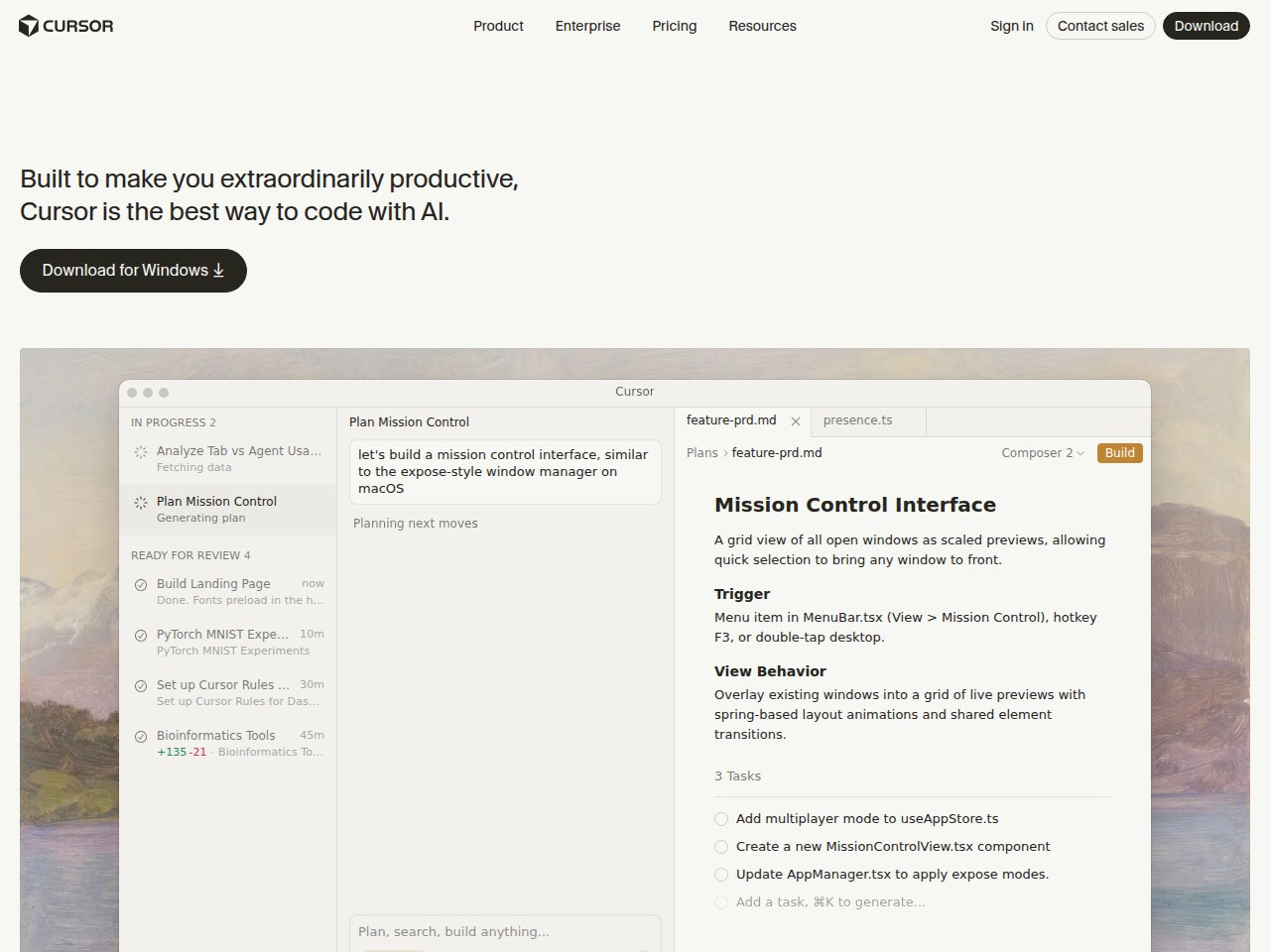
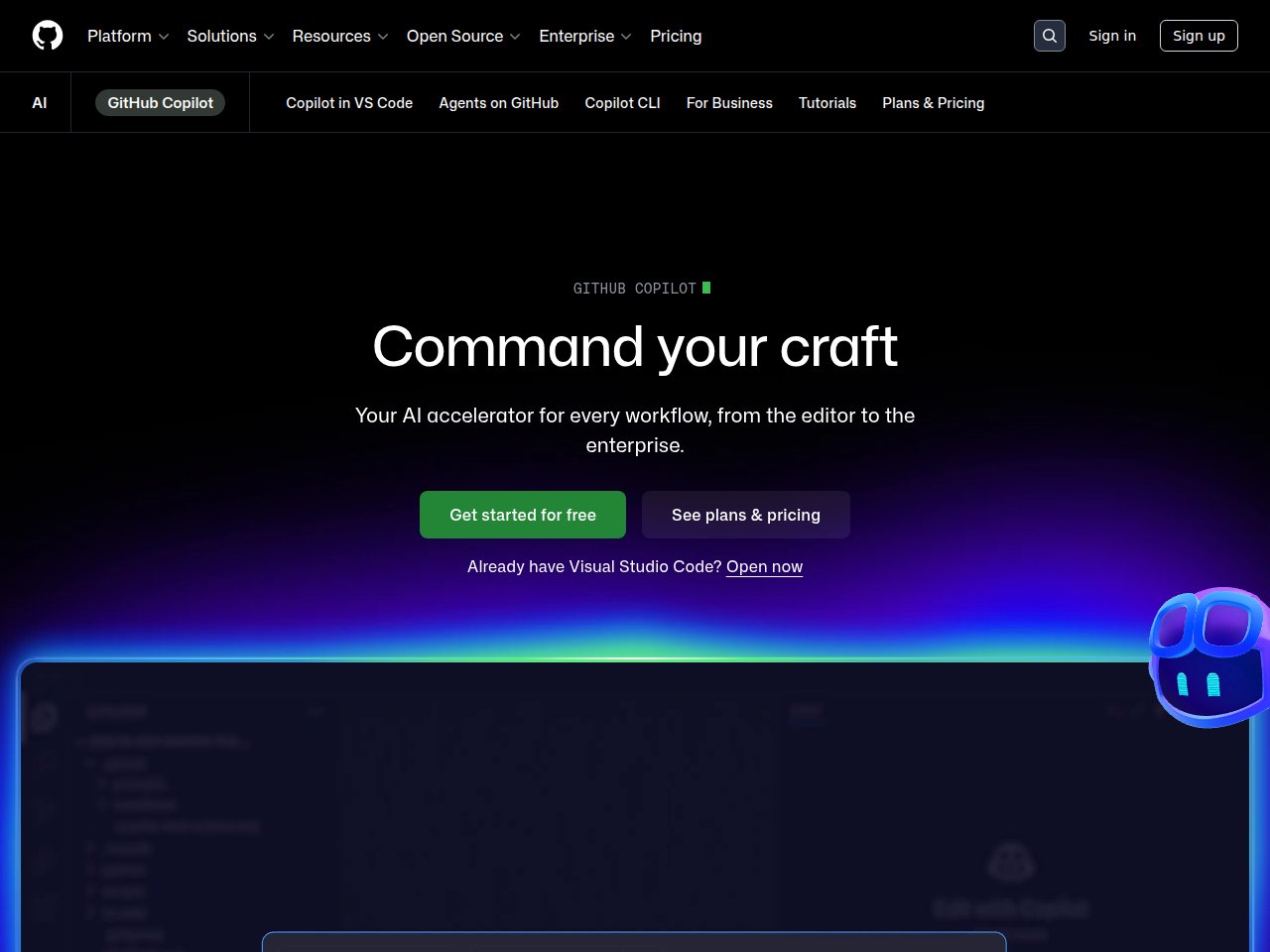
Cursor is an AI-native code editor built as a VS Code fork. It indexes your entire codebase and lets you chat with it, edit multiple files at once (Composer), and use multiple AI models (GPT-4o, Claude 3.5 Sonnet). It launched in 2023 and has grown explosively.
GitHub Copilot is an AI coding assistant that plugs into existing editors as an extension. It started as an autocomplete tool and has expanded to include Copilot Chat, CLI assistance, and pull request summaries. It’s backed by OpenAI’s models and Microsoft’s infrastructure.
Which Has Better Code Autocomplete?
It’s nearly a tie, with Copilot having a slight edge for single-line completions. GitHub Copilot has had years to refine its autocomplete engine, and it shows. The suggestions are fast, contextually aware, and eerily good at predicting what you’re about to type.
Cursor’s autocomplete is also excellent, but where it really shines is multi-line and cross-file completions. Because Cursor indexes your entire codebase, it can suggest code that references functions and types from other files without you having to open them. That’s a game-changer for larger projects.
Which Has Better AI Chat?
Cursor wins by a significant margin. Cursor’s chat understands your entire codebase. You can ask “where is the authentication logic?” and it’ll find it across your project. Copilot Chat is limited to your currently open files and nearby context.
Cursor also lets you choose between AI models (GPT-4o, Claude 3.5 Sonnet, etc.), while Copilot is locked to OpenAI’s models. Being able to switch to Claude for complex refactoring tasks is a huge advantage.
Which Is Better for Large Refactoring?
Cursor’s Composer feature is unmatched. Composer lets you describe a change in natural language and Cursor edits multiple files simultaneously. I used it to migrate a React app from class components to hooks across 12 files — it did 90% of the work correctly in one shot.
Copilot doesn’t have an equivalent feature. You can use Copilot Chat to get suggestions for refactoring individual files, but coordinating changes across multiple files is still a manual process.
Which Is Cheaper?
Copilot is cheaper: $10/mo vs Cursor’s $20/mo.
- GitHub Copilot Individual: $10/mo or $100/yr — autocomplete, chat, CLI
- GitHub Copilot Business: $19/user/mo — adds org policies, IP indemnity, privacy
- Cursor Pro: $20/mo — full codebase indexing, Composer, multi-model, unlimited completions
- Cursor Business: $40/user/mo — adds team features, admin controls
If budget is tight, Copilot gives you 80% of the AI coding experience at half the price. But if AI-assisted coding is core to your workflow, Cursor’s extra features justify the premium.
Side-by-Side Comparison: Cursor vs GitHub Copilot 2026
Frankie’s Final Verdict
I switched my primary editor to Cursor six months ago and haven’t looked back. The Composer feature alone saves me hours every week. But I still think GitHub Copilot is the smarter choice for developers who live in JetBrains IDEs, work in smaller codebases, or just want “good enough” AI assistance without switching editors.
My recommendation: Try Cursor’s free tier for a week on a real project. If the codebase awareness and Composer blow your mind like they blew mine, spring for Pro. If you find yourself missing your old setup, Copilot at $10/mo is the safe, solid choice.
Want the full reviews?
Related: Best AI Coding Assistants 2026: Copilot vs Cursor vs Claude
Frequently Asked Questions
Can I use Cursor and GitHub Copilot together?
Technically yes, but it creates conflicts. Cursor has its own AI completion engine, and running Copilot’s extension alongside it leads to duplicate suggestions and confusion. Pick one.
Is Cursor just a VS Code fork?
Yes, Cursor is built on VS Code’s open-source codebase, so all your VS Code extensions, themes, and keybindings work. But Cursor adds deep AI integration that goes far beyond what any VS Code extension can do — full codebase indexing, multi-file editing (Composer), and AI-powered search.
Which is better for beginners?
GitHub Copilot is easier to start with because it works inside editors you already know. Cursor is a separate app to learn, though it’s very familiar if you’ve used VS Code. For learning to code, Copilot’s inline suggestions are less overwhelming.
Does Cursor work with JetBrains IDEs?
No. Cursor is a standalone editor. If you’re committed to JetBrains (IntelliJ, PyCharm, etc.), GitHub Copilot is your best option since it has native JetBrains integration. Alternatively, check out Tabnine or JetBrains AI Assistant.
Is Cursor worth $20/month vs Copilot’s $10/month?
For professional developers working on complex projects, absolutely. The codebase-aware context, multi-file Composer, and model flexibility justify the extra cost. For hobbyists or students who mainly need autocomplete, Copilot at $10/mo is better value.