The design tool everyone uses, now with AI image generation, background removal, and Magic Design built right in.
FREEMIUM
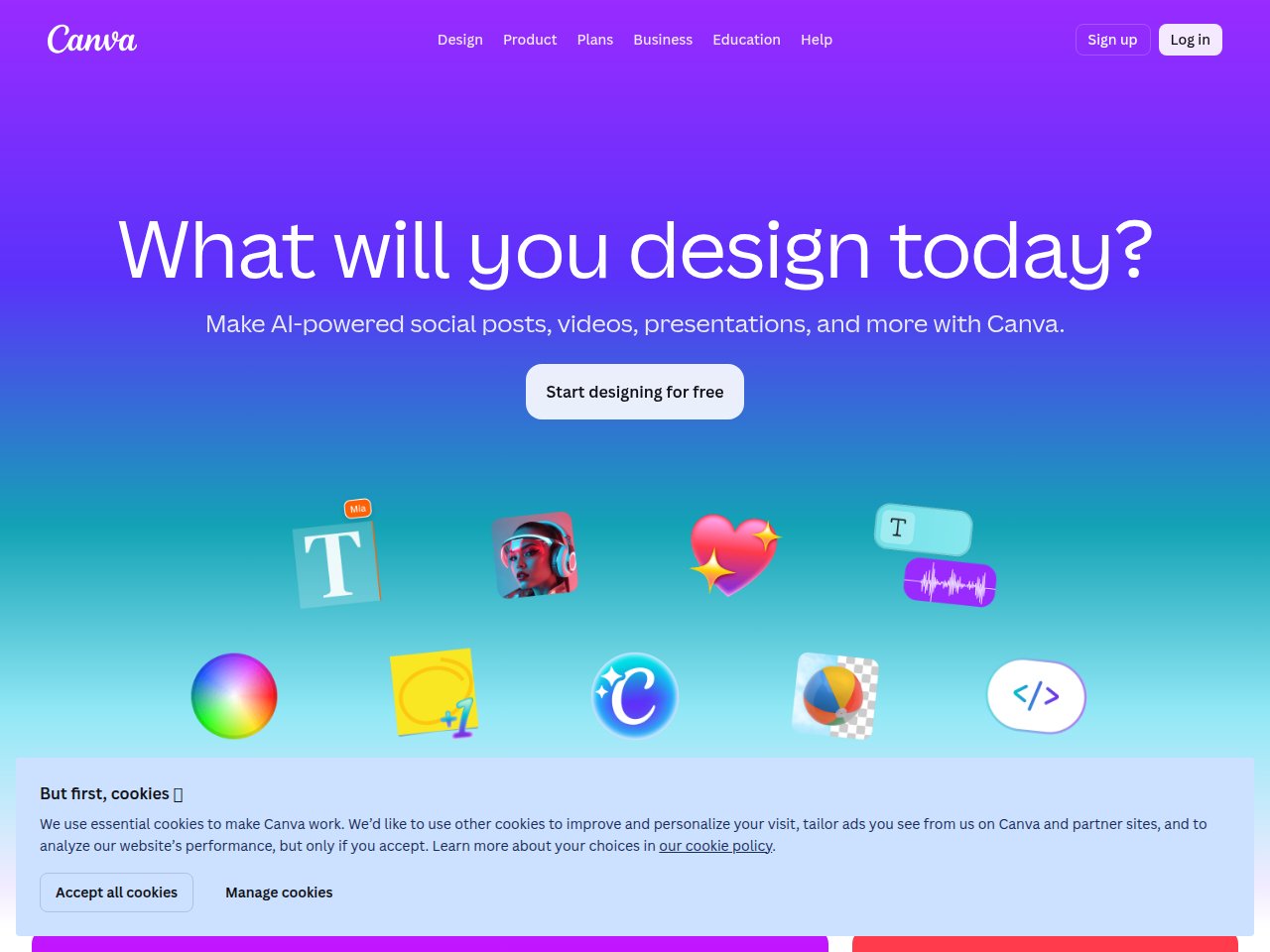
 Frankie’s Verdict: Canva’s AI features make an already great tool even better. If you’re already using Canva (and let’s be real, you probably are), the AI upgrades are worth exploring.
Pros
- Creates professional visuals without design skills
- Rapid iteration — generate dozens of variations in minutes
- Constantly improving quality with new model versions
Cons
- Fine-grained control over output can be challenging
- Copyright and licensing questions remain unsettled
- May struggle with text, hands, and specific details
Best For
- Marketing visuals and social media graphics
- Concept art and creative exploration
- Product photography and e-commerce images
Pricing
Free tier with limited AI featuresCanva Pro $13/moCanva Teams $10/person/mo
Frequently Asked Questions
What is Canva AI and what does it do?
The design tool everyone uses, now with AI image generation, background removal, and Magic Design built right in.
Is Canva AI free to use?
Canva AI offers a free tier with limited features. Free tier with limited AI features. Canva Pro $13/mo. Canva Teams $10/person/mo.
What are the main pros and cons of Canva AI?
Key pros: Creates professional visuals without design skills. Rapid iteration — generate dozens of variations in minutes. Main cons: Fine-grained control over output can be challenging. Copyright and licensing questions remain unsettled
Who should use Canva AI?
Canva AI is best for marketing visuals and social media graphics, concept art and creative exploration. If that sounds like you, it’s worth checking out.
How does Canva AI compare to alternatives?
Canva’s AI features make an already great tool even better. If you’re already using Canva (and let’s be real, you probably are), the AI upgrades are worth exploring.
Ready to try Canva AI? Visit Canva AI →