The AI-native code editor — a VS Code fork with AI so deeply integrated it feels like pair programming with a senior developer.
FREEMIUM
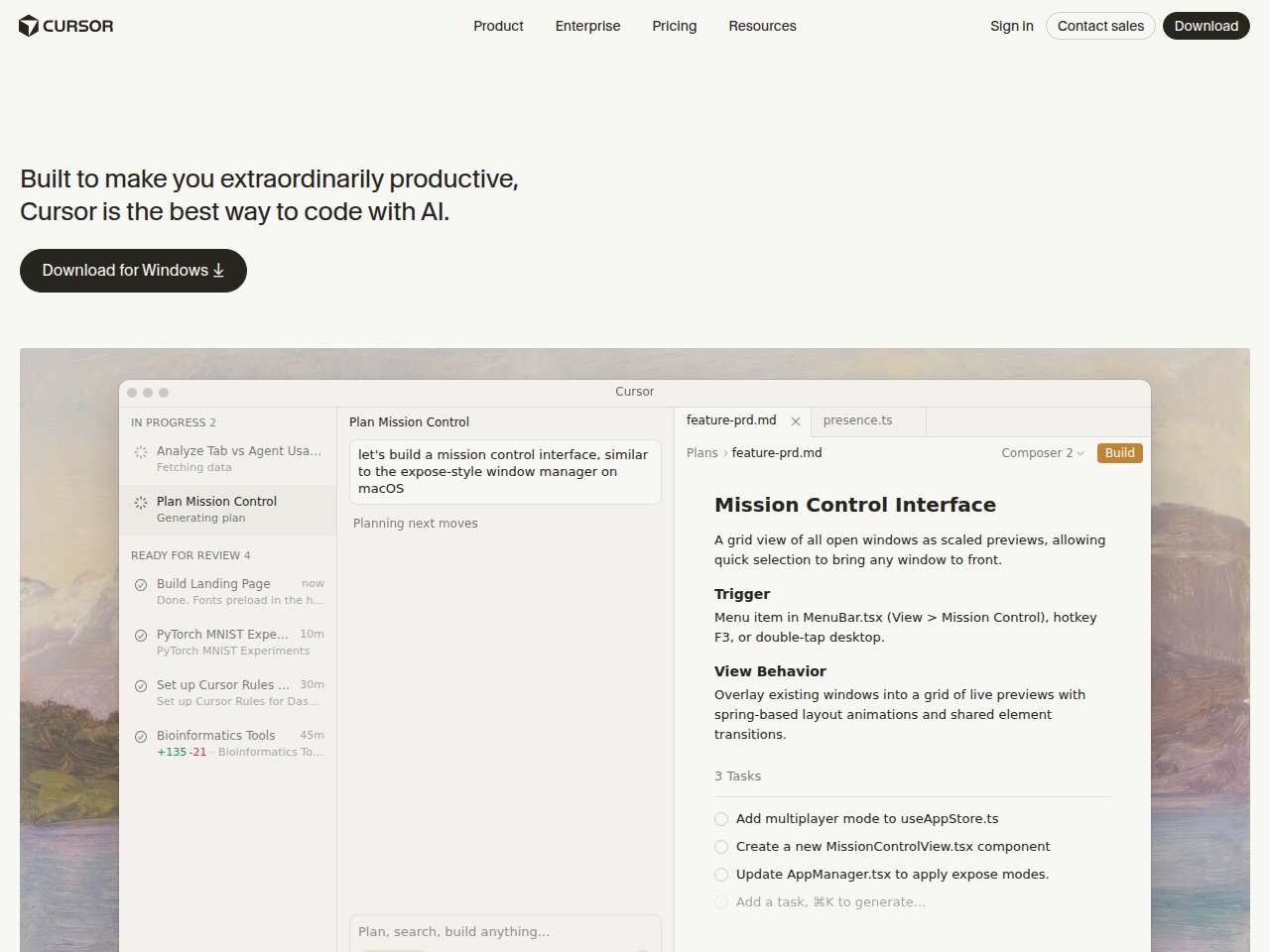
 Frankie’s Verdict: Cursor is the future of coding. It’s not just autocomplete — it understands your project and can make sweeping changes. If you’re a developer, switching from VS Code to Cursor is a no-brainer upgrade.
Pros
- AI understands your entire codebase context
- Cmd+K for inline edits is magical
- Multi-file editing and refactoring
- Uses latest Claude and GPT models
Cons
- VS Code fork means some extensions may break
- Pro plan needed for real productivity
- Can generate large diffs that are hard to review
Best For
- Developers who want AI integrated into every coding workflow
- Rapid prototyping and building MVPs
- Complex refactoring across multiple files
Pricing
Free: 2,000 completions + 50 slow requests/moPro $20/mo (unlimited completions, 500 fast requests)Business $40/user/mo
Frequently Asked Questions
What is Cursor and what does it do?
The AI-native code editor — a VS Code fork with AI so deeply integrated it feels like pair programming with a senior developer.
Is Cursor free to use?
Cursor offers a free tier with limited features. Free: 2,000 completions + 50 slow requests/mo. Pro $20/mo (unlimited completions, 500 fast requests). Business $40/user/mo.
What are the main pros and cons of Cursor?
Key pros: AI understands your entire codebase context. Cmd+K for inline edits is magical. Main cons: VS Code fork means some extensions may break. Pro plan needed for real productivity
Who should use Cursor?
Cursor is best for developers who want ai integrated into every coding workflow, rapid prototyping and building mvps. If that sounds like you, it’s worth checking out.
How does Cursor compare to alternatives?
Cursor is the future of coding. It’s not just autocomplete — it understands your project and can make sweeping changes. If you’re a developer, switching from VS Code to Cursor is a no-brainer upgrade.
Ready to try Cursor? Visit Cursor →