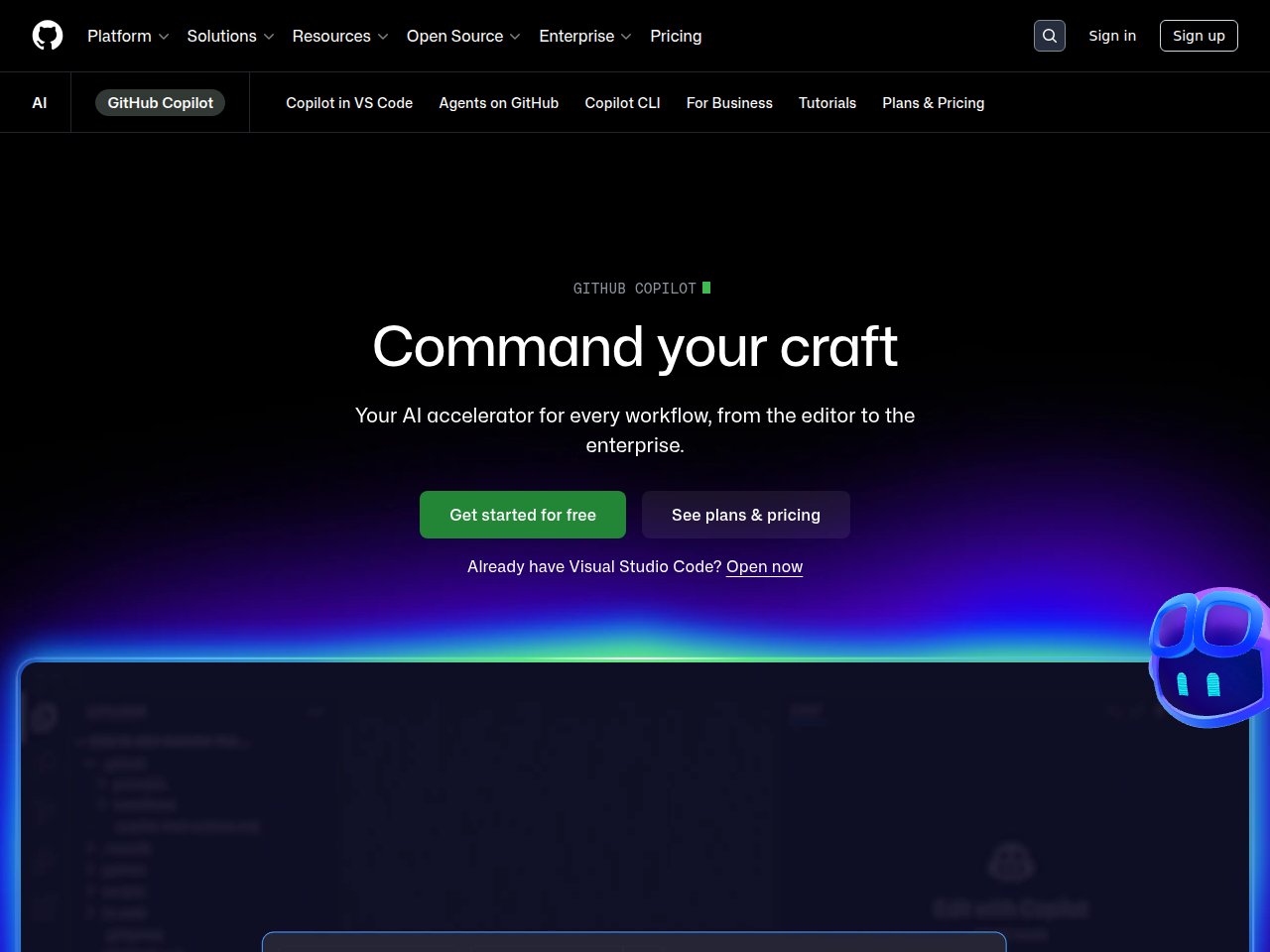
AI pair programmer that lives in your IDE — autocompletes code, writes functions, and explains existing code in real-time.
FREEMIUM
 Frankie’s Verdict: Copilot is the most mature AI coding tool and a legit productivity multiplier. Every developer should try it. But also check out Cursor for a more immersive AI-native coding experience.
Pros
- Seamless VS Code and JetBrains integration
- Context-aware completions that understand your codebase
- Chat mode for explaining and refactoring code
- Enterprise features with IP indemnity
Cons
- Sometimes suggests incorrect or insecure code
- Can become a crutch that hurts learning
- Business/Enterprise tiers get expensive for large teams
Best For
- Professional developers wanting faster code completion
- Teams standardizing on AI-assisted development
- Learning new programming languages and frameworks
Pricing
Free for verified students/OSS maintainersIndividual $10/moBusiness $19/user/moEnterprise $39/user/mo
Frequently Asked Questions
What is GitHub Copilot and what does it do?
AI pair programmer that lives in your IDE — autocompletes code, writes functions, and explains existing code in real-time.
Is GitHub Copilot free to use?
GitHub Copilot offers a free tier with limited features. Free for verified students/OSS maintainers. Individual $10/mo. Business $19/user/mo. Enterprise $39/user/mo.
What are the main pros and cons of GitHub Copilot?
Key pros: Seamless VS Code and JetBrains integration. Context-aware completions that understand your codebase. Main cons: Sometimes suggests incorrect or insecure code. Can become a crutch that hurts learning
Who should use GitHub Copilot?
GitHub Copilot is best for professional developers wanting faster code completion, teams standardizing on ai-assisted development. If that sounds like you, it’s worth checking out.
How does GitHub Copilot compare to alternatives?
Copilot is the most mature AI coding tool and a legit productivity multiplier. Every developer should try it. But also check out Cursor for a more immersive AI-native coding experience.
Ready to try GitHub Copilot? Visit GitHub Copilot →