The writing assistant everyone knows — now with generative AI that rewrites, brainstorms, and adjusts tone on the fly.
FREEMIUM
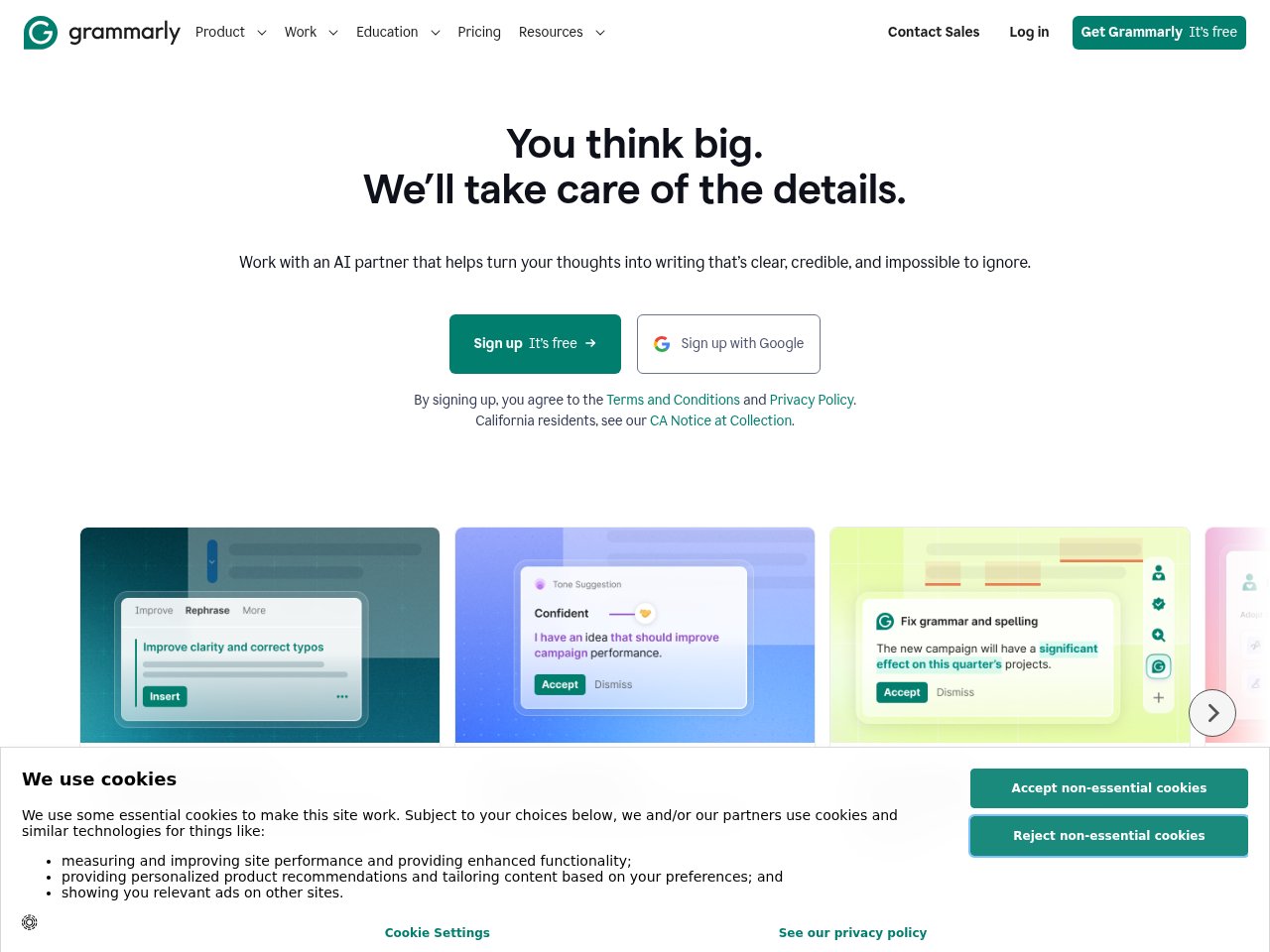
 Frankie’s Verdict: Grammarly is a must-have for anyone who writes in English regularly. The free tier alone is worth it, and Premium is solid for professionals. The new AI features are nice but not game-changing.
Pros
- Works everywhere — browser, desktop, mobile, Google Docs
- AI-powered tone and clarity suggestions
- Plagiarism detection on Premium
- Trusted by 30M+ daily users
Cons
- Generative AI features still catching up to ChatGPT
- Can be overly aggressive with suggestions
- Premium is required for the best features
Best For
- Non-native English speakers improving writing quality
- Professionals who write emails and docs all day
- Students and academics polishing papers
Pricing
Free: basic grammar and spellingPremium $12/mo (tone, clarity, full-sentence rewrites)Business $15/member/moEnterprise custom
Frequently Asked Questions
What is Grammarly and what does it do?
The writing assistant everyone knows — now with generative AI that rewrites, brainstorms, and adjusts tone on the fly.
Is Grammarly free to use?
Grammarly offers a free tier with limited features. Free: basic grammar and spelling. Premium $12/mo (tone, clarity, full-sentence rewrites). Business $15/member/mo. Enterprise custom.
What are the main pros and cons of Grammarly?
Key pros: Works everywhere — browser, desktop, mobile, Google Docs. AI-powered tone and clarity suggestions. Main cons: Generative AI features still catching up to ChatGPT. Can be overly aggressive with suggestions
Who should use Grammarly?
Grammarly is best for non-native english speakers improving writing quality, professionals who write emails and docs all day. If that sounds like you, it’s worth checking out.
How does Grammarly compare to alternatives?
Grammarly is a must-have for anyone who writes in English regularly. The free tier alone is worth it, and Premium is solid for professionals. The new AI features are nice but not game-changing.
Ready to try Grammarly? Visit Grammarly →