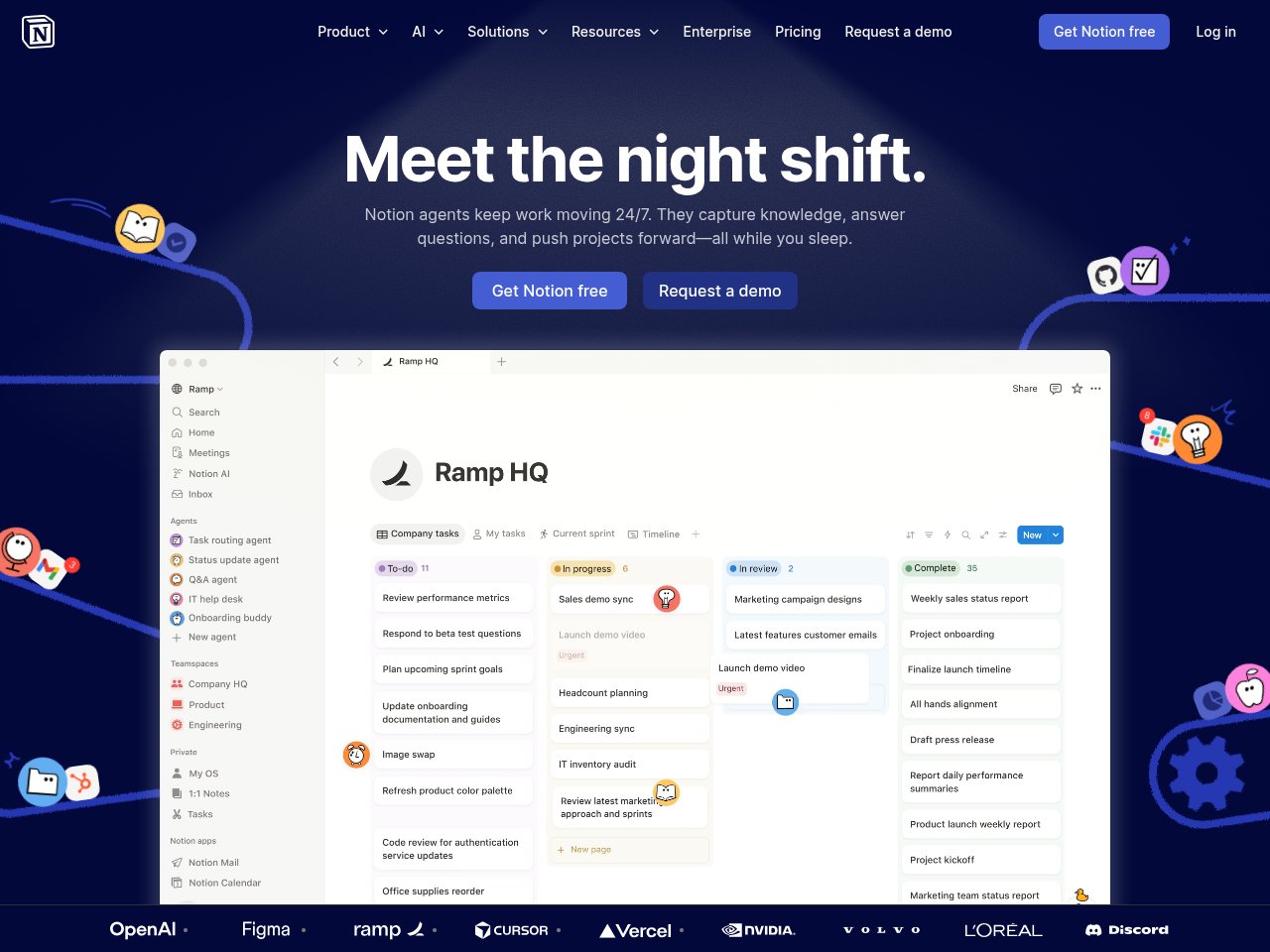
AI built into the workspace you already use — summarize notes, draft docs, answer questions from your entire Notion knowledge base.
PAID
 Frankie’s Verdict: If your team lives in Notion, the AI add-on is a solid upgrade that saves real time on docs and summaries. But don’t expect it to replace ChatGPT for complex reasoning — it’s a workspace enhancement, not a standalone AI.
Pros
- Deeply integrated into your existing workspace
- Q&A across your entire Notion database
- AI writing, summarization, and translation
- Works with databases, docs, and wikis
Cons
- $10/member/mo add-on cost adds up for teams
- AI quality depends on how organized your Notion is
- Limited compared to standalone AI tools for complex tasks
Best For
- Teams already using Notion for documentation
- Summarizing meeting notes and project docs
- Building a searchable AI knowledge base
Pricing
Notion AI add-on: $10/member/mo on top of Notion planNotion plans: Free, Plus $10/mo, Business $18/mo, Enterprise custom
Frequently Asked Questions
What is Notion AI and what does it do?
AI built into the workspace you already use — summarize notes, draft docs, answer questions from your entire Notion knowledge base.
Is Notion AI free to use?
Notion AI is a paid tool. Notion AI add-on: $10/member/mo on top of Notion plan. Notion plans: Free, Plus $10/mo, Business $18/mo, Enterprise custom.
What are the main pros and cons of Notion AI?
Key pros: Deeply integrated into your existing workspace. Q&A across your entire Notion database. Main cons: $10/member/mo add-on cost adds up for teams. AI quality depends on how organized your Notion is
Who should use Notion AI?
Notion AI is best for teams already using notion for documentation, summarizing meeting notes and project docs. If that sounds like you, it’s worth checking out.
How does Notion AI compare to alternatives?
If your team lives in Notion, the AI add-on is a solid upgrade that saves real time on docs and summaries. But don’t expect it to replace ChatGPT for complex reasoning — it’s a workspace enhancement, not a standalone AI.
Ready to try Notion AI? Visit Notion AI →